Errors on Google structured data testing tool
-
Hi,
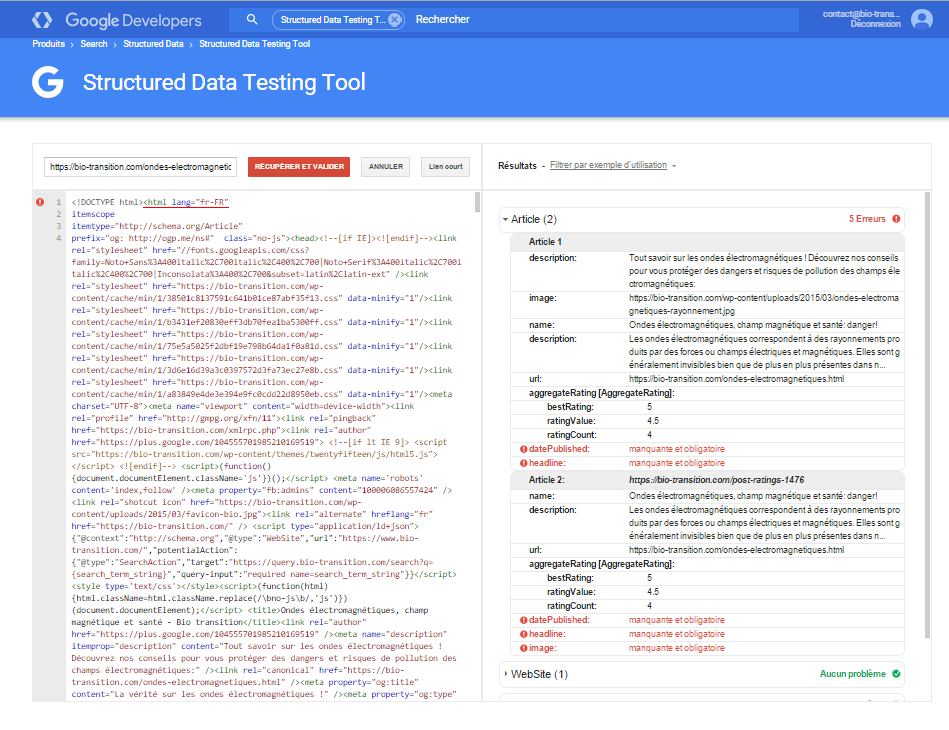
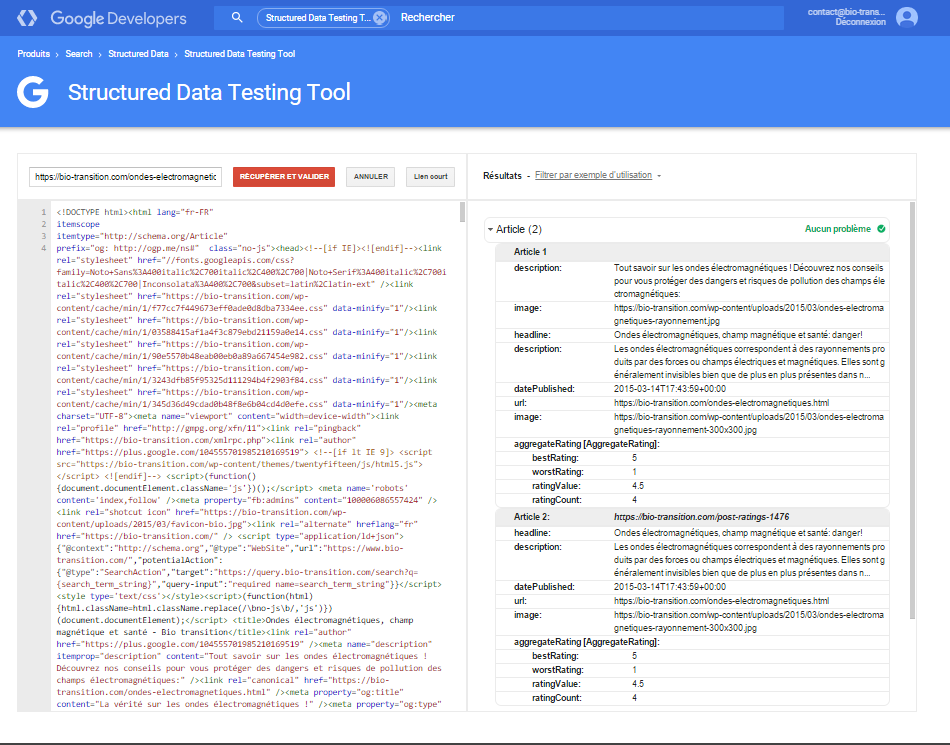
I have some issue with the structured data on my posts.
Please have a look on the screenshoot:
https://bio-transition.com/wp-content/uploads/2015/10/structured-data.png
It is from this post:
https://bio-transition.com/ondes-electromagnetiques.html
Actually all my posts are in same trouble.
Thank you very much for support.
Have a nice day,
Best regards,
Cédric.

Viewing 4 replies - 1 through 4 (of 4 total)

Viewing 4 replies - 1 through 4 (of 4 total)
The topic ‘Errors on Google structured data testing tool’ is closed to new replies.