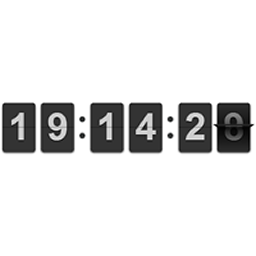
Hi!
thx for a great plugin!
Question:
Is it possible to make the whole flipclock smaller so it fits under my car picture? check http://deabrummelkamp.nl/testomgeving1/?page_id=364
And a difficult one:
Can I somewhere set multiple times. so it countsdown 6 times per day to the next delevery date on that day?
thx so much!
i don’t know how to insert the brasil 2014 world cup counter to my site… in days, hours, minutes , the tournament starts on june 12th
please advise with a shortcode to generate that please.
thanks!!
@fabianvanbakel – please start your own topic.
@joxxie: For you you need to do this:-
[flipclock countdown=”true” date=”June 12th 2014″ face=”days”]
that was very useful!
now is very understandable, thanks a lot!
just noticed 1 bug, when i do unistall and then install again it’s not working, thanks a lot.
I cannot replicate it sorry. I’ve uninstalled it on a site, and then reinstalled it and it works fine. You activating it again?
ok, anyway it’s working now
how can i hide seconds?
http://prntscr.com/3lyroe
i don’t need it, please let me know how,
thanks a lot! you rocks.
Hi,
It kinda defeats the purpose of the plugin if you hide the seconds, but can be done via CSS.
I cannot support CSS changes, as they are often can be caused by issues elsewhere on the site, but you should be able to find out how to fix this.
Rhys