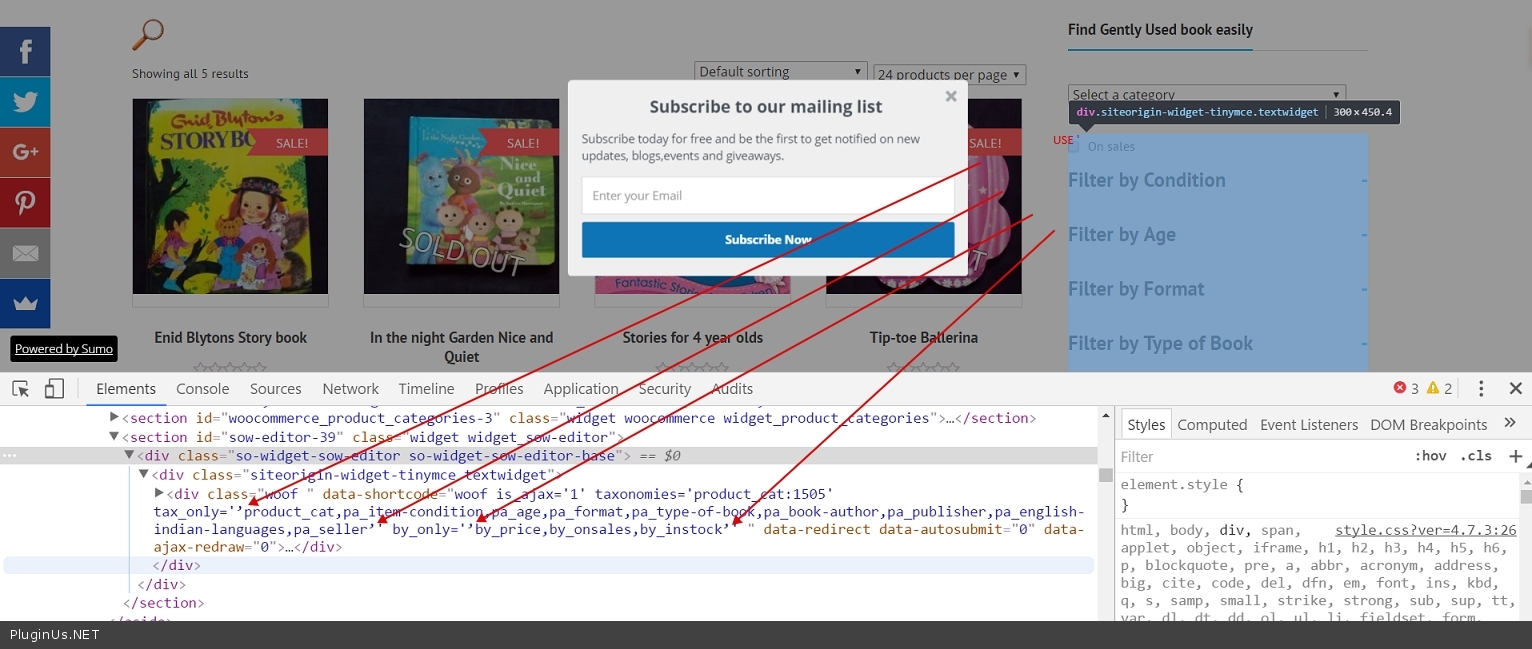
Sorry forgot to mention the code in my sidebar widget is
[woof is_ajax=1 taxonomies=product_cat:1505 tax_only=’product_cat,pa_item-condition,pa_age,pa_format,pa_book-author,pa_publisher,pa_english-indian-languages,dc_vendor_shop’ by_only=’ by_price,by_onsales,by_instock’ ]
Also at times, the search box on the top is collapsed, sometimes its not on archive load.
How do I ensure that it stays hidden or collapsed (until users expands it) when any archive is loaded.
Hello
if you want show all use [woof is_ajax=1 taxonomies=product_cat:1505 ]
Also is it possible that, when checking from mobile the filter on the tops shows – You need customization of the theme. EXAMPLE in file functions.php add code:
add_action( 'wp_head', 'show_hide_filter' );

public function show_hide_filter(){
	$show="none";
	if( wp_is_mobile()){
        $show="block";
	}
	?>
	<style>
        .woof_sid_auto_shortcode{
	  display:<?php echo $show ?>;
        }
	</style>
	<?php
}
– for top filter
For widget – in widget logic field paste code !wp_is_mobile()
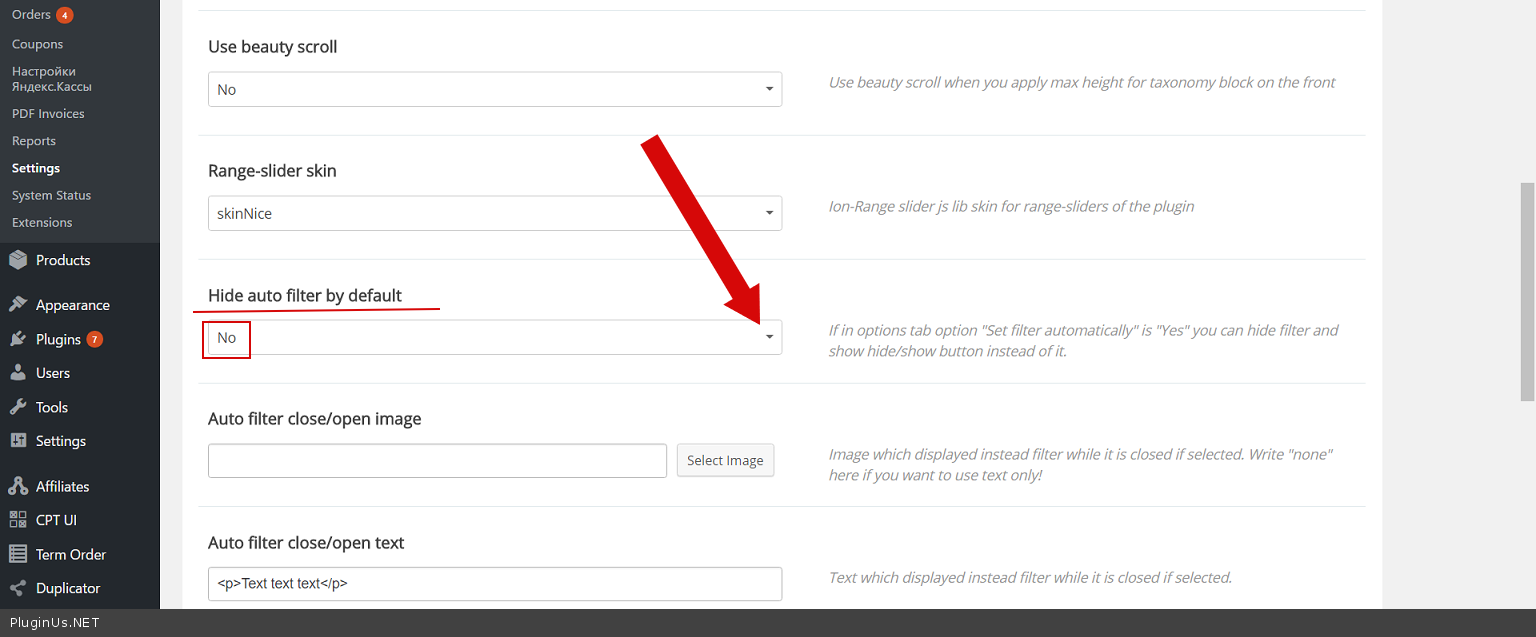
Also at times, the search box on the top is collapsed, sometimes its not on archive load. – If there is a search query – the filter will be open. In plugin settings->Design – http://c2n.me/3IjqpDL.png
Whem I am using the below in my sidebar
[woof is_ajax=1 taxonomies=product_cat:1505 tax_only=’product_cat,pa_item-condition,pa_age,pa_format,pa_type-of-book,pa_book-author,pa_publisher,pa_english-indian-languages,pa_seller’ by_only=’by_price,by_onsales,by_instock’ ]
1) by Only parameters – Price and In stock are not being shown
2) Tax only paramaters – By product category is not being shown, By seller is not showing
Regarding showing search at the top for mobiles, Can the code be modified such that attributes related to only a category of products show.
Mainly when we see site in mobile the sidebar comes after the products so searching and filtering is not easy.
1) I would like the category wise attributes to show at top when seeing from mobile
2) Category wise attributes to show in sidebar when viewing on laptop or computer.
Can this be achieved ?
Is there any other better way of doing this ?
Hello
Please change symbol – http://c2n.me/3ItZwYr.jpg
‘ – instead – `
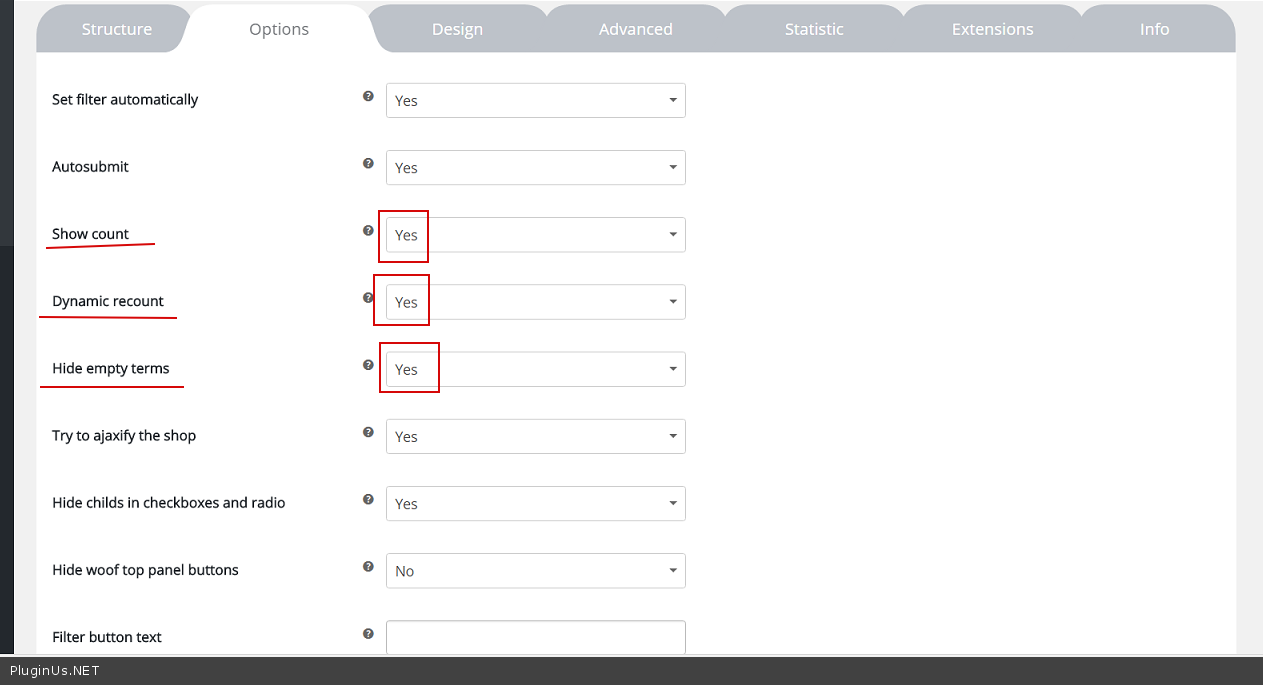
Is there any other better way of doing this ? – Yes. Buy a paid version 😉 whit this options – http://c2n.me/3Iu0nMA.png
In another case, you need customization of the plugin
Hi
Thanks for your inputs :-).
I have changed the symbol but still no effect. Not sure what I am missing.
https://www.sharingourexperiences.com/vendor/books-for-kiddies/