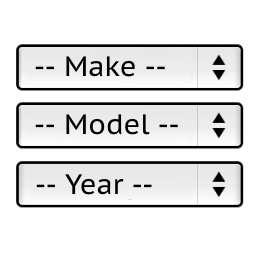
Hello,
>the breadcrumb says AUDI CLIO II 1994 1.6 Benzin 55 kW
Maybe you have some full page cache enabled in your wordpress or hosting settings.
So the page is cached and then displayed with and old selected vehicle.
Stanislav
Hi, Since the wordpress update to the newest one, I have the same problem, I get all the filter options , but when YMM use, there must filtering the search options, but that don’t work anymore
I send also an email to you
Let me also know
-
This reply was modified 3 years, 2 months ago by
 promotoparts.
Hi,
I downloaded the fresh plugin with the modification make model year and engine.And i noticed after adding the modification specify_category_slug_on_ymm_settings_page the filter still works but after adding the filter sub categories the filter does not work correctly anymore.I followed these steps as you provided:
This modification will filter sub categories on the category page for selected Make, Model and Year
If customer selects make, model then selects a category and clicks the submit button
it redirects to the category page even if it displays just sub categories (no products)
It hides products count for sub categories.
wp-content/plugins/ymm-search/ymm_ajax.php
lines 157, 171
wp-content/plugins/ymm-search/Controller/Product.php
lines 28-30, 34-110
Thanks in advance
Hello,
>to: @vale2122
The modifications are for developers.
Many of them are just examples of how to do it. Without support from my side.
Also they can conflict with each other so you should apply only the most important for you.
Even if I try to help you in such difficult cases when multiple modifications are applied you should contact me by email [email protected]
This forum thread is for the original (not modified) version of the plugin.
Stanislav