Hi @ristretto6
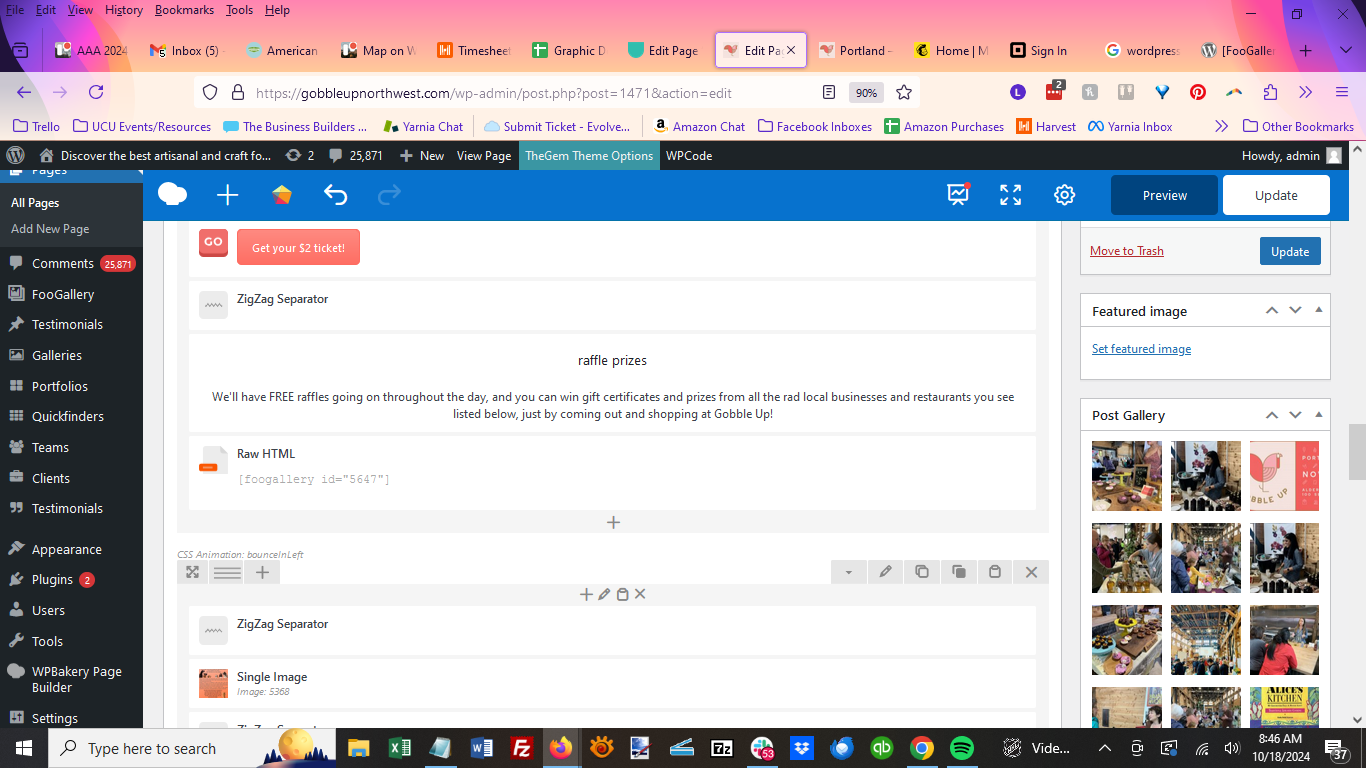
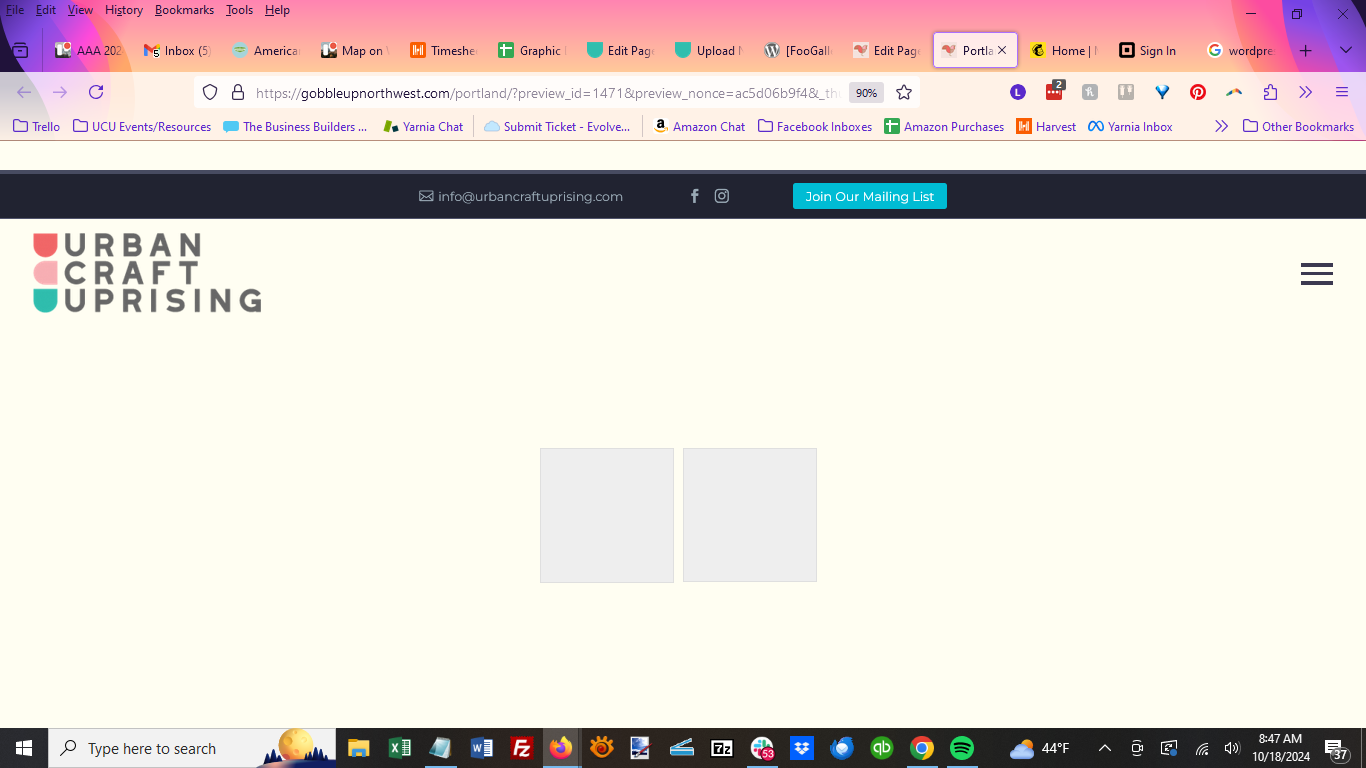
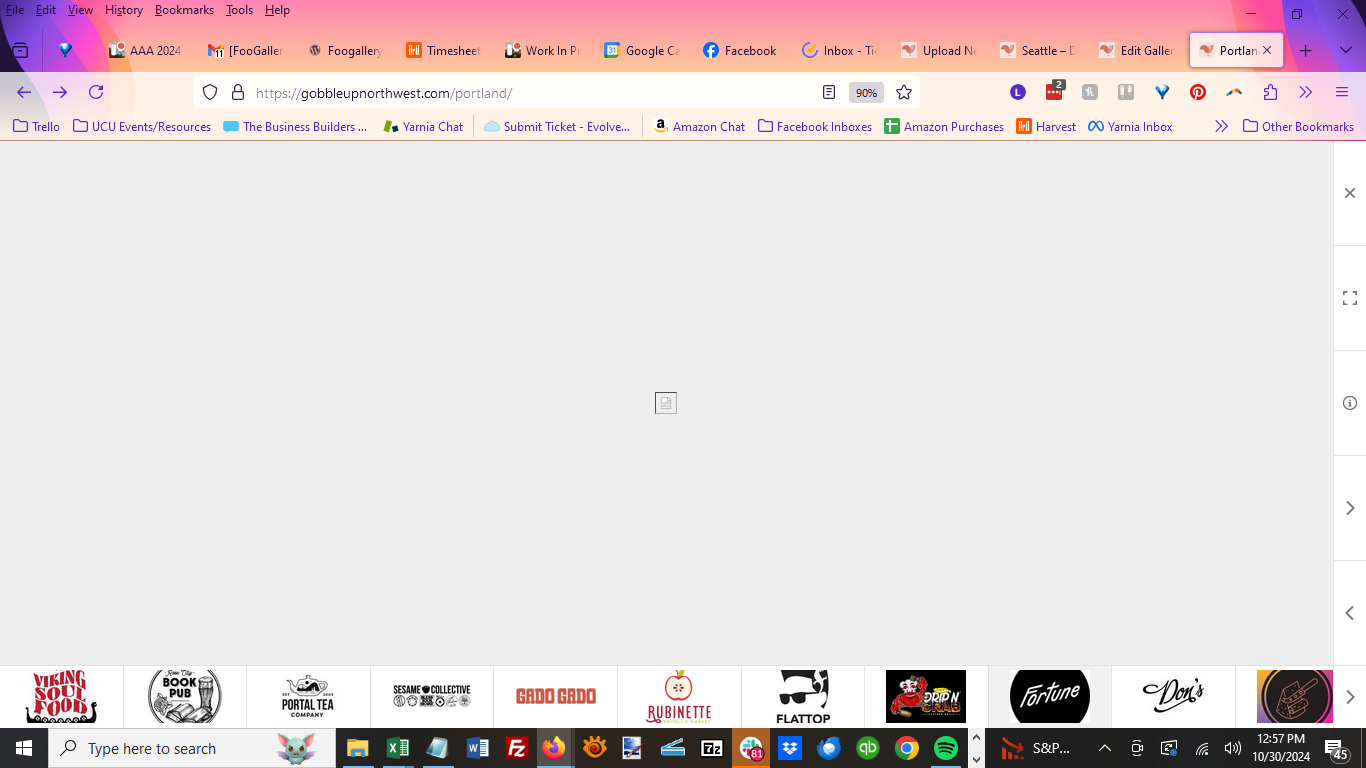
Based on the screenshots you shared, it looks like there might be a conflict, possibly caused by another plugin active on that page or even the theme you’re using.
To help us investigate this more effectively, could you please create a duplicate of the page with that gallery included and share the link with us? This will allow us to dig deeper and identify any issues that may be causing the problem.
You can set the page to “Hidden” so it won’t be visible on the frontend, and once we’ve resolved the issue, you can go ahead and delete the page. Thanks!
Yes, I have created a copy at https://gobbleupnorthwest.com/portland-copy/ and after adding the gallery, it looks like the page is having similar issues (though it doesn’t look 100% exactly the same as when I add the gallery to the original page.
Thanks,
– Lindsey
Any ideas what might be going on here?
Hi @ristretto6
Looking at the page shared after it has loaded, I can observe a message informing me that there has been a critical error, which is shown in this linked image: https://prnt.sc/lrhlA57rVZ4o
Could you kindly confirm from the site’s admin email address or the site’s logs what the cause of this error is? This may be what is causing this issue. Thanks
Can you tell me how/where to find the error logs?
If it helps I’ve been troubleshooting a little more and this definitely seems to be an issue with the specific Foogallery that’s supposed to be inserted right below the Raffle Prizes blurb [foogallery id=”5647″].
You’ll see there’s another Foogallery at the bottom of the page with all of our sponsors; that one works fine, and if I duplicate it and drag it to the spot where the dysfunctional gallery should be, it also loads fine. So it seems like it’s this specific gallery that’s causing issues. However, I have already tried creating a brand new gallery from scratch and re-adding the images that way, and the same issue still happens.
Hi @ristretto6
I have had a look at the page you shared and can see that the gallery in question (ID=5647) is loading correctly on the page as shown in this linked image: https://prnt.sc/b1YA92g89ROy
The error that was affecting that page seems to also have been resolved, which is great.
Please let me know if the gallery is also being displayed on your end too. Thanks.
Yes, I had to delete the images and re-add them one-by-one until I found the culprit.
Okay now even though the gallery is displaying, something is wrong with the icons linking to an external link. I have the setting correct here as you can see, but when I click on one of the icons from the actual page (gobbleupnorthwest.com/portland), this is what happens instead of being taken to the custom URL.
Please help!