so I have a small CSS problem. On every site of the website there is a gap maybe 50-80px white, that i don’t won’t to display. So I have tried finding die CSS class name of that box, but i can’t get it to work with
(display: none; )
So maybe you have an idea how I can get rid of that box.
Would be really great.
Thanks.
Kind regards Julius.
The page I need help with: [log in to see the link]
Hi @kulius I spot-checked your site in Firefox/macOS but I’m not sure where to find the gap you’re referring to. Could you please provide a screenshot showing the gap so I can take a look? Thanks!
Could you also please provide the following information:
Thanks for the screenshot, @kulius. Is the area I’ve outlined in red the space you’re trying to tighten up?
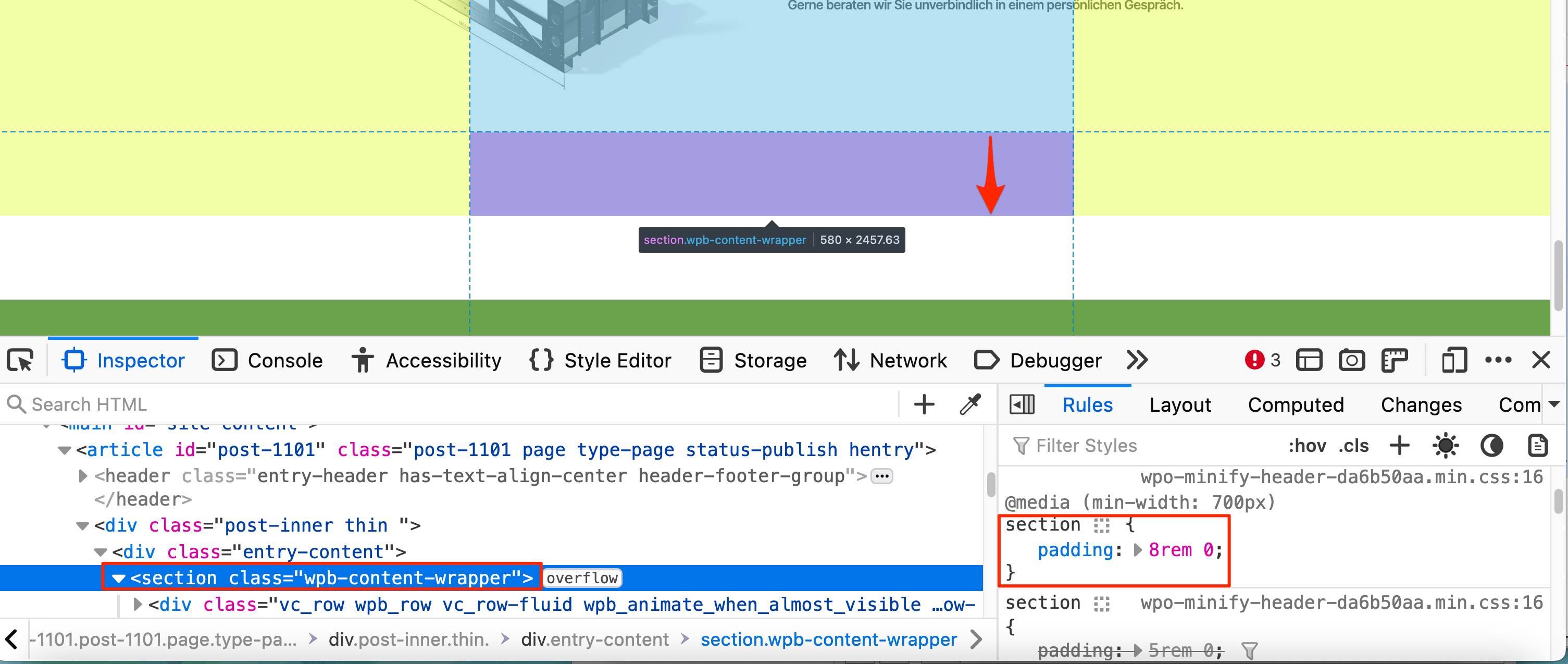
Much of that space is coming from settings in your page builder – Visual Composer, looks like? – and not from the theme, or from WordPress core. Specifically, there’s a content wrapper section wth 8em of margin-bottom.
So you’ll want to first look in your page builder settings for an option to reduce or entirely remove the space. If you get stuck, you can also check the plugin’s documentation or head to their support area and get help there.
Once you’ve done that, if there’s any extra space left that you want to remove which is coming from Twenty Twenty itself, feel free to return here and I’ll be glad to have another look.
You can see here that it’s coming from the WP Bakery section:
You can test this pretty simply, by creating another page without the page builder. This extra 8rem of bottom padding won’t be present.
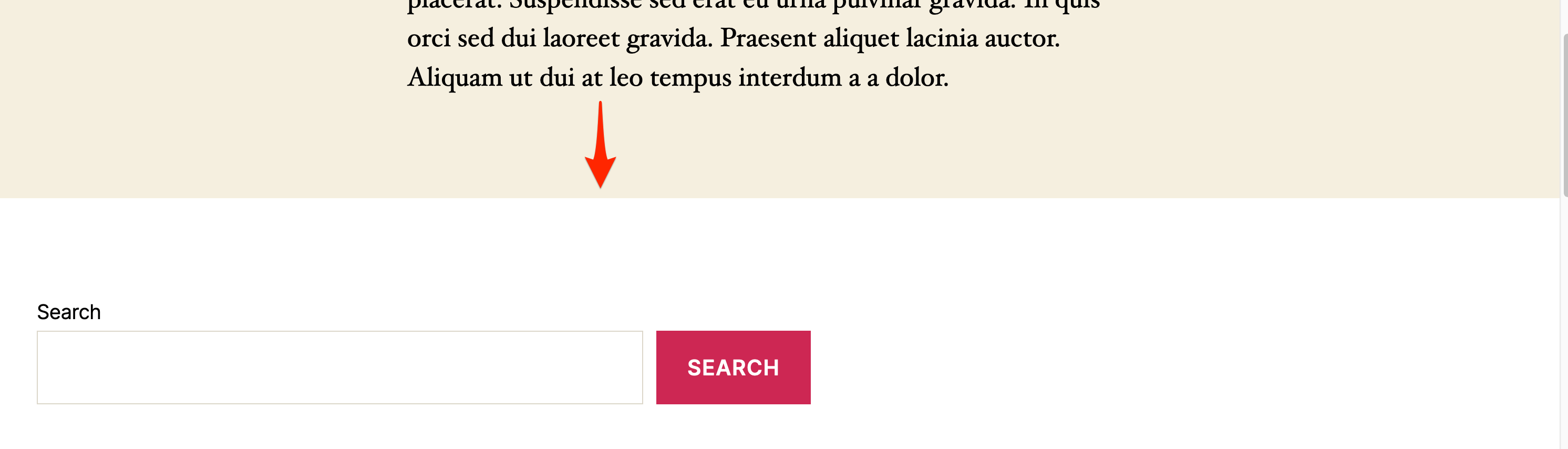
You can see this here on my test site. This is the default amount of space below the main content area in Twenty Twenty:
Your page builder is adding an extra 8rem, as you can see in my browser inspector screenshot above. You can either change that in your page builder or add custom CSS to override it.