Moderator
 Yui
Yui
(@fierevere)
永子
the best solution would be changin rhe theme to supported one
The warning means get_category_link() is getting false instead of a valid term ID. Quick fix:
$url = ( $cat_data && isset( $cat_data->term_id ) ) ? get_category_link( $cat_data->term_id ) : '#';
Since this is a warning and not a fatal error, you can hide it from the front end by turning off display errors in your wp-config.php file. define( 'WP_DEBUG_DISPLAY', false );
If the theme is still supported, definitely reach out to them for an official update. If they no longer support it, you will likely see more of these compatibility issues across your site.
This message is not an error but merely a warning. You can also suppress it so that it appears only in the log file and no longer in the frontend. It is difficult to determine whether this has any functional impact, as the warning refers to code in a commercial theme called goodnews5. The developer of this theme has apparently ceased operations several years ago, which leaves you with the following options:
- Switch to a current theme. These are also compatible with PHP 8. Of course, this may require re-entering content or redesigning the website, which could be quite time-consuming.
- Or disable the display of PHP warnings in the frontend. This way, they’ll end up in the error log, where they won’t be a nuisance. Be sure to check carefully, though, whether this affects functionality in any way.
- Or find someone to adapt the theme to PHP 8 for you. You can find someone like that here, for example: https://jobs.wordpress.net
Thread Starter
 JeyC
JeyC
(@jeyc)
Thanks to all of you! 🙂
Rachid, thanks A LOT, it’s working, no more message.
About the change of the theme: Yes, it should be a good solution, but it’s easier to write to do it, than to do it. We use this theme on many of our websites, it is really good and matching our needs since years, on private or pro website. All website are running on Php 8.2 (we will migrate soon on the new platform) except the one I mention in this topic, the only one to use the this shortcode (to show the list of last articles). We don’t have any problem, all website are running very well.
Changing a theme is absolutely not possible for us. Changing a theme is taking so much time… we don’t have it. We need to look for one having the good features and style and settings and …, finding one, test it, migrate, adapt, etc
The website I mention in this topic is not so small, it is running to give lot of information to people for free (like a “community website”), I’m so busy that I have to let if living well like that.
And I don’t have any money to hire someone, unfortunately…
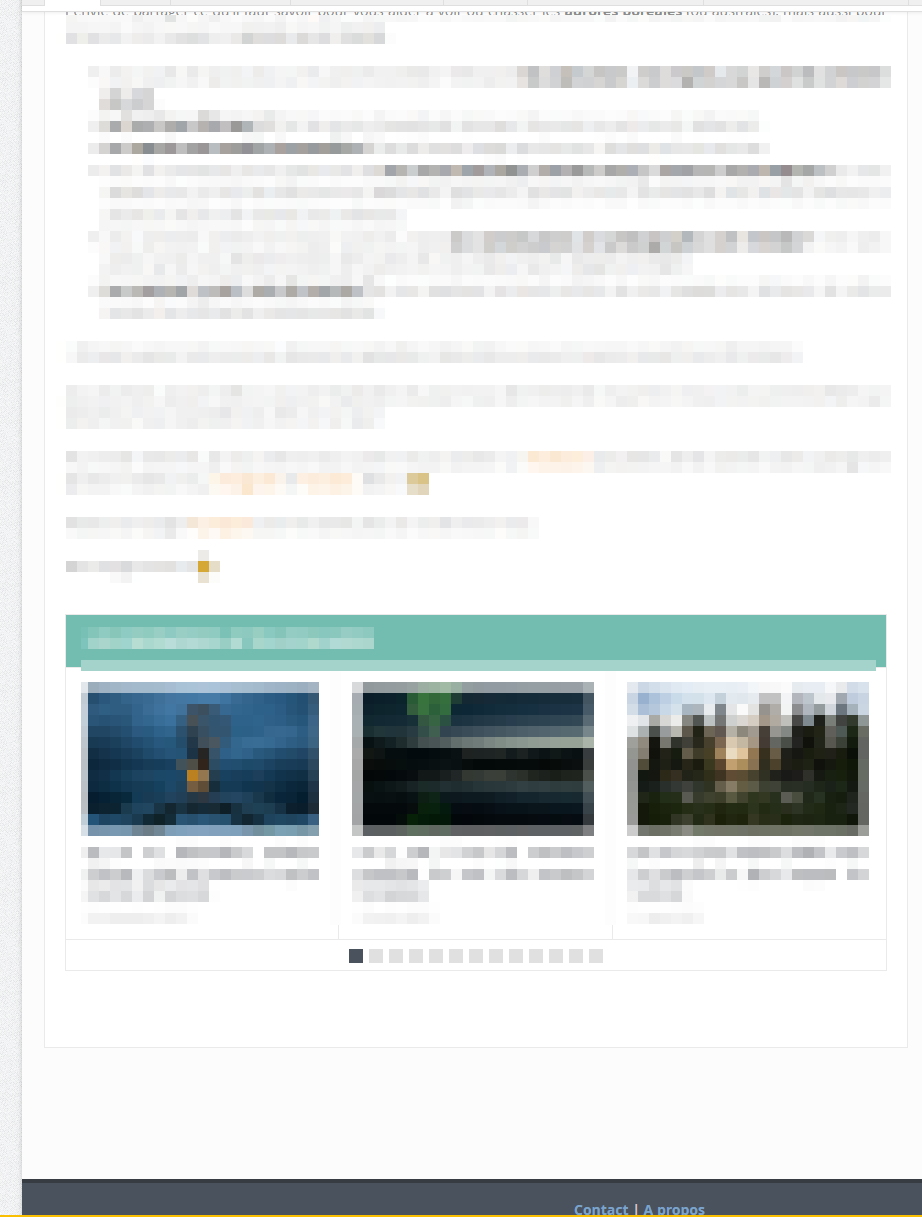
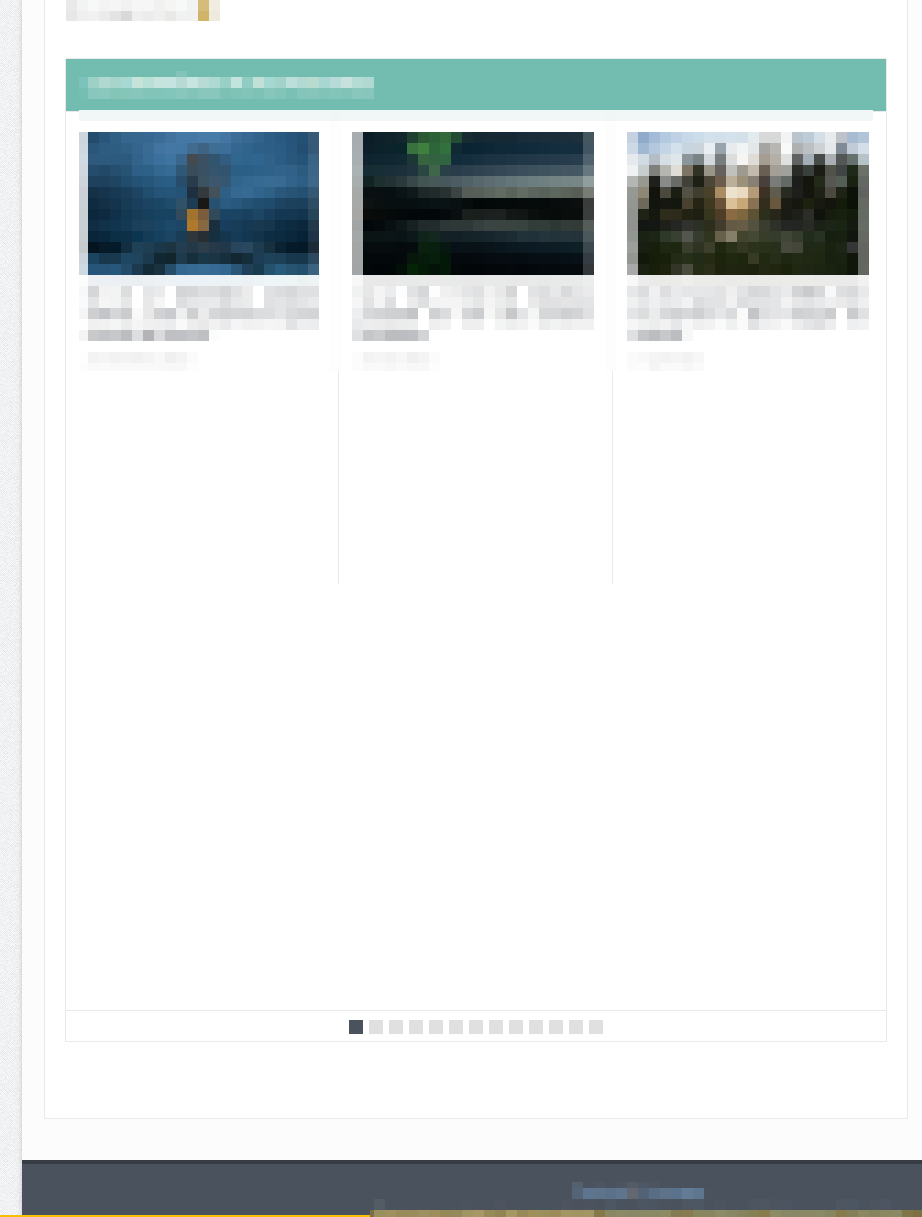
Now I still have a problem on the display of this “block” of last article, it is higher on the page in PHP8 than PHP 7.4. Strange.
If you want to have a look, here 2 screenshots:
https://zupimages.net/up/26/20/yr52.png
https://zupimages.net/up/26/20/9mrf.png
As mentioned above, if the theme is no longer support it, you will likely see more of these compatibility issues across your site.