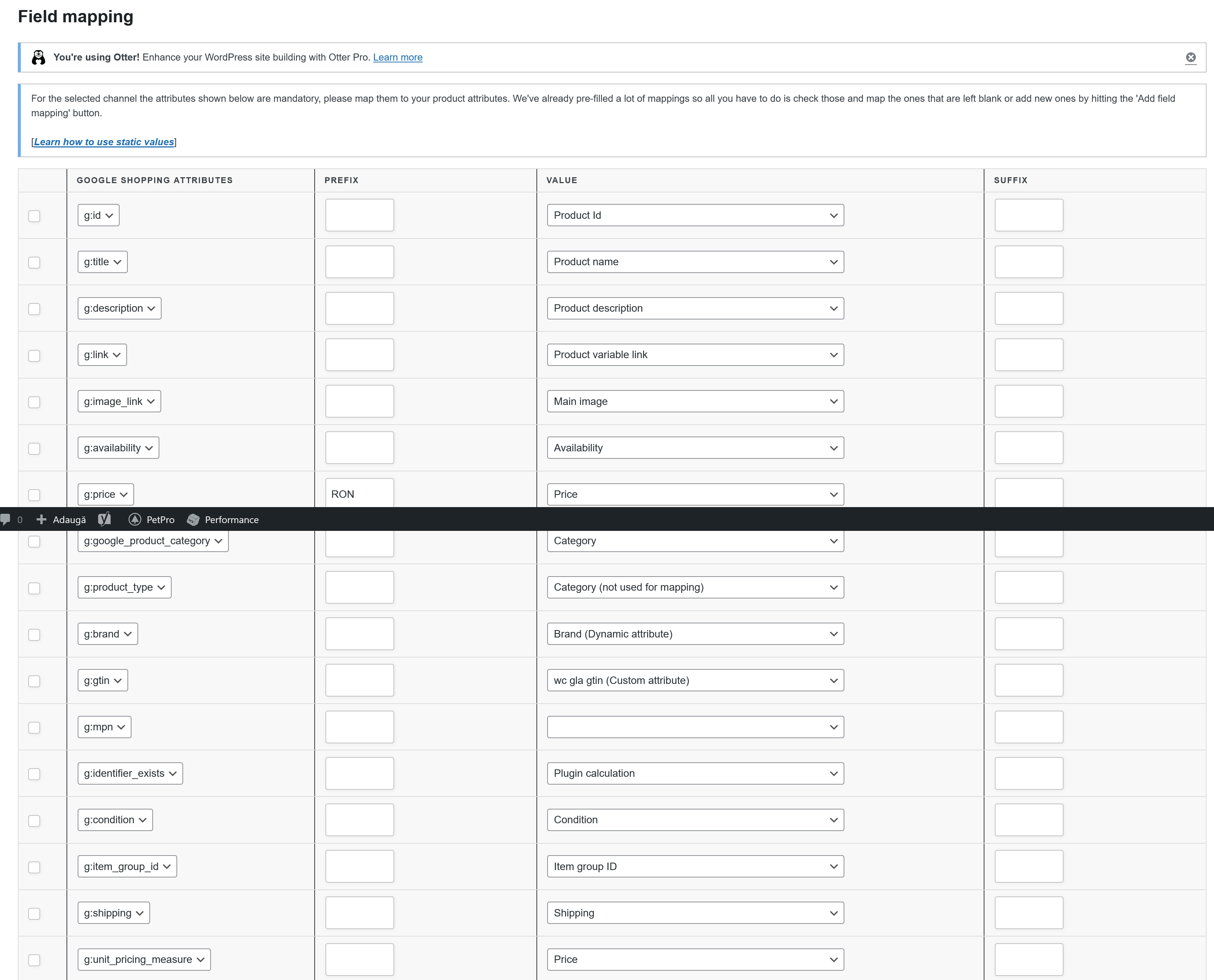
I suppose is related to this: 3. Ensure the item ID has an associated Store ID and in stock quantity. but still not clear how to link this feed to a store id, where is the store id and how to add this to the feed
It seems you are creating an Inventory Feed using the Google Shopping channel. Please be informed that the Product Feed Pro plugin has a Google Local Products Inventory feed channel for creating an Inventory feed. Therefore, I would suggest you use that channel.
Also, please add a new attribute to that feed that is Availability and map Availability for that attribute value.
Google supports a different format for Availability status values. Therefore, please apply the rules as shown in this screenshot: https://snipboard.io/i4VnEt.jpg.
Hopefully, this will resolve the issue you are having.
Cheers!
Viewing 5 replies - 1 through 5 (of 5 total)
The topic ‘Google Merchant Center – Missing inventory’ is closed to new replies.