• Resolved rapcomm

    (@rapcomm)


    The handles in my form slider are “hidden”. How can I make these appear in front of the slider bar?

    When I “preview” the form, the handles are fine (as it seems the preview does not take on my WP theme formatting). When I publish the form on a page, it takes on my theme formatting (which is good), but it also hides the handles.

    Any advice for having the handles appear?

    TIA.

    The page I need help with: [log in to see the link]

Viewing 2 replies - 1 through 2 (of 2 total)
  • Plugin Author codepeople

    (@codepeople)

    Hello @rapcomm

    The issue is caused by the styles defined into the theme or another plugin on your website (I cannot be sure because who is responsible for the handle appearance because there is an active plugin on your WordPress that combines and minifies the CSS files)

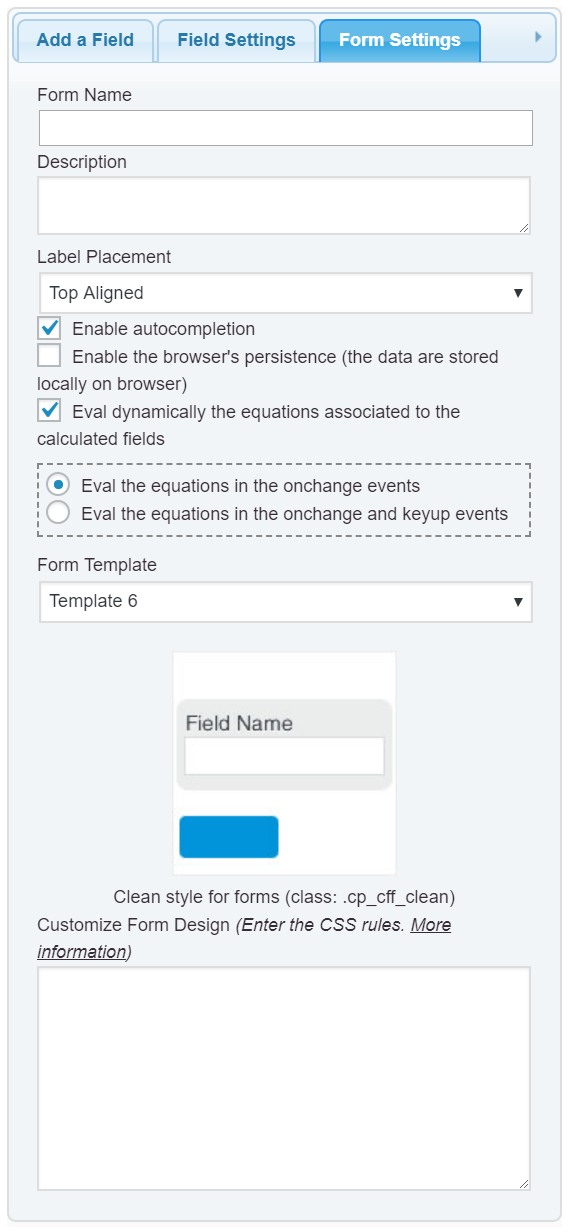
    To redefine the styles of the theme, please, enter the style definition below through the menu option: “Appearance > Customize > Additional CSS” (https://cff.dwbooster.com/images/documentation/form-settings-tab.png):

    
    #fbuilder .slider{overflow:visible !important;}
    #fbuilder .ui-slider-handle:before,
    #fbuilder .ui-slider-handle:after{display:none !important;}
    #fbuilder .ui-slider-handle{width:24px !important;height:24px !important; border-radius:50px !important;top:-6px !important}
    

    Best regards.

    Thread Starter rapcomm

    (@rapcomm)

    Outstanding. Solved. Thanks so much.

Viewing 2 replies - 1 through 2 (of 2 total)

The topic ‘Handles Not Visible’ is closed to new replies.