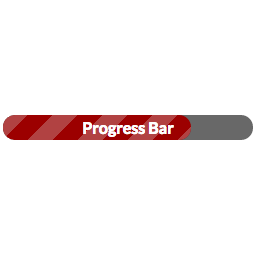
I suppose if you really wanted to you could run the main function directly, passing all the arguments to the function, it would be something like:
echo wppb_get_progress_bar( $location, $text, $progress, $option, $width, $fullwidth, $color, $gradient, $gradient_end);
(see the functions.php in the plugin)
The easier way would be to do it with do_shortcode and just wrap the shortcode in that function…so:
echo do_shortcode( '[wppb progress=50 option="animated-candystripe green"]' );
I’ve never actually tried calling the function directly (though that’s really all the shortcode is doing — grabbing the attributes and feeding them into that function), so I can’t guarantee that that method would work. The do_shortcode method absolutely will work — the only problem is you’re hard-coding your progress (unless you want to set that as a custom meta field that gets passed to a variable in your template file).