Hi,
thank you for your response. I read this article and have still problems. It seems that there is no element with an ID, but only classes.
I use the Divi heme Builder get an global header for all sites and so also for the checkout page.
Best regards
Hi again,
I have now set an ID for my header and use the code desribed in the article.
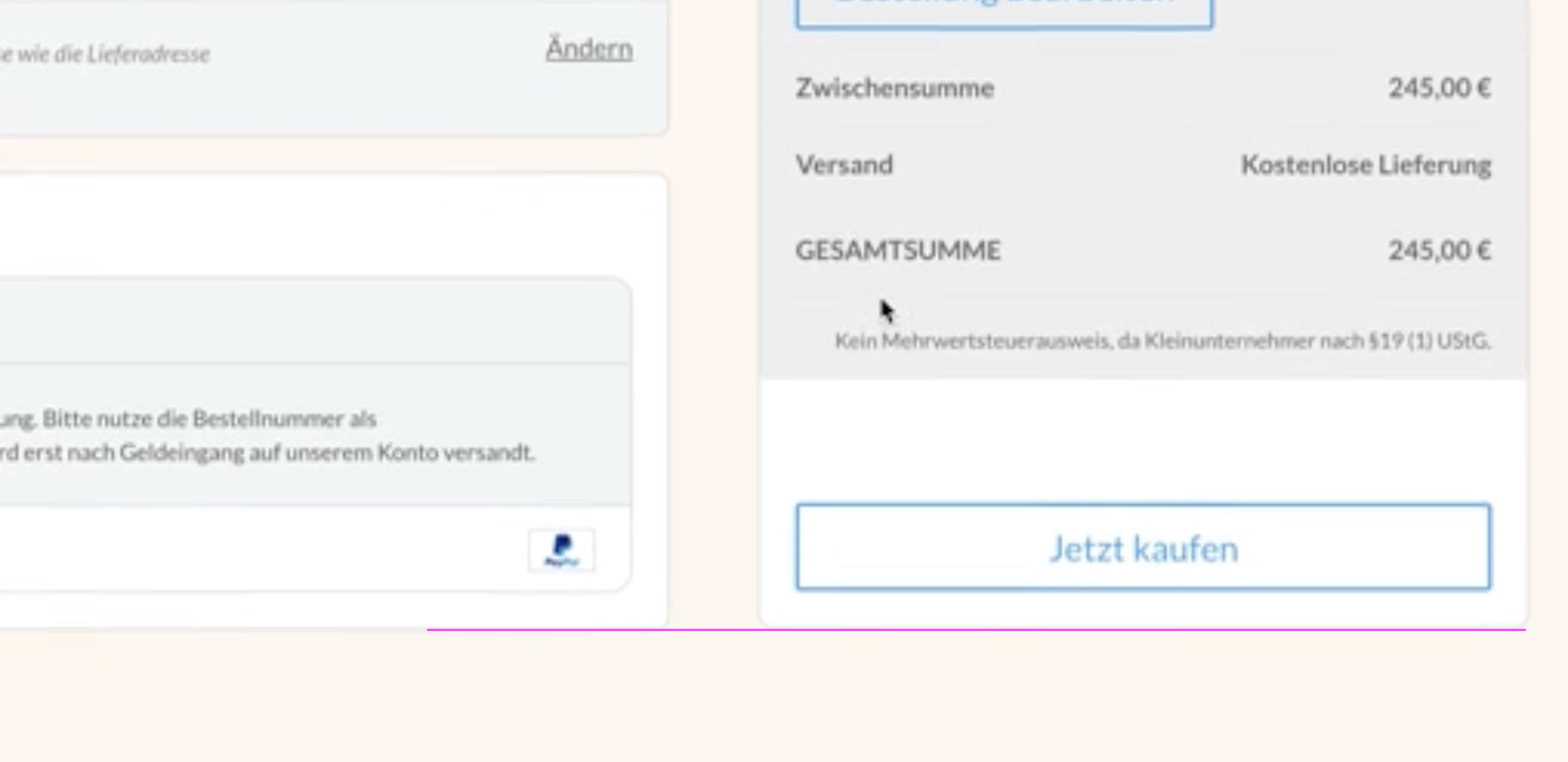
The progress bar now works. But the sidebar summary won’t. There is a little moment, when I scroll up there is the the sidbar sticky. Maybe for 5px. But the it scroll up.
This is the code I have used:
function fluidcheckout_change_sticky_elements_relative_header( $attributes ) {
// Bail if using the plugin's header and footer
   	if ( FluidCheckout_Steps::instance()->get_hide_site_header_footer_at_checkout() ) {
		return $attributes;
	}

	$attributes['data-sticky-relative-to'] = '#jr_global_header';

    return $attributes;
}

add_filter( 'fc_checkout_progress_bar_attributes', 'fluidcheckout_change_sticky_elements_relative_header', 30 );
add_filter( 'fc_checkout_sidebar_attributes', 'fluidcheckout_change_sticky_elements_relative_header', 30 );
I have made a short video
Short Video
Any suggestions?
Best regards
Hi @jchrusty,
What happens is that when the sidebar bottom reaches the end of the container element it will scroll with the page to avoid overlapping and hiding content in the site footer. That is how it is supposed to be.
https://t2449427.p.clickup-attachments.com/t2449427/00f7f8ab-a78f-4103-afbd-9e8de9cd5ad8/Screen%20Shot%202022-01-29%20at%2000.12.22.png
When you have content that is taller on the steps (left side), or when the order summary (right side) is shorter, it will feel more natural.
Try opening the shipping address substep to edit the information, it will make the left site taller.
I’m closing this topic for now. If you need further assistance, please reply to this topic.
Best,
Diego