In your Child Theme or CSS Editor Plugin try this code:
.site-header {
    background: none repeat scroll 0% 0% transparent;
}
*Note
If your theme has a custom CSS Editor in it, you can also paste the code in there.
Never edit core CSS or PHP files, they’ll be deleted when the theme is updated.
Thread Starter
 trkh
trkh
(@trkh)
http://i.gyazo.com/b291e88a5b70bee1898ab52d7e2308a3.png
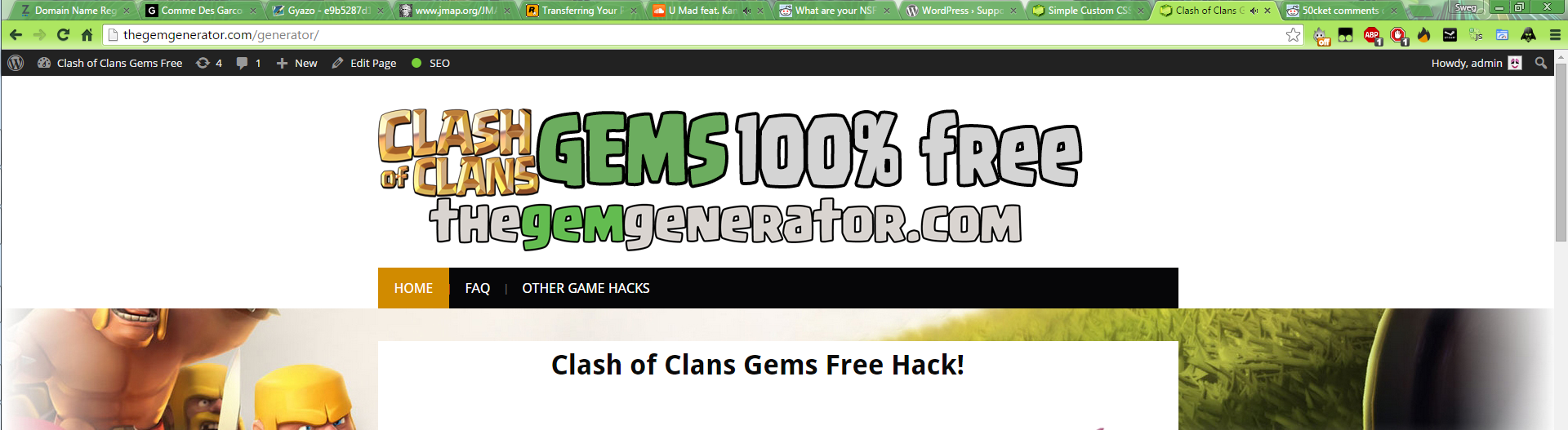
it just made it white, I want the blue to still be the length of the menu bar, I just want the parts I circled transparent.
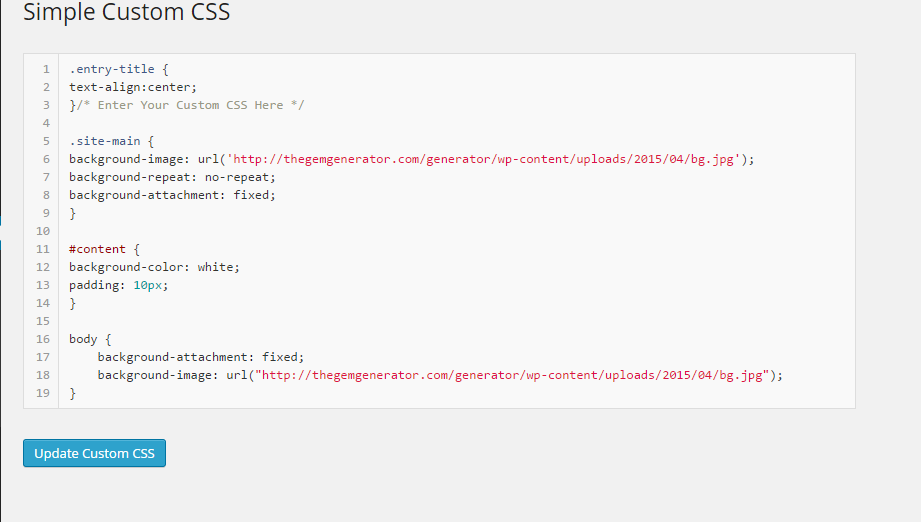
BTW this is my custom css http://i.gyazo.com/fc60549f27dca62c4b32051681fcccce.png
OK, first remove the code /* Enter Your Custom CSS Here */ in your css editor.
That is a comment section and can be removed
Then add all this code in the editor.
.site-header {
    background: none repeat scroll 0% 0% transparent;
}

.site-branding {
    float: none;
    background: #3399FF;
}

#main-navigation {
    padding: 0px 0px 0px;
}
Thread Starter
trkh
(@trkh)
OMG PERFECT THANK YOU SO MUCH!
one last question, is there anyway to extend the color of the header all the way to the top?
http://i.gyazo.com/70739f9c28f8f10b543ffe4c98ace048.png
thank you so much man
Yep,
From the code above just add this code to the .site-header section
padding: 0px 0px 0px;
Soo all the code will look like this
.site-header {
    background: none repeat scroll 0% 0% transparent;
    padding: 0px 0px 0px;
}
Thread Starter
trkh
(@trkh)
IT WORKED YOU GLORIOUS BASTARD!
THANK YOU
can I donate $? to you?
Nope.. WordPress is open source and the support forum is all volunteers.
Just keep on having fun with WordPress and someday maybe you can help a fellow WordPress user!
Best of luck and come back anytime you need more help.