How to use shortcode
-
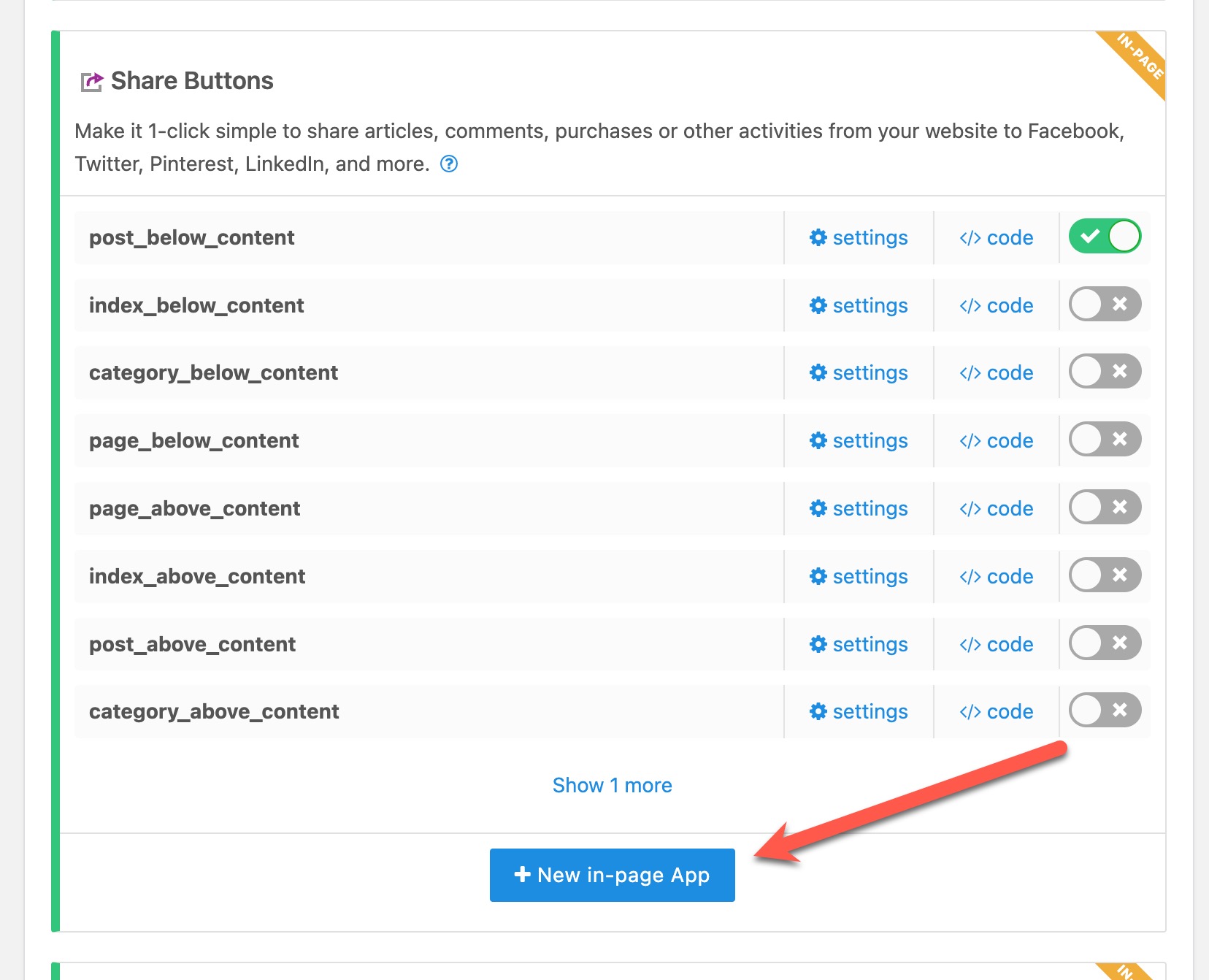
I used the shortcode [shareaholic app=”share_buttons” id_name=”index_below_content”] inside the page editor
As you can see, I removed the other codes (because that was the only thing that worked – when i add the others, it doesnt work),
It displays the share buttins where I want them, but the problem is that the plugin also inserts another set of the share buttons at the bottom of the page which I dont want.
If I disable it, then the shortcode doesnt work.
So how can I make the plugin display the buttons only where I placed the shortcode?

Viewing 1 replies (of 1 total)

Viewing 1 replies (of 1 total)
The topic ‘How to use shortcode’ is closed to new replies.
