Viewing 4 replies - 1 through 4 (of 4 total)
  • Plugin Author Blocksera

    (@blocksera)

    Hi,

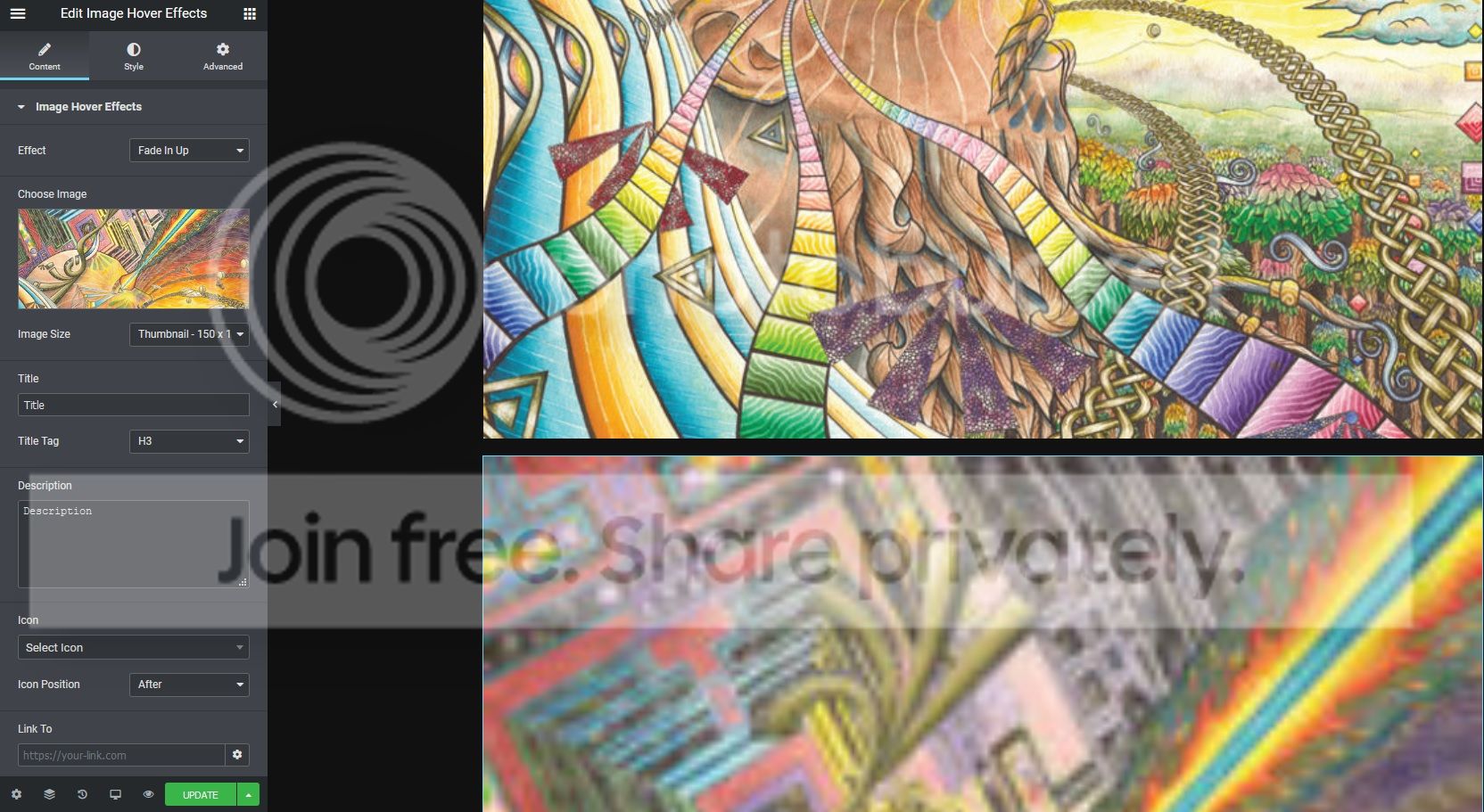
    The behaviour is right, the Image Size setting is actually image resolution and not the visual size. To control the size, please control Elementor columns. We don’t think its wise to re-do the same thing as columns. Anyway, we agree the label Image Size is weird in this context. We’ll consider changing it.

    Hi @blocksera

    So how can we solve this? For example, I have two rows of images: 3 in the first row, 2 in the second. They all need to be the same size…

    I have tried applying width height css to the image, but it seems to break the effect (makes the circular images I have appear within an oval).

    Thank you,

    Steve

    Plugin Author Blocksera

    (@blocksera)

    Hi,

    Its a little tricky to match the sizes but we are able to do it with padding. Remove any width and height to the image and add a little padding to the left and right. This will shrink the images in second row to math the size of images in first row.

    For reference: https://prnt.sc/rbuxp8

    Plugin Author Blocksera

    (@blocksera)

    Closing this, please comment if you still need help, thanks.

Viewing 4 replies - 1 through 4 (of 4 total)

The topic ‘Image resizing issue’ is closed to new replies.