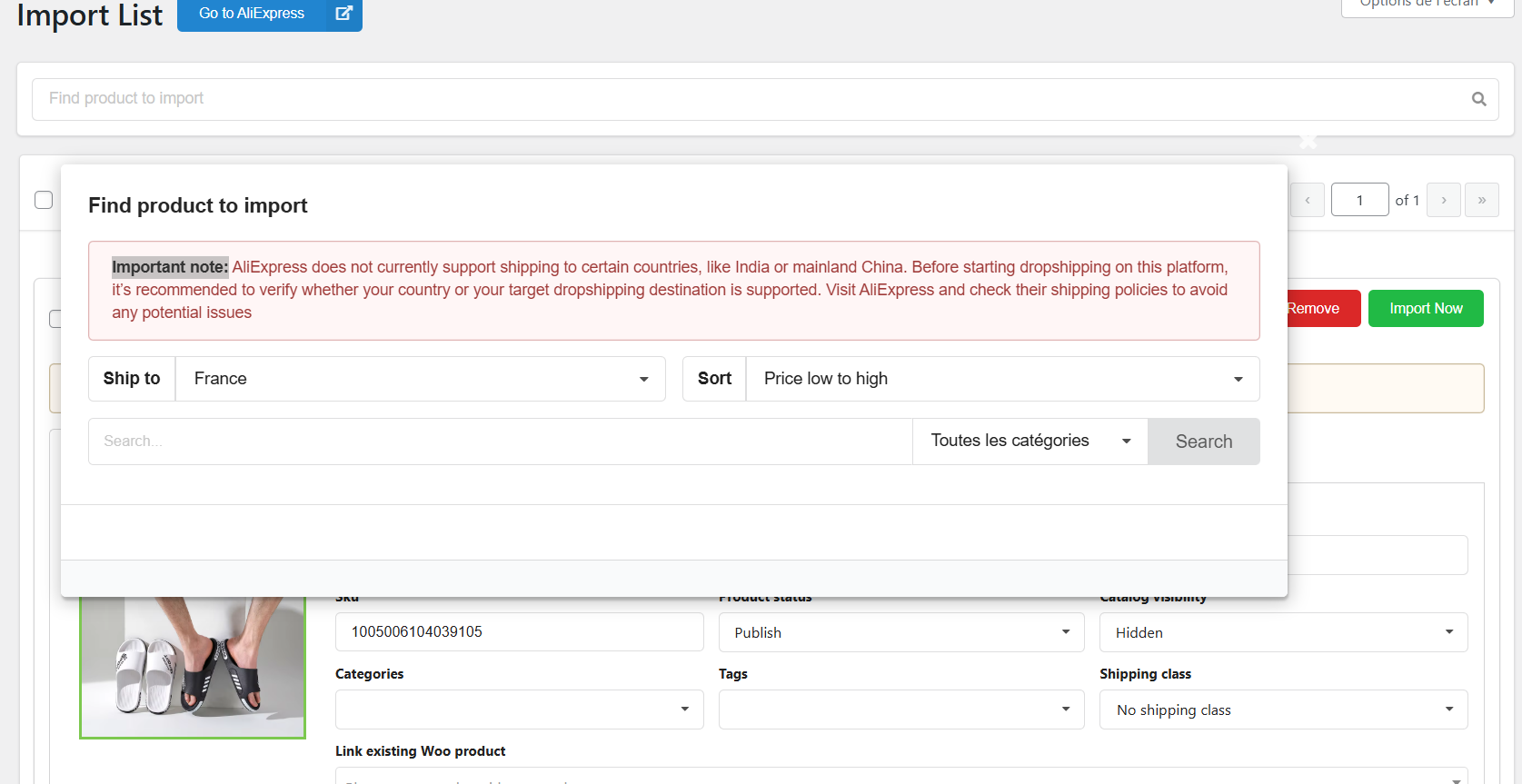
If you had the same problem, can you help me deactivate the window that is blocking me? THX
Hi,
Thank you for reaching out to us.
The “Important note” is just a warning message. It doesn’t block you from importing products. It’s for you to import products directly from your Import List, without navigating to AliExpress: https://snipboard.io/VjRYr1.jpg
The behavior you’re observing, having this popup opened right when you reach Import List, could be due to a JS conflict. Because the popup isn’t auto triggered. And rest assured it’s not to prevent users from importing products at all.
It could be possible that a theme or plugin conflict is causing this behavior. In this case, we would recommend testing by taking the following steps: https://docs.woocommerce.com/document/woocommerce-self-service-guide/
If you don’t want to perform these tests on the live site, I would recommend reaching out to your web host to see if they offer a staging site as part of your hosting package. If not, then I’d recommend using the WP Staging plugin to duplicate the site.
Best regards.