Hi,
thanks for your post, and sorry for the trouble.
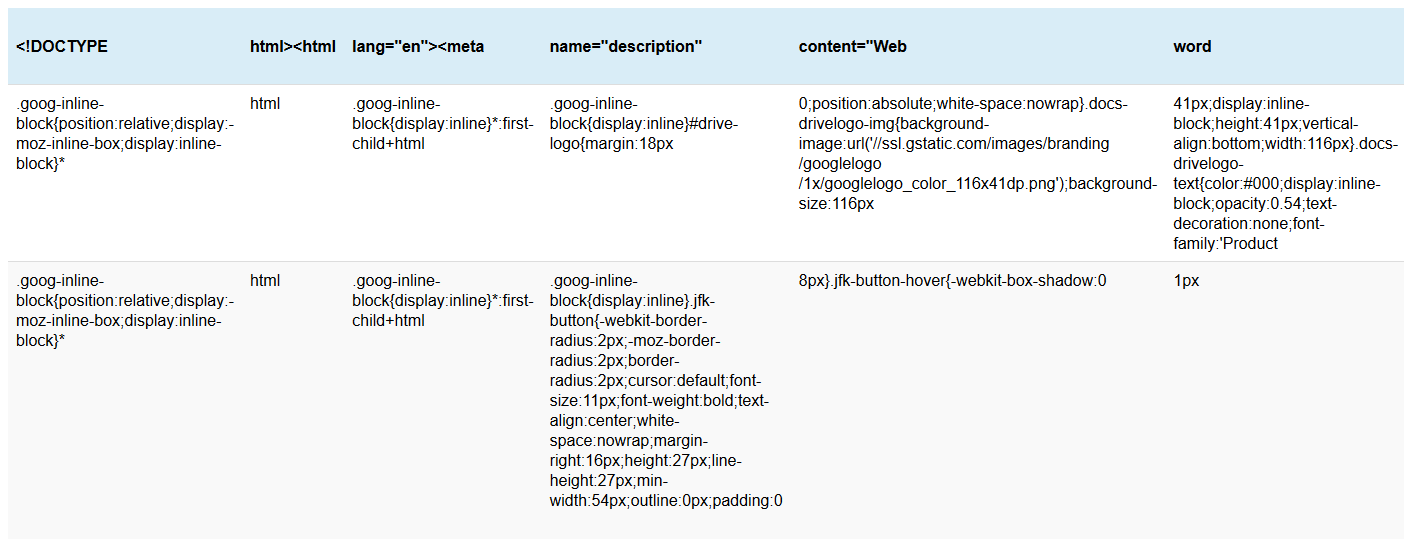
From what I can see, you are not importing a plain CSV file here, but some more sophisticated HTML file from Google. To import from Google Spreadsheets, you must use the public link that directly delivers a CSV file.
Regards,
Tobias
Hi Tobias
Thanks for the reply.
In the “Auto Import Tables” settings, for each table in the “source” field we have the link to the google spreadsheets URL that delivers the CSV.
This is setup and working for some of the tables perfectly fine, those of which all seem to not include any HTML in the fields. Whilst the tables on google sheets that include some HTML such as “Test” seems to break like the screenshot I included.
The google spreadsheets URL that is being used in the “source” field for example is something like this:
https://docs.google.com/spreadsheets/d/e/2PACX-1vQ*spreadsheetid*/pub?gid=12345&single=true&output=csv
Any suggestions appreciated.
Thanks.
Hi,
can you send me an actual (working) link to such a spreadsheet URL? From the screenshot it simply appears that no CSV file was returned, as that screenshot clearly shows HTML code.
Regards,
Tobias
Hi,
thanks for the link! That’s what I mean, this link does not directly return a CSV representation of the table, but the full editing user interface from Google. You will have to find the share/export link from Google that directly returns a CSV file without any editing interface and without having to log in.
Regards,
Tobias
Thanks, the URL provided is just an example. I can’t share the actual sheet at is has some provide stuff. But the google sheet has multiple tabs/sheets, and using the API CSV URL in the auto import “Source”, which is something like:
https://docs.google.com/spreadsheets/d/e/2PACX-*docid*/pub?gid=*gid*&single=true&output=csv
This allows a CSV file to be download without login.
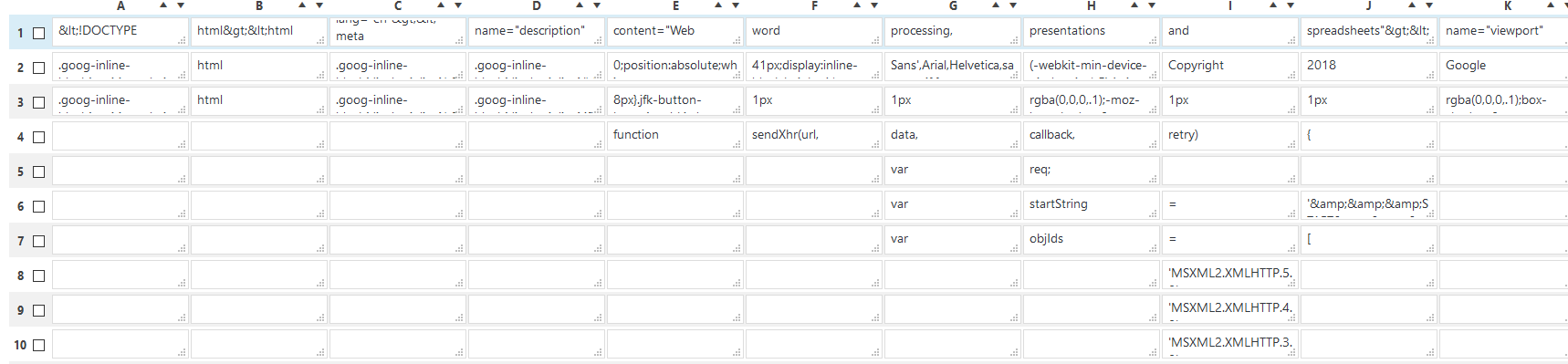
This format is used for all the sheets, but it seems it’s just the sheets that have HTML in them that don’t import properly and show something like this:
https://i.gyazo.com/d0e999ad5b968b05b512a93ab9693346.png
Thanks!
Hi,
can you then send an affected CSV link via email (my address is in the main plugin file “tablepress.php”)? The imported data clearly is a full HTML page, so that CSV link apparently is not returning a CSV file directly…
Regards,
Tobias
Sure, thanks. I’ve sent an email.