Plugin Support
 Jasmine
(@hyenokian)
Dear @mshama,
Thank you for your topic.
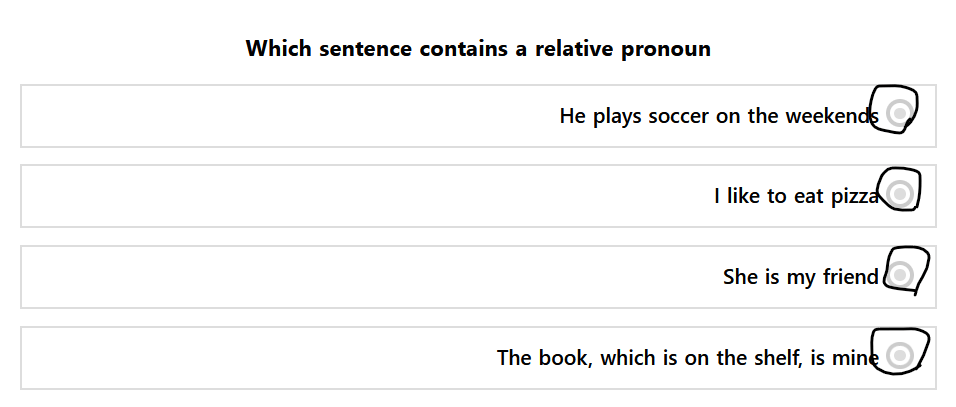
To reach your desired result, you can make use of the below-mentioned CSS code.
#ays-quiz-container-YOUR_QUIZ_ID input[type="radio"]~label[for^='ays-answer']:before{
display:none;
}
Please, make sure to change the YOUR_QUIZ_ID and add the ID of the convenient quiz. For example, if your quiz ID is 3, it must look like this:
#ays-quiz-container-3
Please, check and let us know about the outcome.
Thank you.
Plugin Support
Jasmine
(@hyenokian)
Dear @mshama,
Thank you for your reply.
If your query is resolved, can you do us a big favor and review the plugin or support on ww.wp.xz.cn?
It will help us to grow much faster and improve our quality.
Here is the link for rating: https://ww.wp.xz.cn/support/plugin/quiz-maker/reviews/
Many thanks in advance!
Thread Starter
 mshama
(@mshama)
Done.
Thanks again for your support.