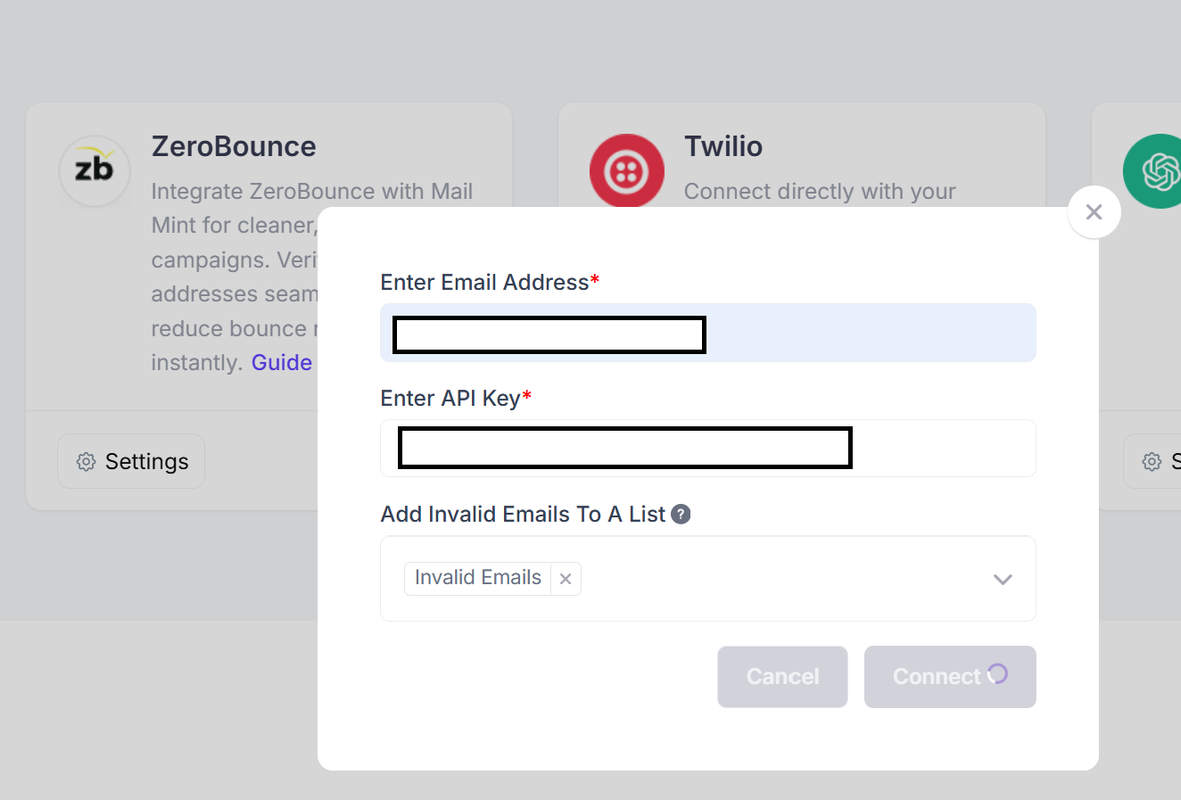
Hi @sparkzsecret , we have seen that you have opened a couple of tickets here on this forum.
I believe you are one of our Pro users. The Zerobounce integration is a Pro feature and your case is certainly unusual.
First, please check if caching is enabled on your site for logged in users. If yes, please turn off caching for logged in users, clear cache, and then check if it works.
If it still doesn’t work, then please reach us directly via email with console errors screenshot.
Here’s how you can get the console errors:
After you have requested to integrate it keeps loading and does nothing,
- Right click on your webpage. You should find an option called “Inspect” or “Inspect Elements” (this won’t work on Safari, so use some other browser). See Image: https://jmp.sh/hhuzR2B
- You will get an extended window popping up. See Image: https://jmp.sh/7RV6cZv
- It will have a menu called “Console”. Click on that and it should show you if there are any errors. See Image: https://jmp.sh/AGVBPW8
- Take a screenshot.
As you are a Pro user, please reach us us via email and we will assist you promptly.
This forum is for free users only. Hope you understand.
Thanks.