Issue after update
-
Hi WooCommerce
After last update I noticed that the cupon string is not working.
I’m not sure if this is due to my theme or the plugin itself?One I enter a cupon code it shows the following:
<span class=”woocommerce-Price-amount-Price-amount”><span class=”woocommerce-Price-currencySymbol”>DKK</span> 400,00</span>
I can’t seem to find where to edit this or remove this.
Could you guys please help with this.
It used to work, but after plugin update it’s not working anymore and this string is shown on the front end.
Hope you guys can help! – Thanks! 🙂
Kind regards.

-
Hey @thriftmembers,
That is curious. If you preview the Twenty Twenty theme and test the coupon in the preview, does this happen there too?
If it doesn’t, then that would indicate that something needs to be updated in the theme to keep this from happening. It sounds like some HTML is being added incorrectly.
Let us know what you find out.
It happens in every theme I try. Just tried the Twenty Twenty too, and it’s the same for that theme aswell. 🙂
Pretty sure by now it’s something about the plugin thats bugged. :/
… Also, it used to work fine before the update – but now it dosen’t so I’m pretty sure it came with the last update unfortunately.
Thanks for testing that out. I haven’t run across any other reports of this on GitHub or in support so far. It could be that the update caused a conflict with one of the other plugins/extensions on the site.
You could find out for sure by temporarily disabling everything but WooCommerce and see what happens then. The Health Check and Troubleshooting plugin can let you do this only for admin users. That way you don’t disrupt any shoppers on the site.
If you decide to do that, let us know what you find out.
Hi again @3sonsdevelopment
I’ll run a quick test on that, and get back to you in a minute 🙂
Hi again @3sonsdevelopment
Didn’t take long – it’s definitely an issue in the new update of the woocommerce plugin.
Site health was fine, troubleshoot mode with only WooCommerce turned on gave the same issue as listed above. Nothing else activated.
Now what? 🙂
That is puzzling. I don’t see this at all on any of the sites I maintain and have no other reports.
Since you’ve been able to experience this with only WooCommerce and the Twenty Twenty theme active, you can open up an issue at GitHub. That’s the way to get connected with the developers and let them know about what you’ve found out.
https://github.com/woocommerce/woocommerce/issues/new/choose
That way we can see if anyone else has this issue and a solution can be found.
Thanks!
Just reported the issue on GitHub (#25677)
https://github.com/woocommerce/woocommerce/issues/25677Hope someone will find the answer soon.. I think my customers will survive for now, since this to me dosen’t seem critical, but just annoying from an appearance point of view. 🙂
Anyways, thanks for the help so far!
If you mange to solve this problem, please let me know! 🙂
The Cupon Code works fine UNLESS you use a Cupon Code that needs a minimum limit to be reached. The Cupon Codes I’m having trouble with at the moment is the one where my cusomters need to reach a certain amount in order to get free shipping.
Normal discounts works just fine.. Just this one that is bugged 🙂
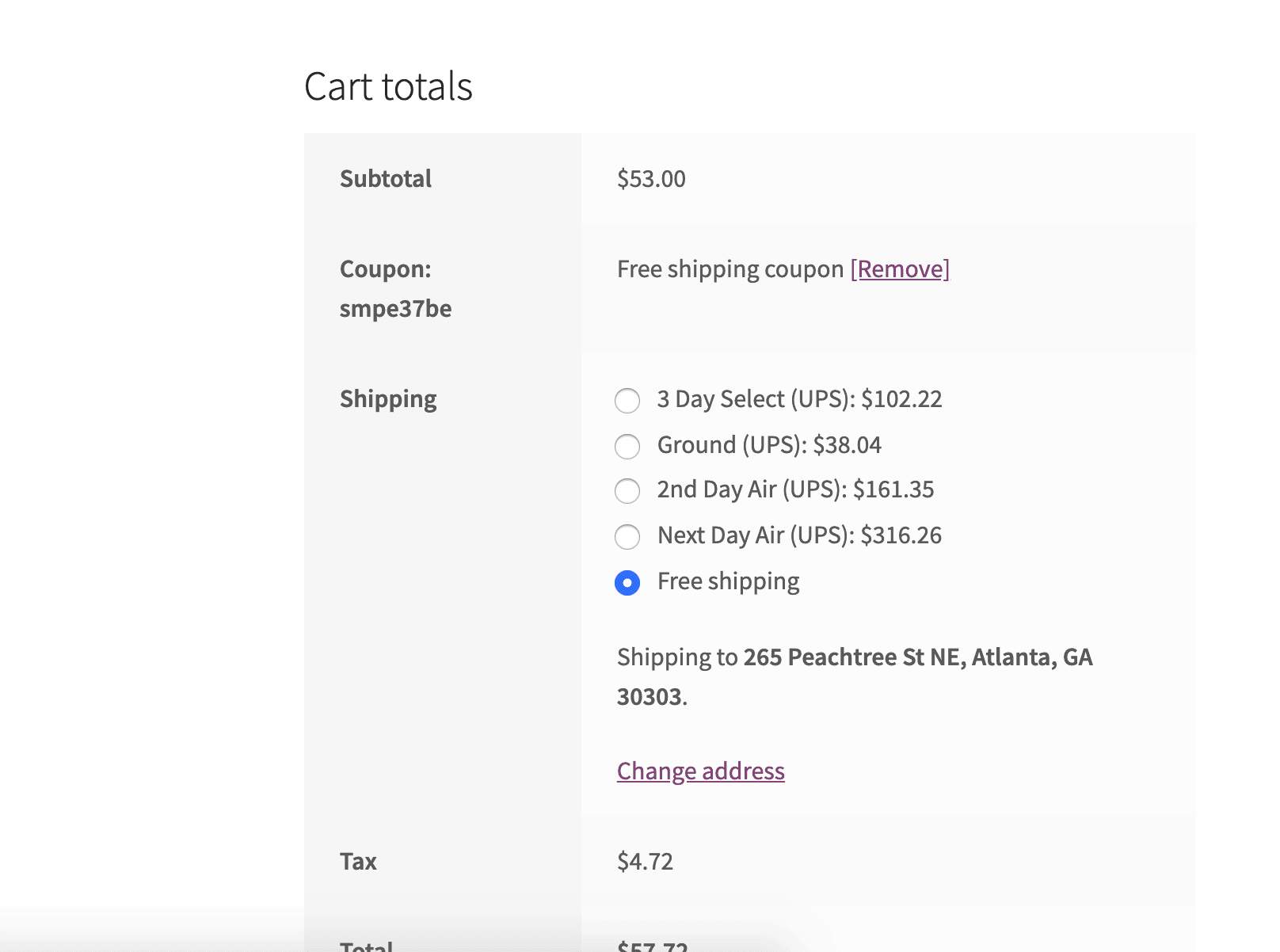
Interesting. When I use a free shipping coupon with a minimum amount it works for me.
Is this also with a minimum amount in order to get the free shipping or just a Cupon Code that provides free shipping once used?
I don’t have any issues with Cupon Codes that just provide free shipping – only once the free shipping is activated by a minimum amount.
I did some digging in the code and found some outdated templates within WooCommerce – changed these to the default and newest version – didn’t help.
However – I think I located the problem to the error.php and notice.php.
These are the ones that generates the text though – so maybe the issue is to be found there? – Can’t see what the problem would be though and where excatly they get the message from – they get it somewhere 😀
/woocommerce/notices/error.php
/woocommerce/notices/notice.phpMaybe that information wold help? .. Not sure.. Not really into codes and PHP – well I was a long time ago but WooCommerce isn’t something you dig into in a few minutes.. xD
let me know what you think. 🙂
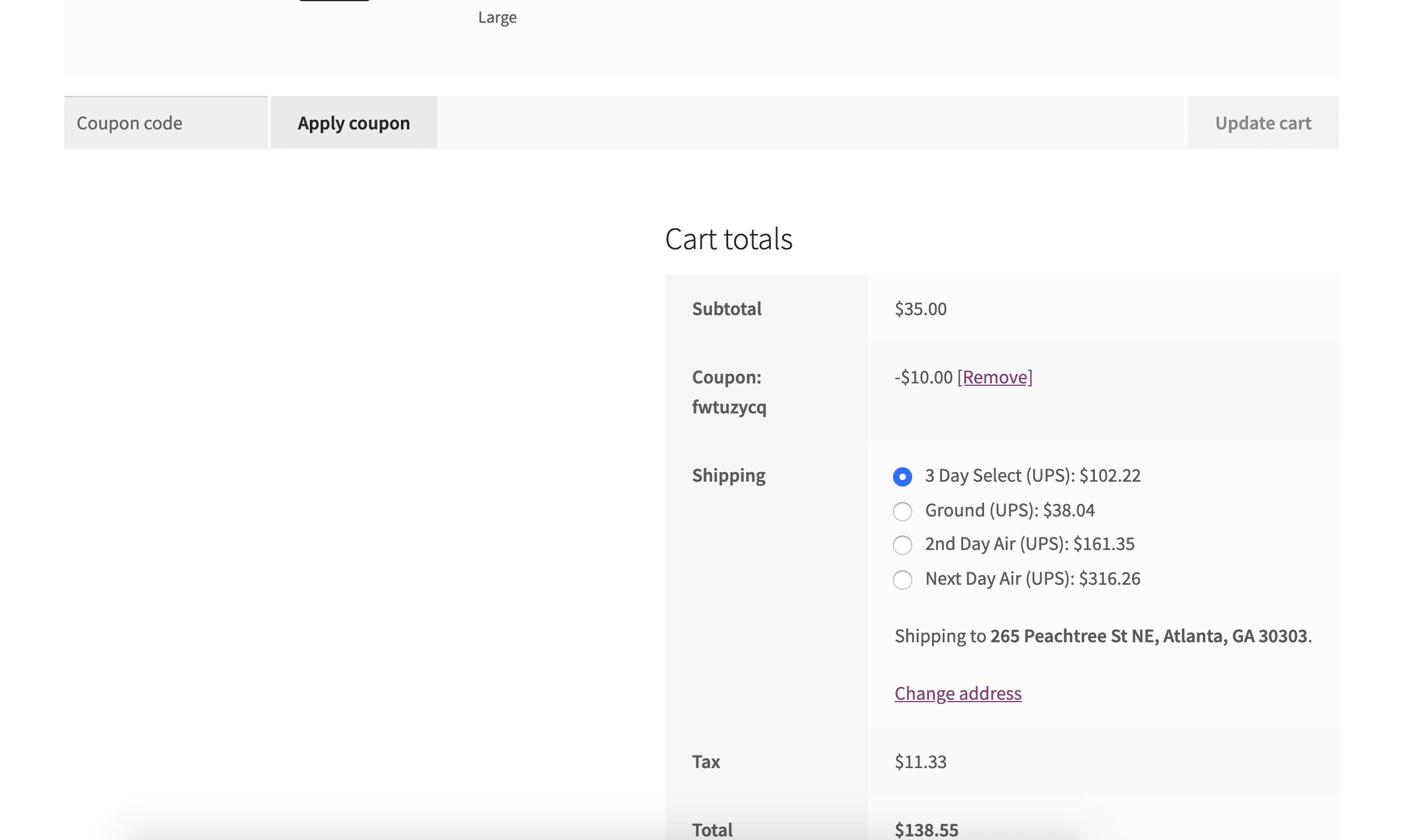
From what I can tell on your cart the minimum amount was reached since the cupon worked.
What if you try to use a Cupon Code BEFORE the minimum of the Cupon Code is reached – this is where I get the issue.
If I reach the limit then it works like a charm, but if I don’t reach the minimum limit and just try to use the Cupon Code anyways, this error shows up ..
If you haven’t tried that, maybe that would be fun to test, to see if you could get the same issue.
Also it’s almost 1 AM here where I’m at so I might go to bed soon. 🙂
let me know how the testing works out for you 😀
Sleep is important 😄
I still could not trigger anything out of the ordinary even when minimums weren’t met.
With a bug, the best thing is to be able to reproduce the error. If you can duplicate this on a local staging site, that would really be helpful to the developers.
Have a great weekend!
@3sonsdevelopment (problem solved!)
After some research on forums I found the problem.
For some reason it would not accept the
<span class=""></span>string so I went to the wc-formatting-functions.php located at woocommerce/includes/wc-formatting-functions.php and deleted the strings from within the functions.php file.This is normally not something I would do, but I made it work and it dosen’t seem to have affected my website in any ways.
Maybe this would be a help for others, if they run into the same problem. 🙂
Have a great weekend! 🙂

The topic ‘Issue after update’ is closed to new replies.
