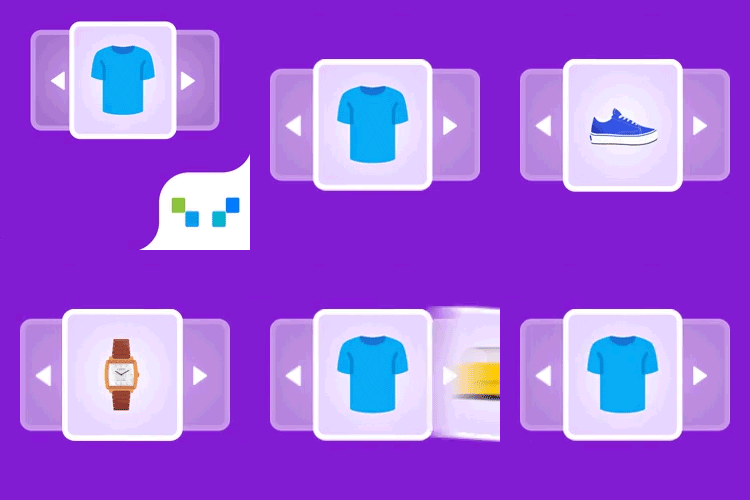
Issue with plugin, half products
-
We get multiple complains in the couple of weeks about the related products didn’t show correctly.
I checked and indeed, it shows only a few products.
Here is a screenshow how it looks: https://i.ibb.co/pvpkMcgQ/Related-products.png
That is on Google Chrome.
We tried also Edge and Firefox with the same problem.
We empty the cache, that makes no effect.
Disable all plugins without this one had no effect.
Changing theme makes no difference.
Completely remove the plugin and reïnstall doesn’t fix it.
We use Woocommerce and checked the errors tab, there are no error related to this plugin.
We use a template overwrite to test it, but still the same problem.In the plugin settings we use 36 products to show.
Lower it to 8 and clear the cache again makes no difference.
We use this plugin for more then a year without problems.
Seems like there was a update in this plugin that doesn’t work so good.Have more people this problem or how do we solve this?
Thank you.


The topic ‘Issue with plugin, half products’ is closed to new replies.