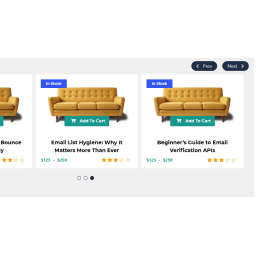
If you run data migration correctly layouts should automatically generate for each WCPS based on your old layout settings and assign them to wcps layout settings. please see the screenshot,
You can customize these layout by clicking on edit button
Thank you. I’m understanding layouts better now. Video was helpful. I had set to featured products, so I have all correct products showing now.
Instead of “add to cart” button, I need a “more info” button below each product. I had it set this way before the update. The “more info” Button/Link takes visitor to product page so they can read about product before buying.
Any suggestions on how to replace “add to cart” button with a “more info” button?
I understand your last issue, You can add custom HTML under any element via action hook, please follow, see the last code sample, display custom link under post title.
ok, just copy the following code and paste on your theme functions.php file
before adding the code please make sure you didn’t add it before, the same function name “wcps_layout_element_post_title_20200331” otherwise it will cause an error.