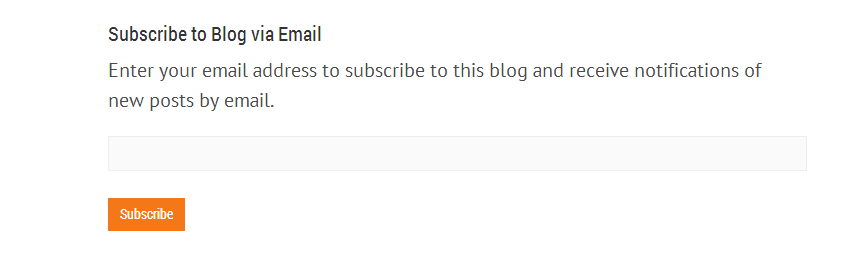
Through CSS, you can modify the design of the box. If you’re using the Custom CSS module of Jetpack, you can go to Appearance->Edit CSS and add something like:
.entry-content .jetpack_subscription_widget {
border: 1px black solid;
}
to add a small border around it.
Cheers!
Thread Starter
 jayyy
jayyy
(@jayyy)
Hi, I added the code but it didn’t work.
Site Link (Just above comment section)
I’m trying to add a border as well as to change the ‘Did you like this article?’ font to orange & size 20px.
It looks like your theme is adding it in a different way than my test site’s theme did.
Something like:
#blog_subscription-7 {
border: .....
}
etc
I grabbed that by using the browser’s inspect element tool to see what class/ID is in the code to determine the right selector.
Thread Starter
jayyy
(@jayyy)
Thanks! This was really helpful.
However I still can’t figure out the class/id for ‘did you like the article?’
I tried this but it didn’t work
#subscribe-field label {
	color: #FF6600 !important;
	font-size: 18px;
}
Could you help me out
Sure, with <label for="subscribe-field"> the subscribe-field isn’t a selector. Only classes (using a .) or IDs (using a #).
So, you’ll want to hit the same #blog_subscription-7 like so:
#blog_subscription-7 label {
This says, in other words, any label tag within an element with an ID of blog_subscription-7, style like this.
If it was, say, <label class="something" for="subscribe-field">, you’d want to use label.something { which is saying “a label tag that has the class something.
Cheers!