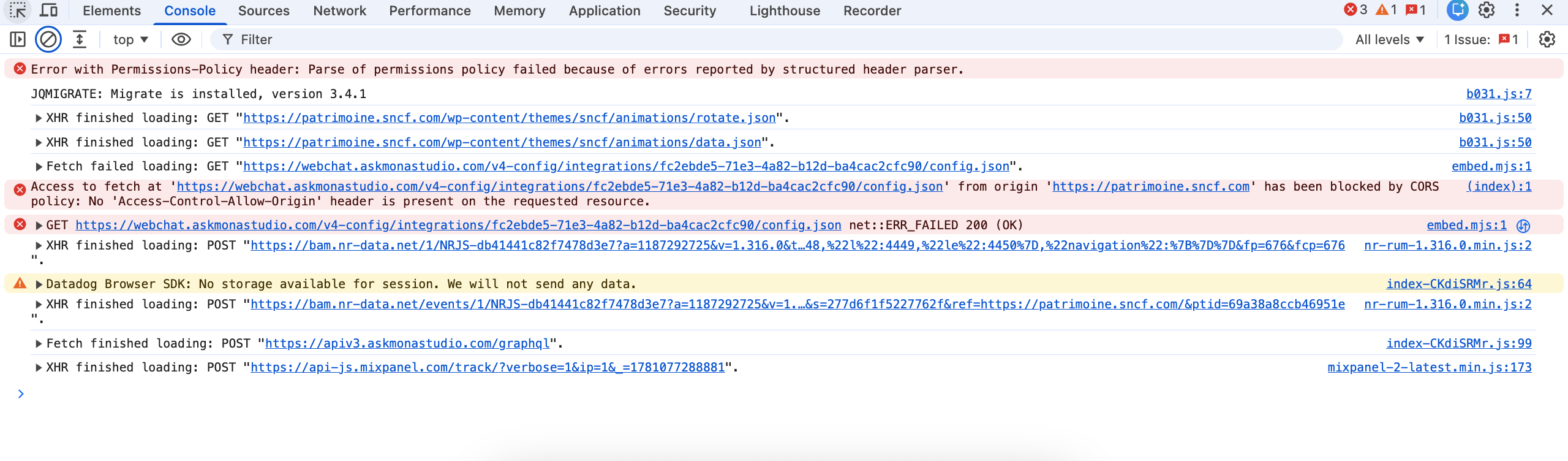
I get the following error in the browser console (Chrome, Safari – Firefox seems OK) :
Refused to execute script from 'https://[xyz.com]/wp-content/cache/wpfc-minified/2dbmf380/hjxhx.js' because its MIME type ('text/js') is not executable, and strict MIME type checking is enabled.
I was wondering if the cause would not be in the file wpFastestCache.php with the following lines (299 and 315 in my version) :
header('Content-type: text/js');
I think the right content type for Javascript files is text/javascript.
Refused to execute script from 'https://patrimoine.sncf.com/wp-content/cache/wpfc-minified/2dbmf380/i1pcd.js' because its MIME type ('text/js') is not executable, and strict MIME type checking is enabled.
Sometimes with multiple refreshes, the issue is gone but it pops again regularly.
Chrome says:
Refused to execute script from 'https://patrimoine.sncf.com/wp-content/cache/wpfc-minified/2dbmf380/b031.js' because its MIME type ('text/js') is not executable, and strict MIME type checking is enabled.
Safari says:
Refused to execute https://patrimoine.sncf.com/wp-content/cache/wpfc-minified/2dbmf380/b031.js as script because "X-Content-Type-Options: nosniff" was given and its Content-Type is not a script MIME type.