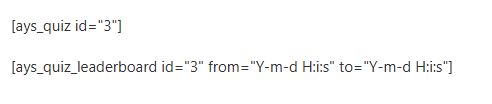
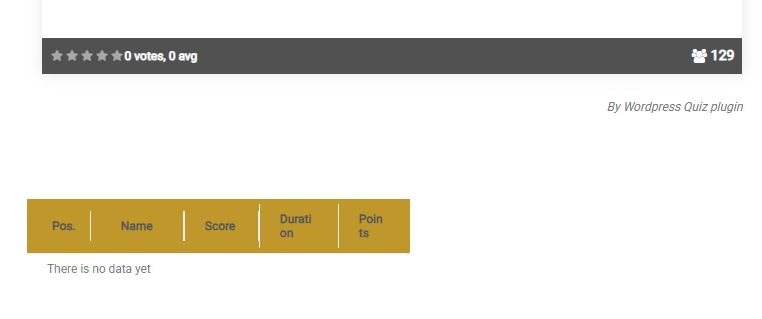
I have a question about the Leaderboard display. I have used the “Individual Leaderboard Settings” shortcode to display the leaderboard for a particular quiz in a post, but it does not appear even though over 100 people have filled it out. What could be the problem? What am I doing wrong?
Please navigate to General Settings -> Shortcodes -> Individual Leaderboard Settings and provide a screenshot from there. This will allow us to see which options have been enabled, helping us better understand your case and assist you accordingly. See the screenshot below:
In the meantime, I realized I had to change “Group users by” to no grouping, so it’s solved. 🙂
My other question is that for “Leaderboard By Quiz Category Settings”, I don’t see a no grouping option. Can I somehow publish a quiz category aggregated leaderboard with users who are not registered users? By asking them for their email address when they fill in the quiz via form fields and identifying them by that?
Please note that in the Leaderboard by Quiz Category Settings, there is no option for “Group users by” to have no grouping. This is because the best result is taken from the quizzes the user has completed within that particular category.
Regarding your second question, if you would like to see the results of guest users as well, you can set this up in the quiz edit page. Go to User Data -> Information Form and add a field for Email and set it to show after the quiz. See the screenshot below: