Make sure you connect to your GMB account then save the settings and any error should disappear. If you are already connected to GMB, reconnect again. Thanks,
i have already connected with GMB saved it. location selected from list. also reconnected as you say and done all the same. but getting the same error.
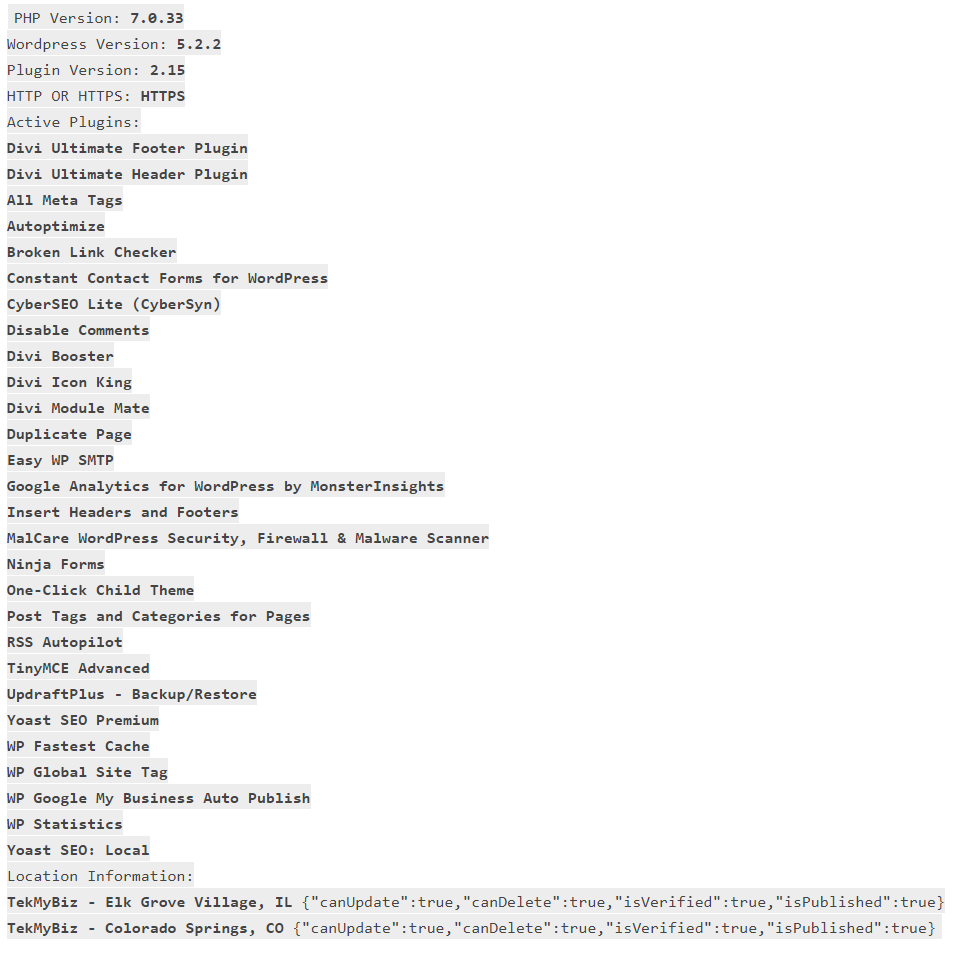
Is the error causing any actual functional issues? If it is causing any functional issues can you explain what those functional issues are and can you can also provide the diagnostic information asked for in the plugin settings when raising a support request. Thanks,
You guys have done great work here.
But I am experiencing a problem.
All setups are good, connect, 2 locations good with checkmarks
When trying to post an existing blogpost, button is there in posts list,
but when clicked, it says no location selected for post to go to.
Both locations are default selected in setup.
What am I missing?
For existing posts you need to go into the post, enable the location in the metabox and then share. For new posts you won’t have to do this, but for existing posts which have no metadata saved there is no location selected for them to be shared with. Thanks,