We have no control over Yoast or the title of your page. I’m not sure where this is coming from, but it isn’t our plugin. Is this the archive page for the location post type? It looks like maybe an issue with whatever you are using to translate the pages/archives?
Thread Starter
 evo252
(@evo252)
Ok, I am investigating but still don’t find. Do you know if there is a way to edit the title of the location page? Regardless of this problem, and without using YOAST Seo, it would be convenient to edit the title of location page for SEO purposes. Maybe, if we are able to edit the title of location page, we can fix this issue and also optimize SEO of the location page.
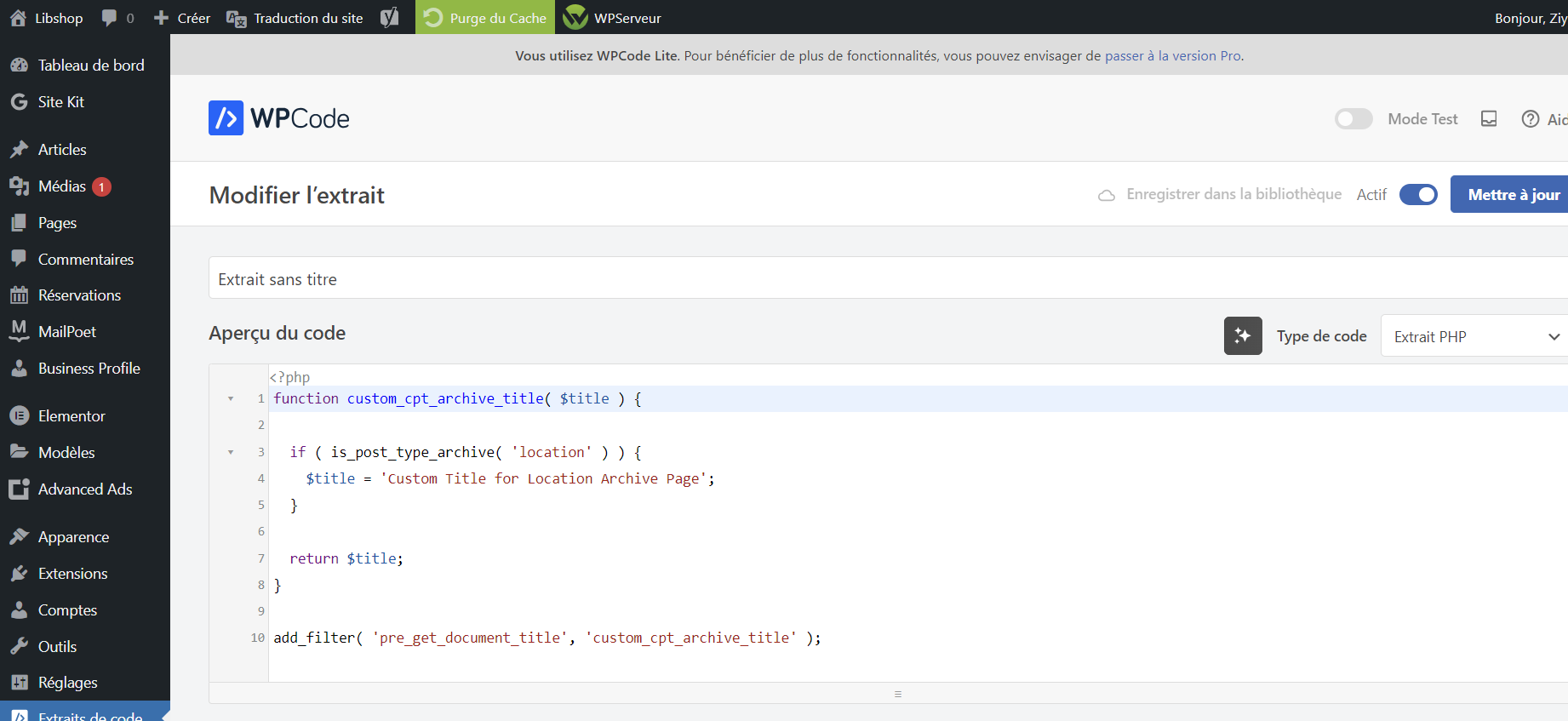
One way to override our plugin’s custom post type’s archive page title would be to use the pre_get_document_title filter within your child theme’s functions.php file.
function custom_cpt_archive_title( $title ) {

  if ( is_post_type_archive( 'location' ) ) {
    $title = 'Custom Title for Location Archive Page';
  }

  return $title;
}

add_filter( 'pre_get_document_title', 'custom_cpt_archive_title' );
More information can be found here: https://developer.ww.wp.xz.cn/reference/hooks/pre_get_document_title/
Thread Starter
evo252
(@evo252)
I tried this snippet but didn’t change anything on the title of the page.
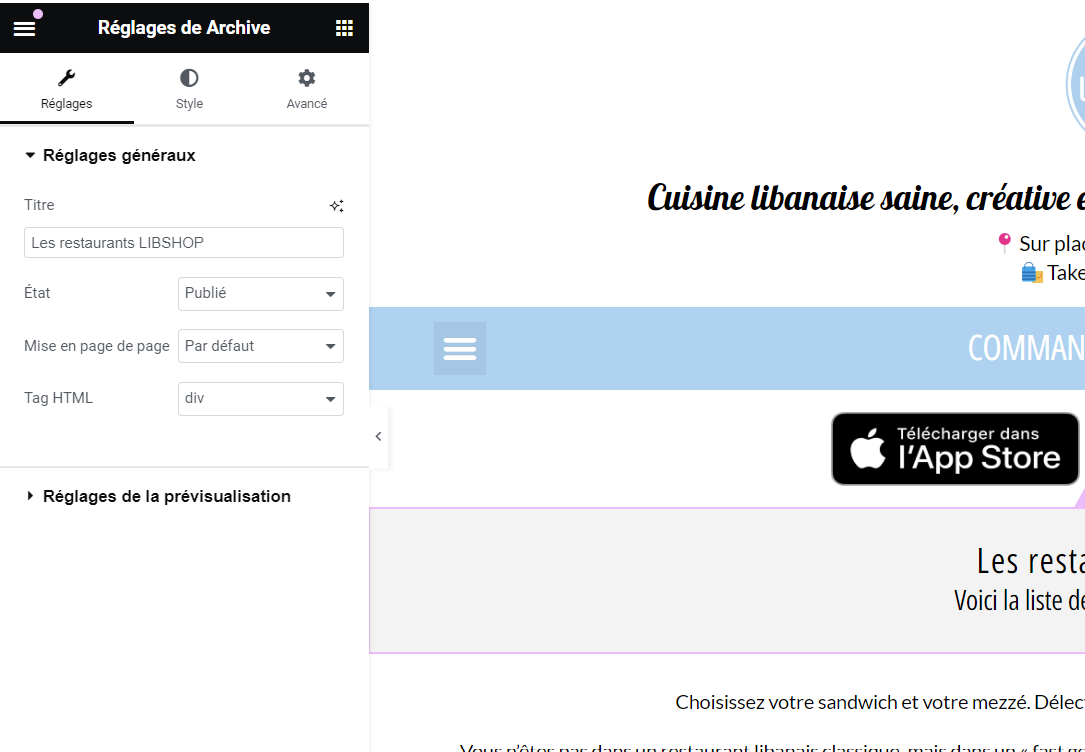
What’s weird is that in Elementor, the name of the page is OK, but it’s not rendering like that on the front end.
This is not an issue with our plugin, but with your theme. It is now falling more into theme customization, which is well outside the support of our plugin and, unfortunately, not something we can assist with.