Logo
-
Thank you for your quick response to the Front page issue. I am sorry I wasted your time, I was looking in the wrong menu level…
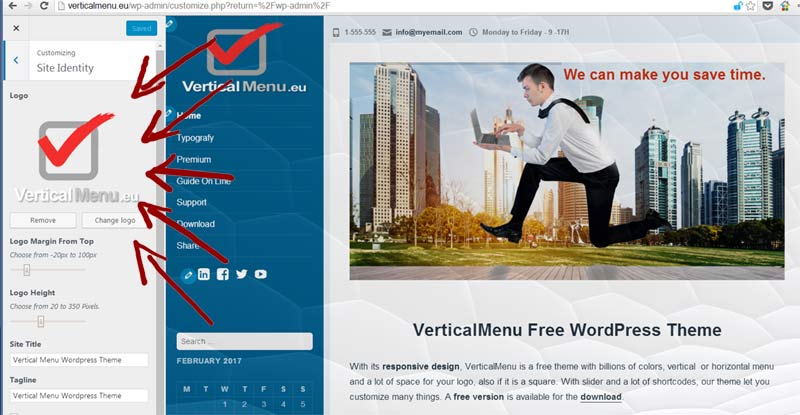
I have another minor issue. The logo is not being displayed. I can get one there if I use the logo as a background to the .sidebar #sidebar But I don’t have responsive control over it. I need the logo to scale depending on screen size.
Thanks again for a great theme

Viewing 1 replies (of 1 total)

Viewing 1 replies (of 1 total)
The topic ‘Logo’ is closed to new replies.
