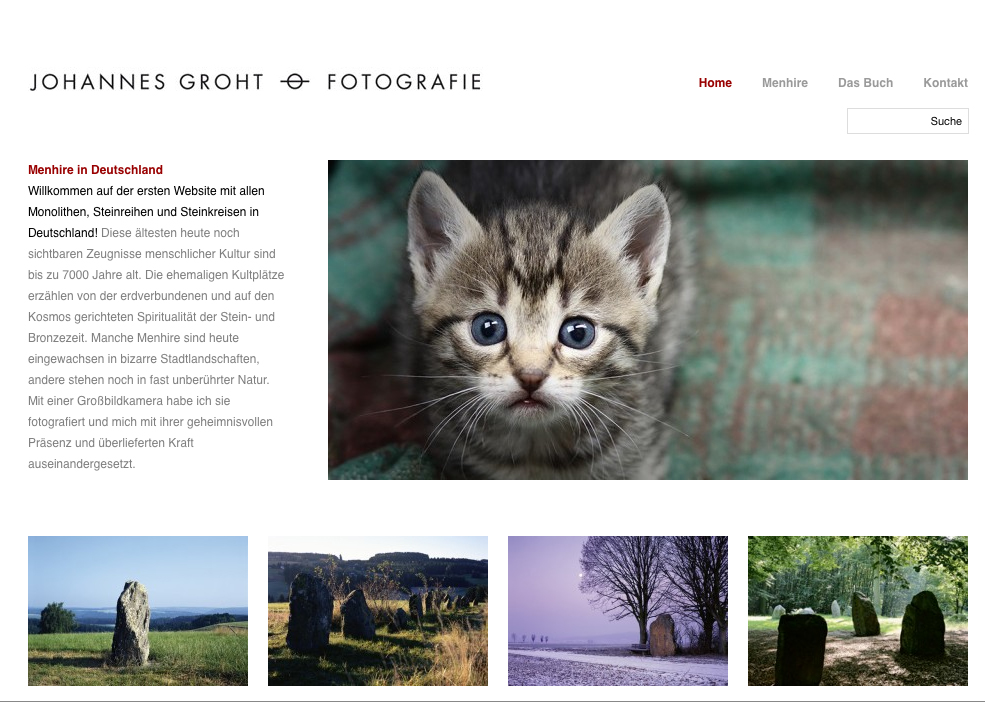
Hi,
1) Assuming you have created a child theme, you need to add the following to your child themes style.css:
.current-menu-parent a { color: #990000; }
2) I’m not 100% sure exactly where you want it, could you post a screenshot showing me? Also, it looks quite good with the search where it is at the moment!
CodeBotics
Edit: your theme’s active colour is #990000, not #990
Thread Starter
 phlsn
phlsn
(@phlsn)
Thank you very much for your fast reply. This worked for me!
I would like to place the search form here:
http://s14.directupload.net/images/130313/7hzp7j6u.jpg
I haven’t properly tested this, but I think you might be able to do this with just CSS. It would probably be better to do it by moving the search box HTML, but it’s easier to just add some CSS!
Try adding this to your style.css:
#header > div > form#searchform {
 position: absolute;
 right: 0;
 top: 100px;
}
Thread Starter
phlsn
(@phlsn)
Thanks for your reply, I allready tried to position in absolute values, but the hatch theme breaks in Safari.
Anyway, the customer is ok with the form on top.
While browsertesting i faced another problem with mouseover. On subpages, when you create Wysiwig Content, the link hover wont work in Safari. Can you help me with that?
Thanks a lot for your great support!