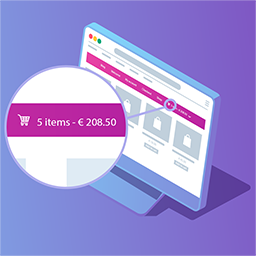
On mobile/tablet view, the number next to the cart is not displayed, is there a way using css or something in the options i missed so that i can put this on?
The page I need help with: [log in to see the link]
I’m afraid the cart icon displayed in the mobile/tablet view is not coming from our plugin. If your mobile menu works separated than the desktop one, you could use the shortcode available in Menu Cart Pro to set it using your page builder (if you are using one), or add the cart icon into a secondary menu (if the mobile menu can be selected in WooCommerce > Menu Cart > Select the menu(s)…):
If you have more questions about Menu Cart Pro, please contact us via [email protected], because we have forbidden by ww.wp.xz.cn to provide support or answer pre-sale questions for paid plugins in these forums (see).
Hi, I don’t know if this makes an issue, but I am using the same menu, not a different one, just have two instances of the menu on the same header, one for desktop, and another with different layout for mobile, I am not using a different menu in a sense, I just wanted to check if this makes a difference.
I just checked your site again, and I can confirm that the mobile menu is separated from the desktop menu. Unless you use the same menu for both versions of your website, you will only see the icon in the one you have selected in the plugin’s settings.
Viewing 3 replies - 1 through 3 (of 3 total)
The topic ‘Mobile Icon Count not displayed’ is closed to new replies.