Viewing 4 replies - 1 through 4 (of 4 total)
  • Hi,

    Thank you for reaching out to us.

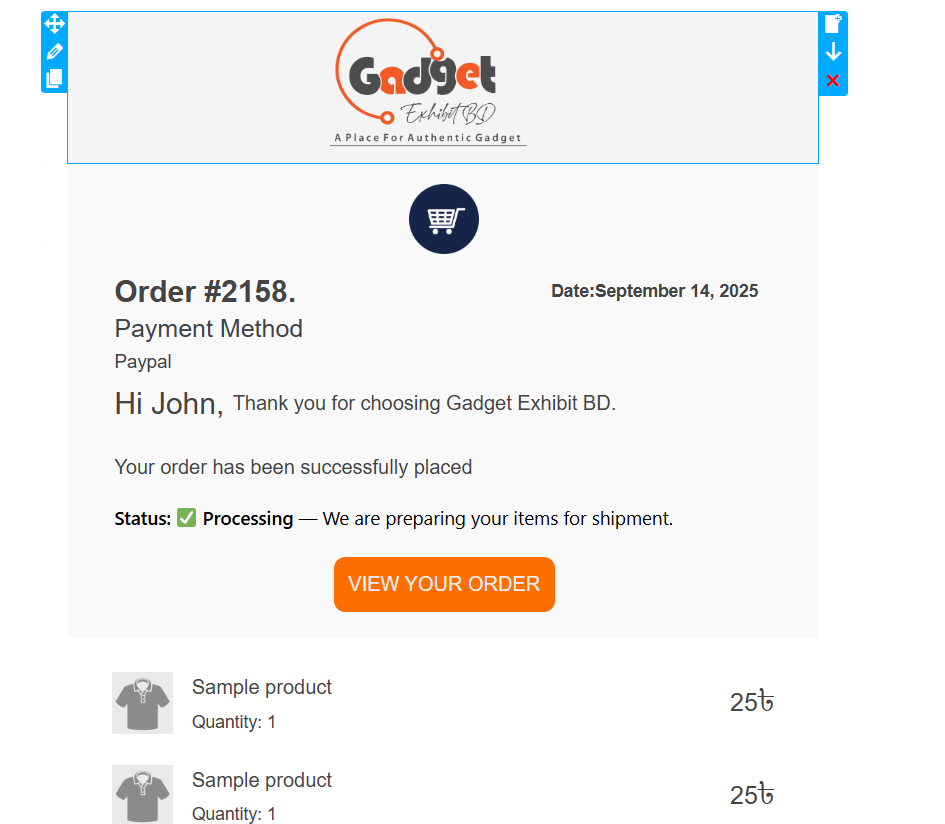
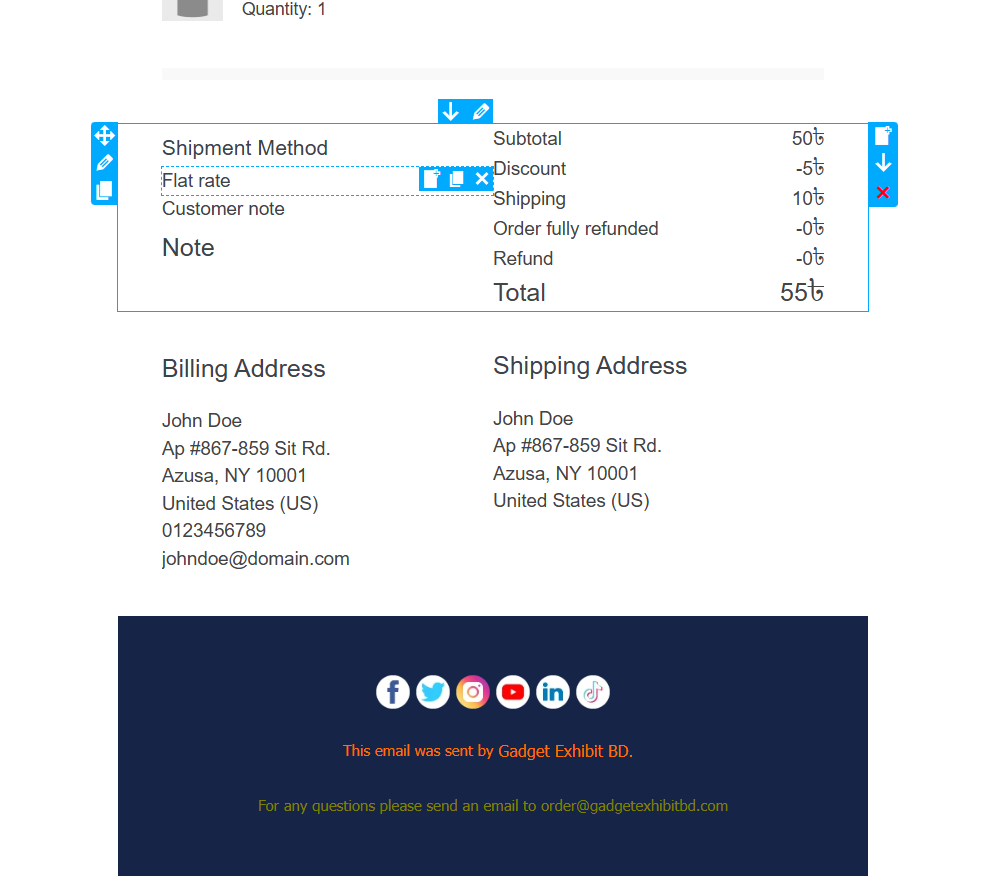
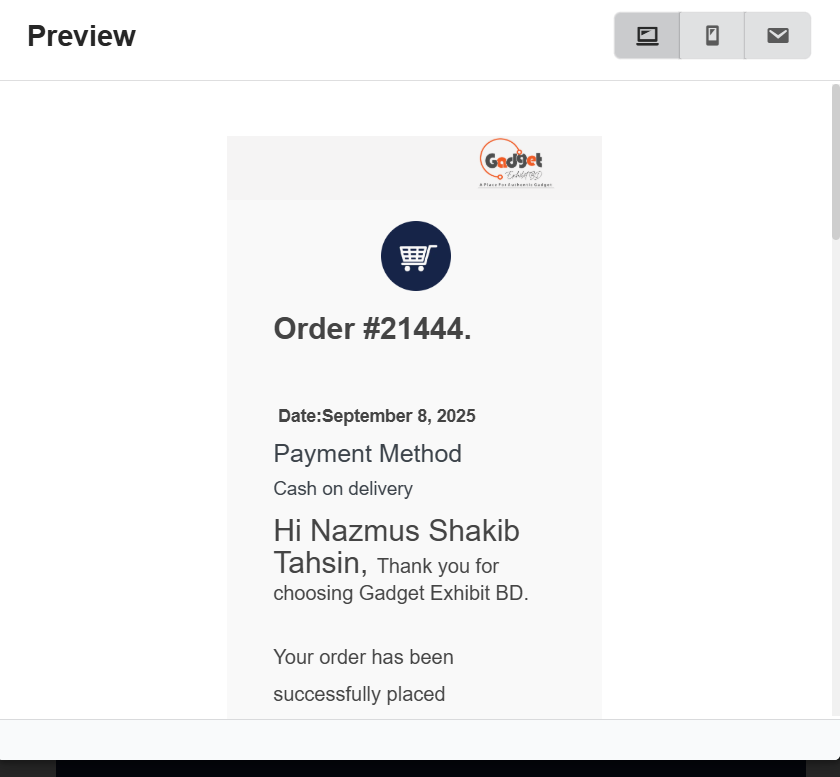
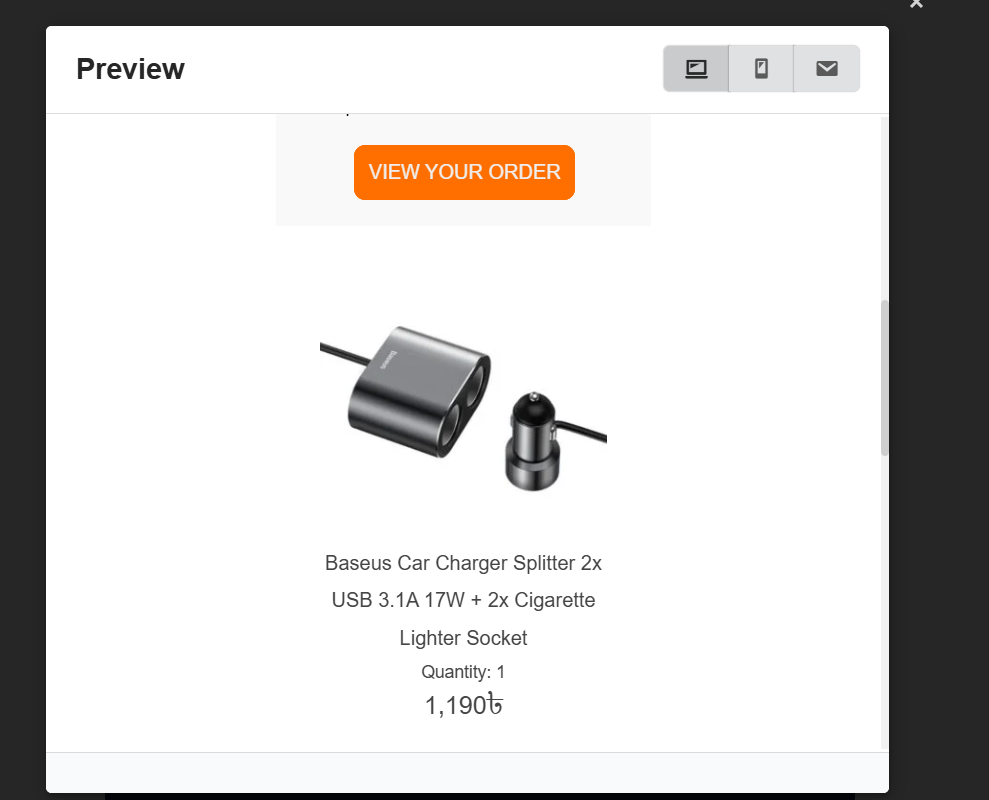
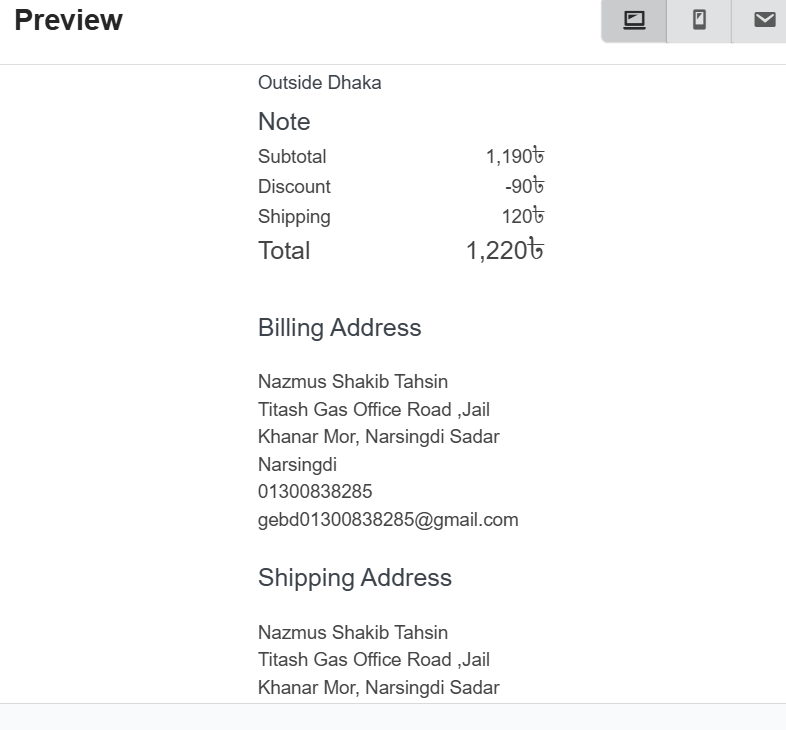
    That’s the design for mobile, the order details are center-aligned with each element per row, would you like to keep the design on mobile the same as on desktop?

    Best regards.

    Thread Starter noorazim

    (@noorazim)

    I want to keep the design on mobile the same as on desktop. And also my Custom status doesn’t Send Email Different email. all cCustom Status Send 1 Defalut Email. New Acount Email Send Default Woocommerce email.

    Thread Starter noorazim

    (@noorazim)

    thi Status register by Custom order status manager by woocomerce. Set Email notification send By customer But using this code email type added as admin? and doesn’t trigger email

    add_filter( ‘viwec_accept_email_type’, function ( $email_types ) {
    $email_types[] = ‘bvos_custom_shipped’;
    $email_types[] = ‘bvos_custom_confirm’;
    $email_types[] = ‘bvos_custom_dp-shipped’;
    return $email_types;
    }, 9999 );

    The option to keep the mobile same as desktop is “Responsive point”, which is available in the premium plugin only. And, just to confirm, do you mean the email is not being sent at all, or just our email template – it still sends the default email style?

Viewing 4 replies - 1 through 4 (of 4 total)

The topic ‘Mobile Responsive’ is closed to new replies.