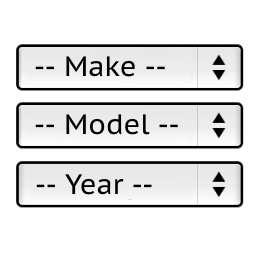
Model, year cannot be selected.
-
- I uploaded some products to do testing, and found that after filling in the relevant content according to the tutorial, when I went to the front-end testing, I found that the model number, and the year could not be selected. Attached are the details of the content I filled in for some of my products.
- When I tried to upload data in bulk, it never worked. Even though the upload is successful, I can’t see any information added when I go to the product page.
- does the plugin have a short code that allows me to call the plugin from any page.


The page I need help with: [log in to see the link]


Viewing 2 replies - 1 through 2 (of 2 total)

Viewing 2 replies - 1 through 2 (of 2 total)
The topic ‘Model, year cannot be selected.’ is closed to new replies.