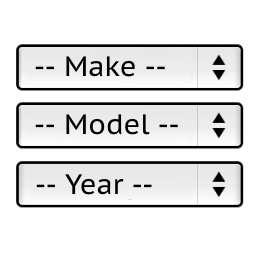
Vehicle image from directory
It will display image for selected vehicle on the search results page.
Screenshot
/wp-content/plugins/ymm-search/view/frontend/templates/horizontal_selector.phtml
modified lines 73-105
<?php

  $vehicleImageUrl = '';

  if ($this->isResultsPage()){

   $imagesDir = 'car_images';

   $dir = ABSPATH . '/'. $imagesDir;
   if (file_exists($dir)){
    $vehicleImages = array();
    $selectedVehicle = preg_replace('/[^a-z\d]/', '', strtolower(implode('', (array) $this->getSelectedParameters())));
    $imageFiles = array_diff(scandir($dir), array('..', '.'));
    foreach($imageFiles as $file){
      $vehicle = preg_replace('/[^a-z\d]/', '', strtolower(pathinfo($file, PATHINFO_FILENAME))); // converts Acura_CL_Type-S_2003.jpg to acuracltypes2003
      if (strpos($selectedVehicle, $vehicle) === 0) { // selected vehicle starts with image file name
        $length = strlen($vehicle);
        $vehicleImages[$length] = $file;
      }
    }
    if (count($vehicleImages) > 0){
      krsort($vehicleImages);
      $fileName = array_shift($vehicleImages); // we use the longest image name ex.: bmw_x5.jpg instead of bmw.jpg
      $vehicleImageUrl = site_url('/'.$imagesDir.'/') . $fileName;
    }
   }
  }
?>
<?php if ($vehicleImageUrl != ''): ?>
  <div>
    <img src="<?php echo esc_url($vehicleImageUrl); ?>"/>
  </div>
<?php endif; ?>
Create a directory:
/car_images
Upload files to it:
/car_images/bmw.jpg
/car_images/Daihatsu_Altis_2008.jpeg
It will remove everything except letters and digits and will make it lover case before searching the image file.
Example: Acura_CL_Type-S_2003.jpg will converted to acuracltypes2003
Download the modified files
Tested on:
WP 4.9.1
WC 3.1.2
YMM 1.0.8
List of available modifications is now on the plugin description page link