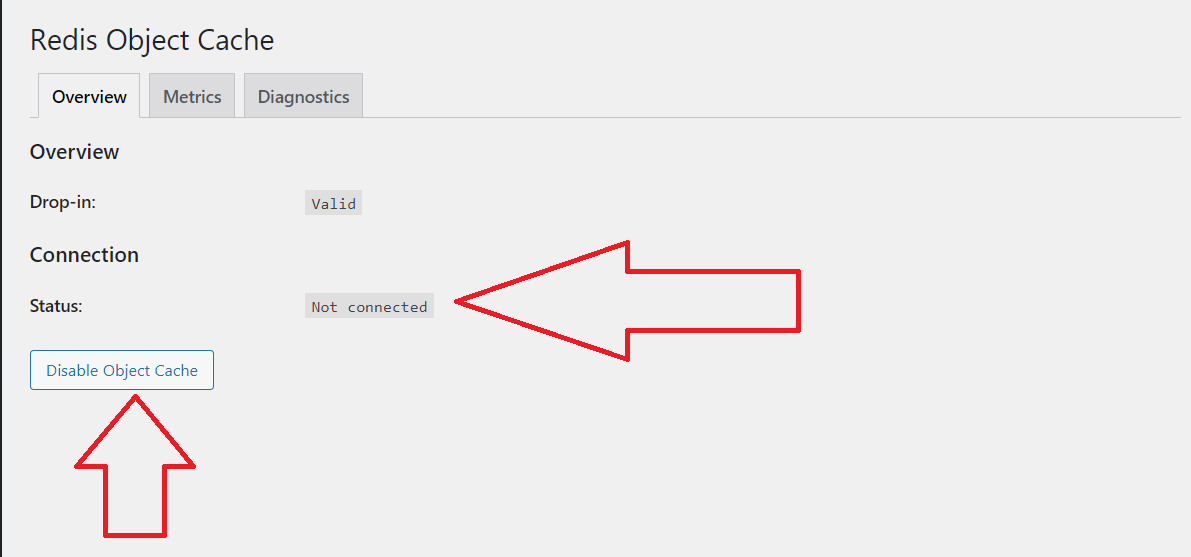
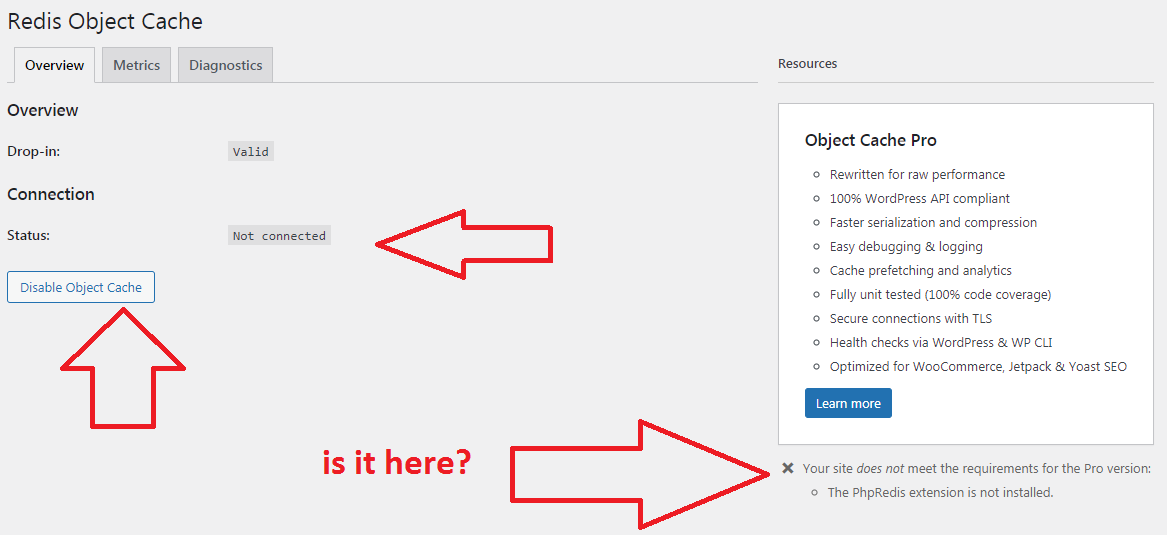
That looks like you might have a foreign object-cache.php drop-in.
Try disabling and enabling once.
unfortunately it didn’t happen
Try deleting the object cache dropin by hand (FTP) and report what happens after enabling in the admin.
unfortunately it didn’t happen 🙁
I tried 2 different sites on different host and the problem is the same
What are you seeing under diagnostics?
(again) What are you seeing under diagnostics?
I see the picture. asking another place?
https://i.hizliresim.com/7eT0Nx.png
What do you say when you say diagnosis? Can you show it with a picture?
https://i.hizliresim.com/qYfCZI.png
Overview > Metrics > Diagnostics
Status: Not connected
Client:
Drop-in: Valid
Disabled: No
Ping:
Connection Exception: Connection refused [tcp://127.0.0.1:6379] (Predis\Connection\ConnectionException)
Errors: [
“Connection refused [tcp:\/\/127.0.0.1:6379]”
]
PhpRedis: Not loaded
Predis: 1.1.6
Credis: Not loaded
PHP Version: 7.4.7
Plugin Version: 2.0.17
Redis Version: Unknown
Multisite: No
Filesystem: Working
Global Prefix: “wpoh_”
Blog Prefix: “wpoh_”
WP_REDIS_DISABLED: false
Global Groups: [
“blog-details”,
“blog-id-cache”,
“blog-lookup”,
“global-posts”,
“networks”,
“rss”,
“sites”,
“site-details”,
“site-lookup”,
“site-options”,
“site-transient”,
“users”,
“useremail”,
“userlogins”,
“usermeta”,
“user_meta”,
“userslugs”,
“redis-cache”
]
Ignored Groups: [
“counts”,
“plugins”,
“themes”,
“blog-details”,
“blog-id-cache”,
“blog-lookup”,
“global-posts”,
“networks”,
“rss”,
“sites”,
“site-details”,
“site-lookup”,
“site-options”,
“site-transient”,
“users”,
“useremail”,
“userlogins”,
“usermeta”,
“user_meta”,
“userslugs”,
“redis-cache”,
“blog_meta”
]
Unflushable Groups: []
Drop-ins: [
“Redis Object Cache Drop-In v2.0.17 by Till Krüss”
]
It looks like Redis Server is not running, that’s why you’re getting “Connection refused”.
how can i fix this situation? How can I connect to the server?
You need to install Redis Server. Your hosting provider can help you with that.