Thanks for reaching out. Can you provide a bit more information about what’s not working? Are you not seeing the Visibility panel on the Button block?
If so, you will need to enable “Full Control Mode”. By default, Visibility controls are not enabled on “child” blocks. The Button block is a child of the Buttons block.
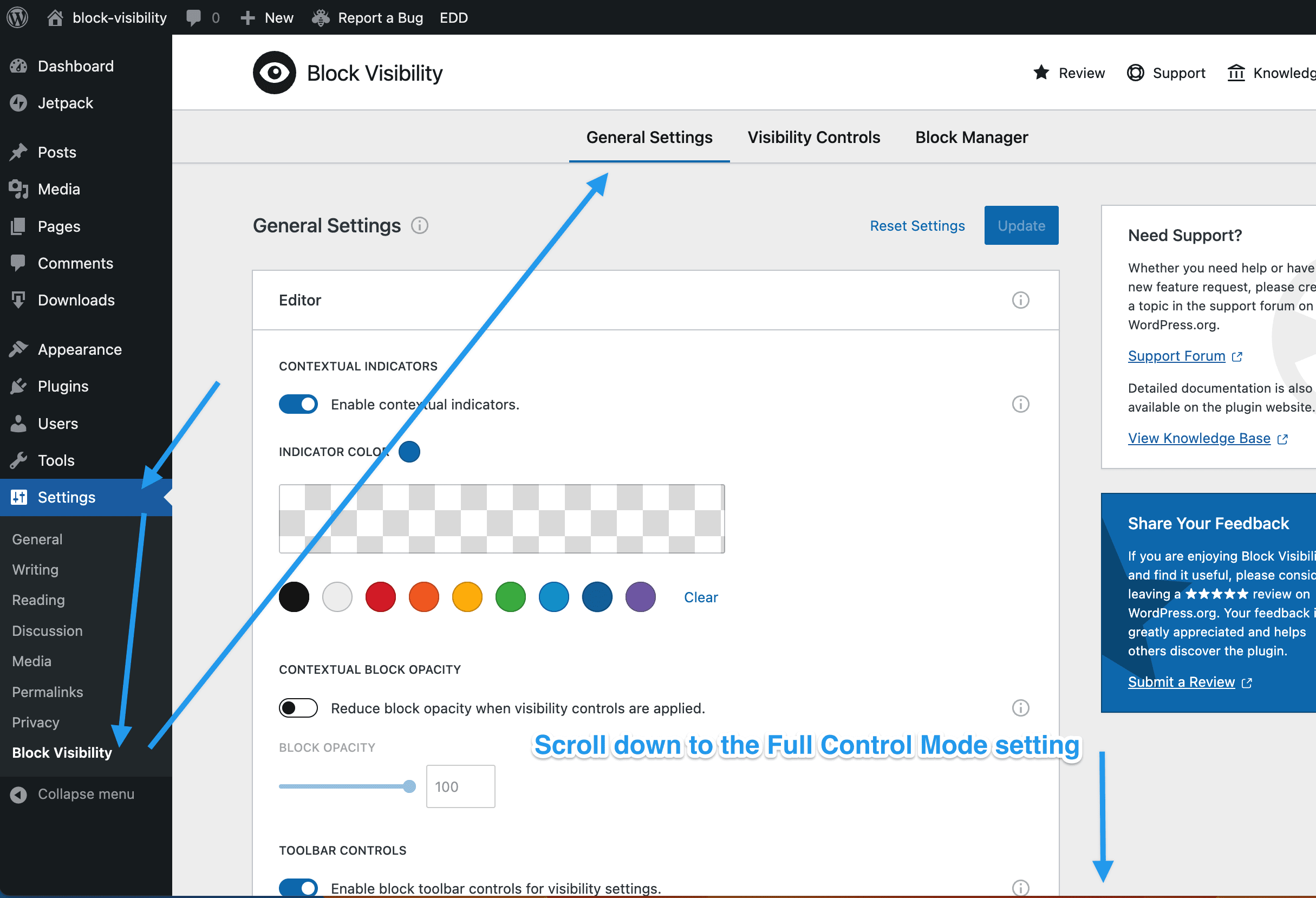
To enable Full Control Mode, navigate to Settings → Block Visibility from the WordPress admin page. Select the General Settings tab and scroll down to the Full Control Mode setting. Toggle it on and then Update the plugin settings.
Another question, is it possible to have message box or other information to show/notify for non selected users, if there is a content that blocked?
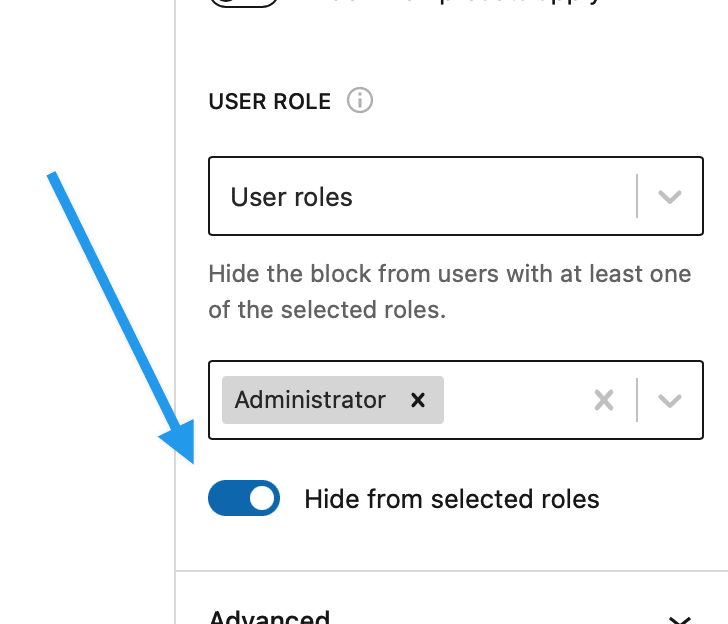
The best way to tackle this is to create the content that you want to show to non-select users using blocks. Then apply the opposite visibility conditions to that content. You can also use the “Hide when/from…” toggles if the visibility control supports them.