Order date + 1 year
-
Hello,
I would like to display on my invoice “Membership valid until : ”
I would like to add 365 days to the order date (membership is valid for 1 year)
Can you help me?
Thank you in advance,Have a nice day

-
Hello @massdoo11,
You can add custom fields to your invoices using the template action hooks. See several examples about adding new fields to your invoices here.
Let’s say your membership date is stored in the order metadata
membership_expiry_date, then you could add this field to your invoces using the following code snippet:add_action( 'wpo_wcpdf_after_order_data', 'wpo_wcpdf_delivery_date', 10, 2 ); function wpo_wcpdf_delivery_date ($template_type, $order) { $document = wcpdf_get_document( $template_type, $order ); if ($template_type == 'invoice') { ?> <tr class="membership-notice"> <th>Membership valid until:</th> <td><?php $document->custom_field('membership_expiry_date'); ?></td> </tr> <?php } }You can also add any field, without no code, using Premium Templates. This extension includes a customizer that allows you to tailor your PDF documents using product columns, total rows, and custom blocks. In addition, Premium Templates provides two additional templates: Business and Modern.
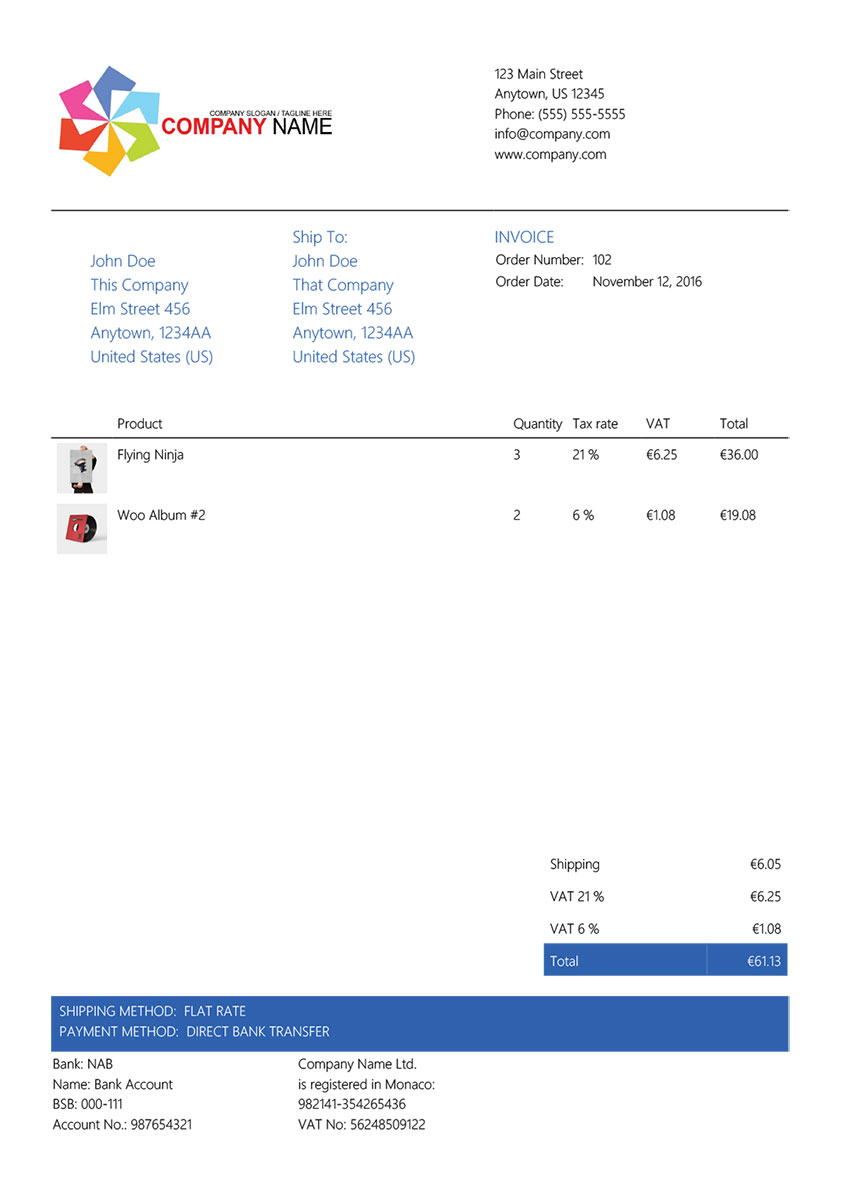
For your specific case, you only need to add a custom, block this way:

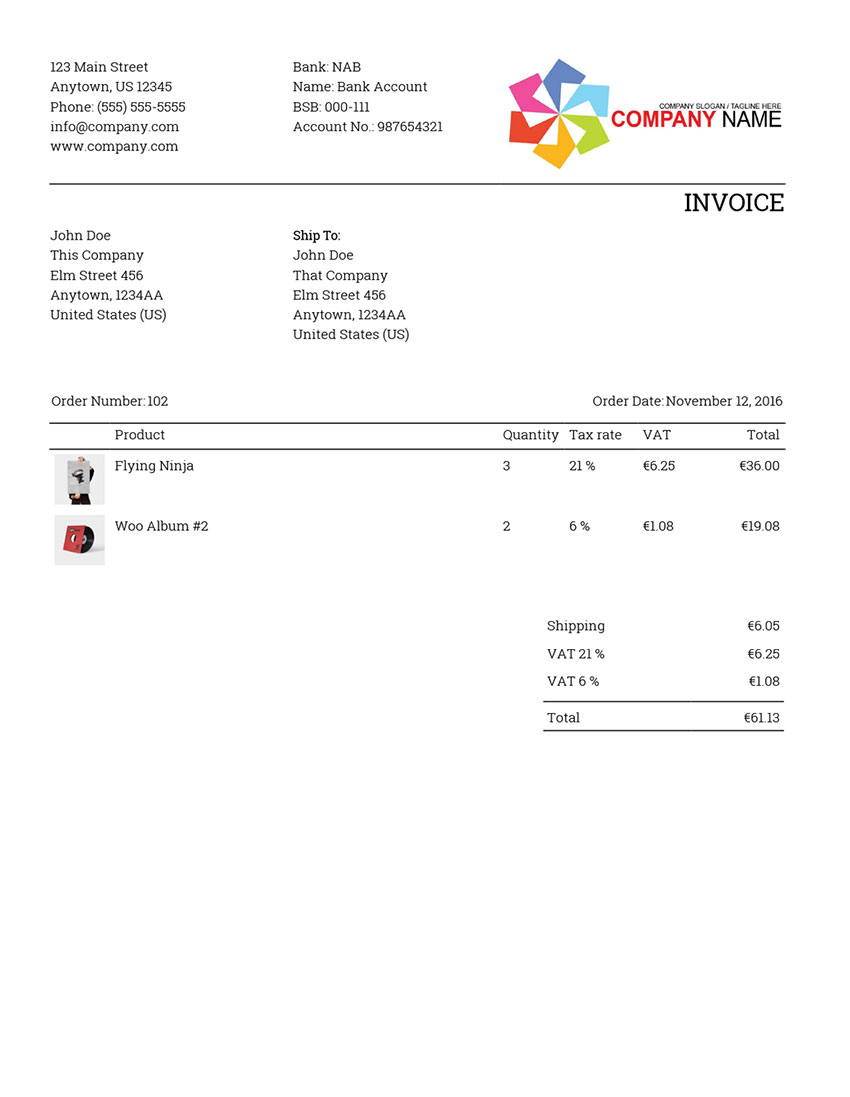
Then, your invoices will display your custom field:

If you don’t know the name of your custom field, see Finding WooCommerce custom fields
Let me know if you have more questions 🙂
Sorry @massdoo11,
I read your message again, and I realized that you want to show 1 year difference since the order date.
To achieve that, you can use this placeholder instead:
{{order_date|+1 year}}
Then, your invoices will display the new line with exactly +1 year:

On the invoice you can see:
1. The order price
2. The new field with the{{order_date|+1 year}}outputLet me know if you have more questions 😉
thank you very much for your answer
I just inserted your code in the theme-functions of my email.
But the date is not displayed…
View image : https://pasteboard.co/JYmdpFT.png
Thanks
Image of my theme-functions.php : https://pasteboard.co/JYme9OV.png
Hello @massdoo11,
I can’t see the screenshots you sent. Could you re-upload the images using imgur.com?
Hello,
Image of my theme-functions.php : https://imgur.com/YsWJeeE
I just inserted your code in the theme-functions of my email.
But the date is not displayed… https://imgur.com/y276Vjn
Thanks You
Hello @massdoo11,
I used the
membership_expiry_datemeta key as an example, but you need to change it to your actual meta key (if the case).But, as I said before, I sent you that example before to completely understand your case.
I think you need something like this:
add_action( 'wpo_wcpdf_after_order_data', 'wpo_wcpdf_delivery_date', 10, 2 );
function wpo_wcpdf_delivery_date ($template_type, $order) {
    if ($template_type == 'invoice') {
     $order_date = $order->order_date;
     $membership_expiry_date = date_i18n( get_option( 'date_format' ), strtotime( $order_date . ' + 1 year') );
        ?>
        <tr class="membership-notice">
            <th>Membership valid until:</th>
            <td><?php echo $membership_expiry_date; ?></td>
        </tr>
        <?php
    }
}
Let me know if it works!
Kind regards.
I am testing
-
This reply was modified 5 years, 1 month ago by
massdoo11.
Hello
Thanks a lot, it works perfectly!
Have a nice day
Hello @massdoo11,
I’m glad to know it worked!
If you don’t mind and have the time, do you think you could leave us a review?
Thanks in advance and all the best with your store!
-
This reply was modified 5 years, 1 month ago by

The topic ‘Order date + 1 year’ is closed to new replies.