Oh, I see! I did not know that! Now I got it. So in order to see the full height of the image when used as the row background, I just enter some padding?
And how do I do this if I have three columns with images? If I try to insert a background image for the first columns, nothing happens:
Screenshot
Oh, I see! I did not know that! Now I got it. So in order to see the full height of the image when used as the row background, I just enter some padding?
Best way is to set the hight as shown in my screenshot:
https://www.screencast.com/t/KvaRq5vzSvO
Just play around with those settings and see what they do 🙂
-
This reply was modified 7 years, 9 months ago by
 LogoLogics.
-
This reply was modified 7 years, 9 months ago by LogoLogics.
And how do I do this if I have three columns with images? If I try to insert a background image for the first columns, nothing happens:
Unlike the section, there needs to be some content in a column before it shows the background. It will show more image as soon as it gets filled with more text or set padding around that text.
-
This reply was modified 7 years, 9 months ago by LogoLogics.
-
This reply was modified 7 years, 9 months ago by LogoLogics.
Thank you so much for your help! I appreciate it very much!
My own custom developed theme does NOT conflict with Elementor.
Yet when i set the “Space Between Widgets” to 30 (Bootstrap default) it still only adds 20 pixels space between the widgets. It even says “default is 20” in the editor when i go to the “Style” section to change the padding..
Definately a bug.
I’m a PRO user, and you don’t offer a PRO support forum. Very dissapointing to be honest.
Please fix this issue as soon as possible, so i dont have to override the default widget padding by CSS.
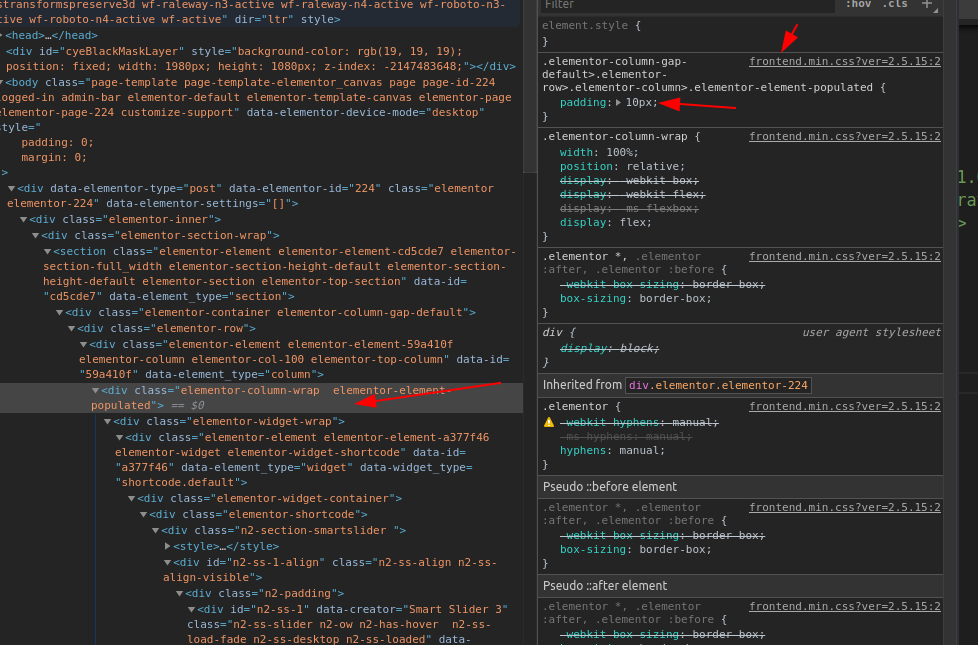
this problem come from elementor css:
https://i.postimg.cc/Tw453xkq/image.png
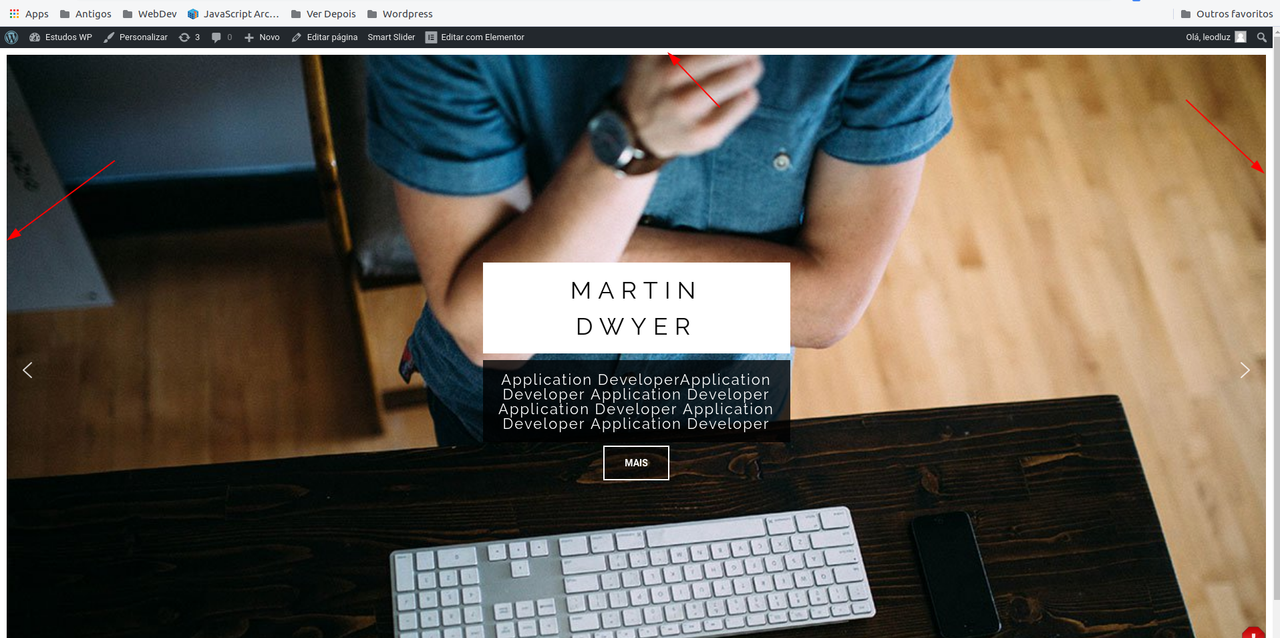
https://i.postimg.cc/Ss3Ltcph/image.png
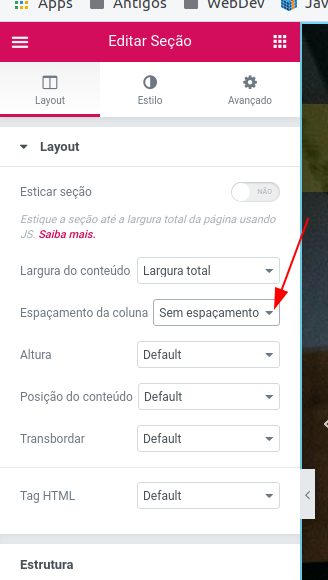
It’s just configuration, remove spacing in this panel:
https://i.postimg.cc/L6dBtkTk/image.png (sorry by the portuguese version)
-
This reply was modified 7 years ago by
 leodluz.
@boutzamat
My own custom developed theme does NOT conflict with Elementor.
Yet when i set the “Space Between Widgets” to 30 (Bootstrap default) it still only adds 20 pixels space between the widgets. It even says “default is 20” in the editor when i go to the “Style” section to change the padding..
Did you find a solution to this? I’m having the same problem getting Elementor to match Bootstrap. Changing the default doesn’t do anything to existing pages, new pages, or new sections.
I’m having to manually set the columns gap to “Extended” on all sections and the Widgets Space to 30px on all columns. Not 100% sure yet if both are needed.