“Pay” button disappeared
-
We want to switch our payment handling over to Stripe. We have Woocommmerce and want to abandon the Paypal Checkout gateway.
I created a Stripe acount and installed Stripe and linked it to the site. Then set it to test and obtained the API keys.So far so good. Whilst still logged in as WP-admin, attempted a test purchase and Whoopee it worked.
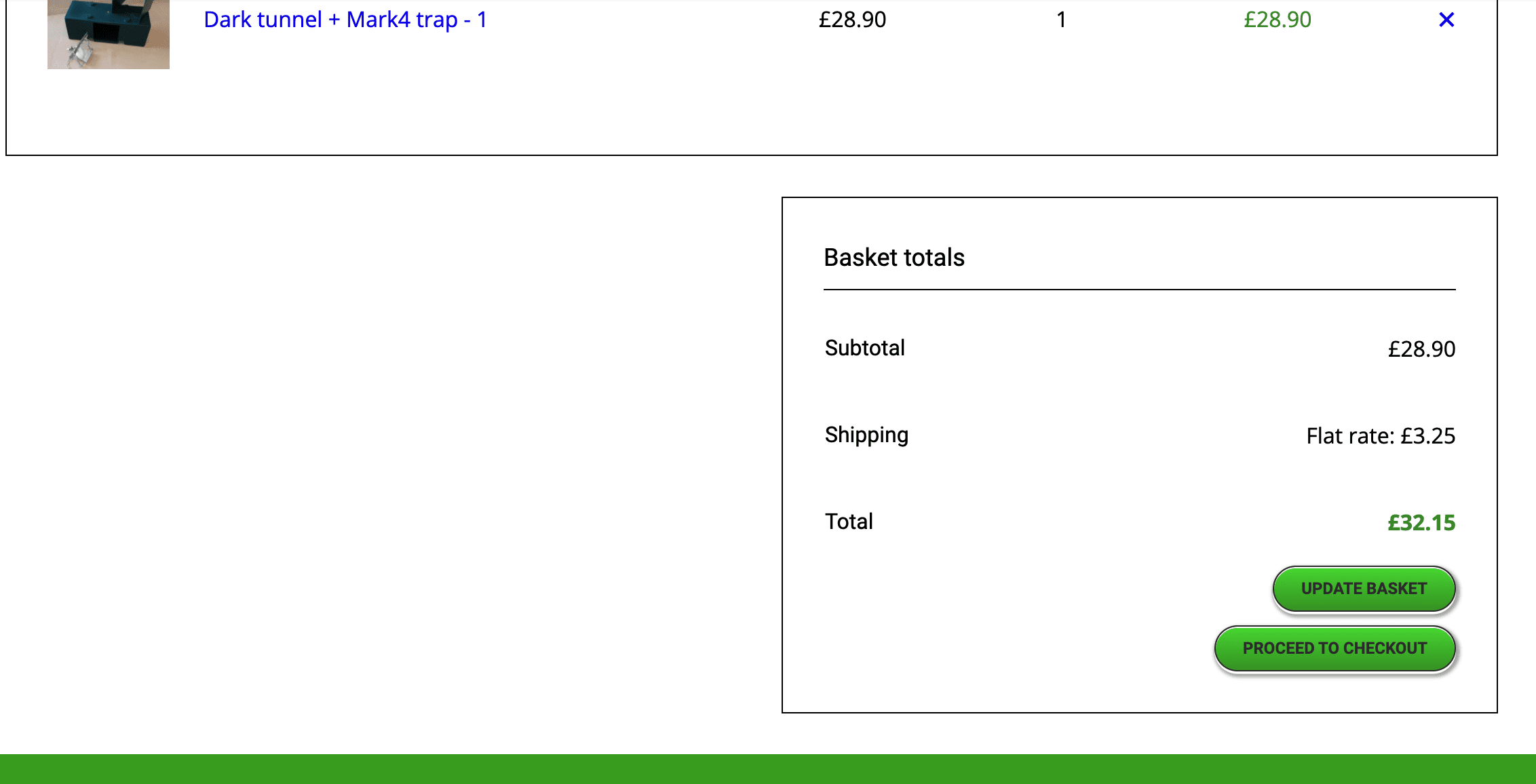
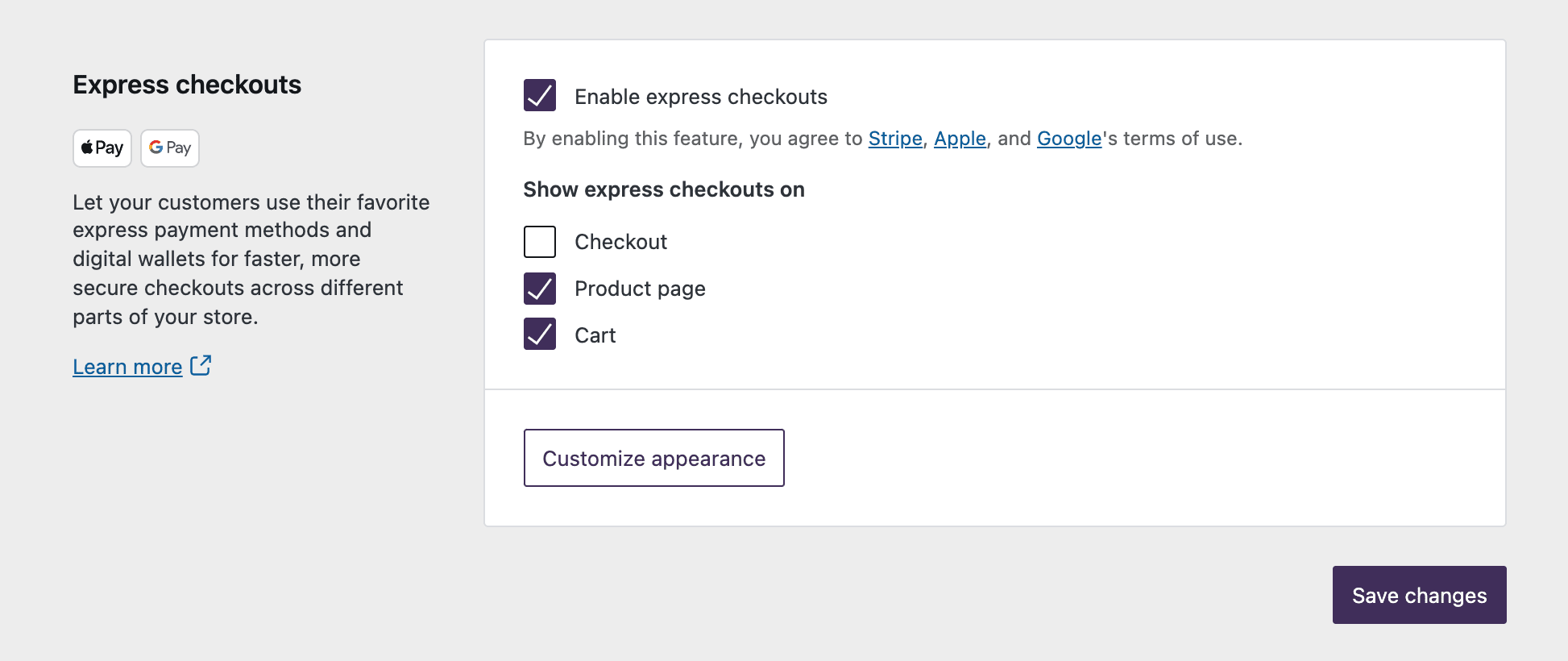
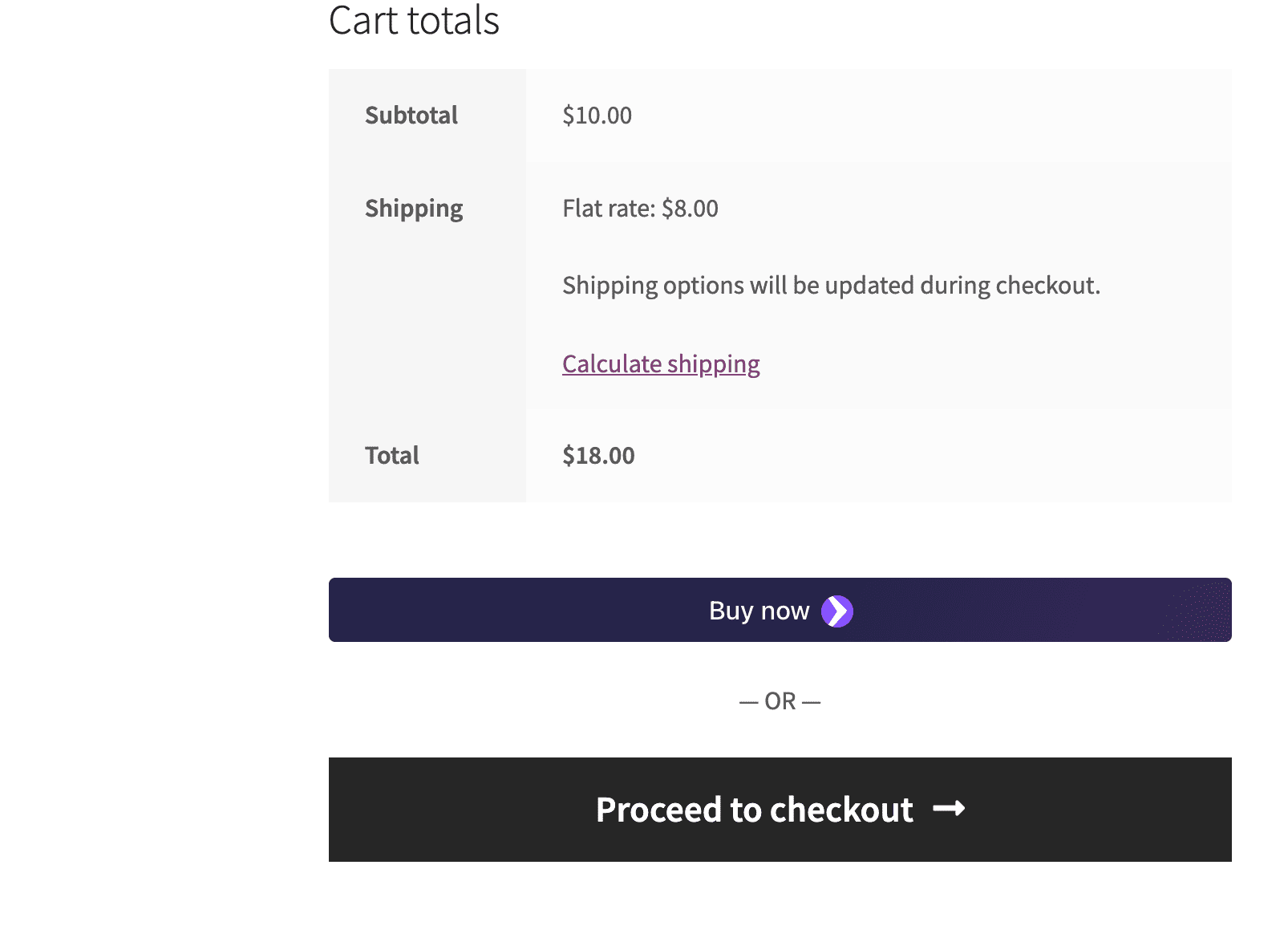
Then I looged out out WP-admin tried a test purchase and found that the “Pay” button was not seen on the basket page as previously.
Went back in as WP-admin and the “Pay” button was not visible there either! Tried different brpwsers and not visible there either.
I did some research on this and one possibility was the locale. We are UK based and only sell within the uK and our Woo settings reflect this. Plus we only want to receive payment via bank cars, if that helps.Any assistance would be much appreciated.
-
This topic was modified 4 years, 5 months ago by
.
-
This topic was modified 4 years, 5 months ago by
The page I need help with: [log in to see the link]
-
This topic was modified 4 years, 5 months ago by


The topic ‘“Pay” button disappeared’ is closed to new replies.
