Plugin Contributor
 iSaumya
(@isaumya)
Hi @abusa5,
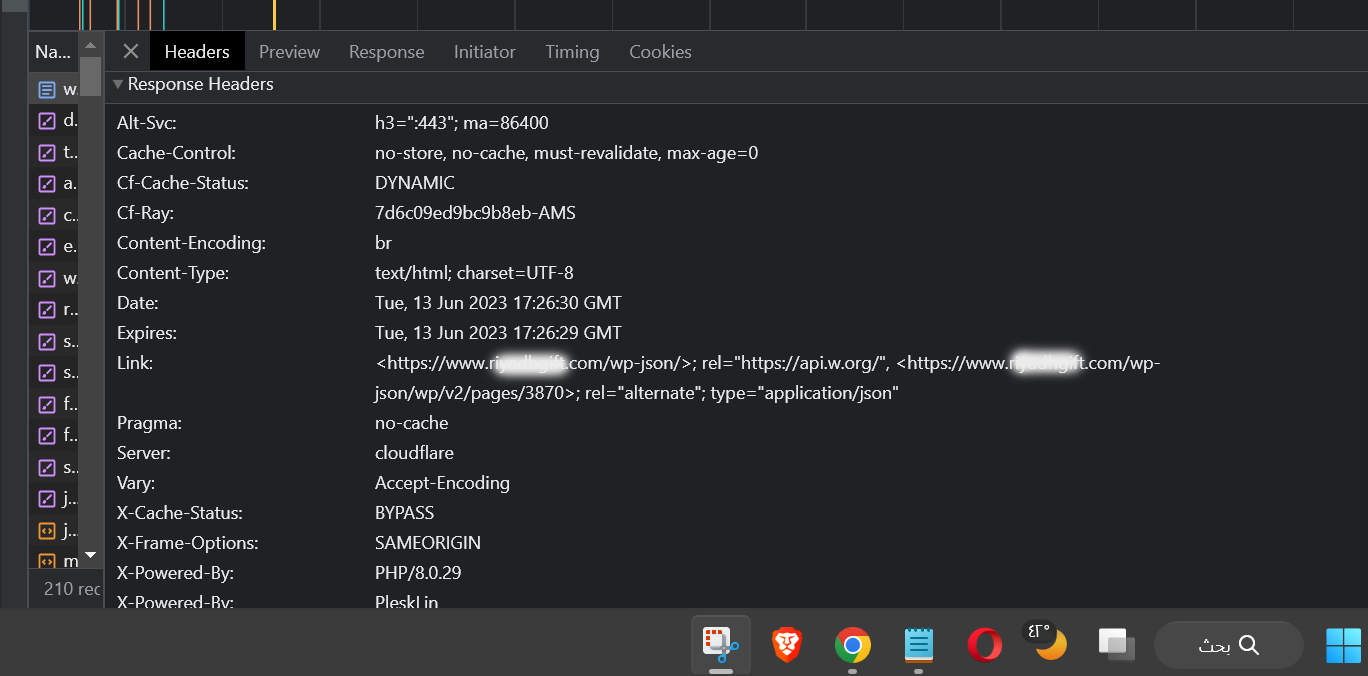
This plugin is very much dependent on the cache everything rule which is added by the plugin. Without that rule the plugin won’t be able to cache webpages. You can read the plugin description section and also check the FAQ tab inside the plugin settings if you want to look at the common answer. Also if you want to get rid of the ?swcfpc=1 cache buster query string, you also need to implement these cache rules: https://gist.github.com/isaumya/af10e4855ac83156cc210b7148135fa2
Thread Starter
 abusa5
(@abusa5)
Welcome
The reason for my problem was wp rocket .
Which is not enough to disable or remove it before activating your plugin
It is also necessary to delete: advanced-cache.php
Thanks
Plugin Contributor
iSaumya
(@isaumya)
Hi @abusa5,
Yes you are right. That is why this guide needs to followed if you are going to use WP Rocket with this plugin. But I personally suggest using plugins like Perfmatters which has no caching functionality or conflicts.
Thread Starter
abusa5
(@abusa5)
I wish this was possible because I don’t like crowded plugins.
Unfortunately, I had to use all three together in order for my site to get this score
https://prnt.sc/AQOO23SlAmXs
As it is an e-commerce site and depends on product images
Thank you for your efforts
Plugin Contributor
iSaumya
(@isaumya)
No problem. Happy to help. 🙂
If you like using the plugin, please consider sharing a review in the review section.
I’m resolving this thread now…