Hi,
most likely this error is not related with WordPress 5.6.2. On your screenshot I see only problem with redirecting.
Anyway to tell for sure need to check log files or enable wp debug function to see where is exactly problem.
So please do this first.
Regards.
Thread Starter
 kaxad
kaxad
(@kaxad)
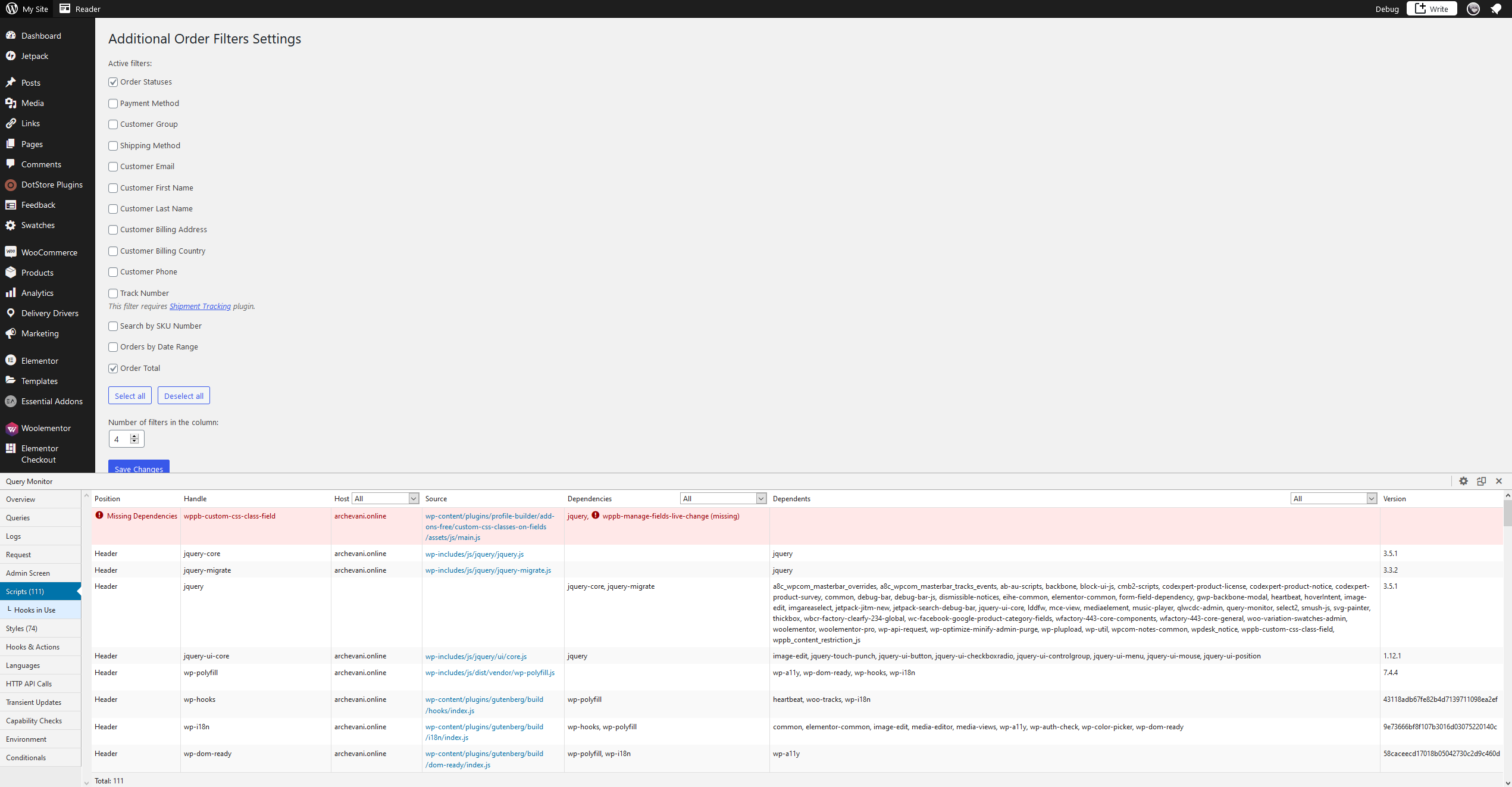
Hello, I debugged and I found this error in scripts
https://i.gyazo.com/aaffa9bbb08bf812fb194d9731ce1780.png
-
This reply was modified 5 years, 3 months ago by
 kaxad.
Thread Starter
kaxad
(@kaxad)
No, I don’t think thats the problem, I still can’t find Logs, it doesn’t show where problem is.
Hi.
Yes, it seems like this script doesn’t relative to the issue.
You should enable wp debug function first as I wrote before. After try to save filters again. If there is an error again you should see it. if not, try to find debug.log log file inside the /wp-content/ directory and send it.
Thread Starter
kaxad
(@kaxad)
https://www.mediafire.com/file/rkglwevst6ixl3r/debug.log/file
Hi, I did as you told me, Here is Debug file, some of the words there are in Georgian, so translate might be needed.
I found only this PHP fatal error in your logs:
PHP Fatal error: Allowed memory size of 268435456 bytes exhausted (tried to allocate 15746840 bytes) in /wordpress/plugins/wpcomsh/2.7.11/footer-credit/footer-credit-optimizations.php on line 20
So try to increase php memory limit or disable for a while this plugin “wpcomsh” and check it.
Anyway this issue not relevant to the filters plugin. There is nothing to fix, thanks.
-
This reply was modified 5 years, 3 months ago by
 Anton Bond.
-
This reply was modified 5 years, 3 months ago by Anton Bond.
Thread Starter
kaxad
(@kaxad)
Yes, I tried to increase php memory, it didn’t fix problem, I couldn’t disable wpcomsh, because it was must-use plugin.
So there’s no actual fix to it right?
I can’t say for sure. Only way to fix it totally recheck your site and code.
As I wrote this issue isn’t relevant to the filters plugin.
Thanks.