[Plugin: NextGEN Gallery] Customizing Pictures browser page
-
Hello,
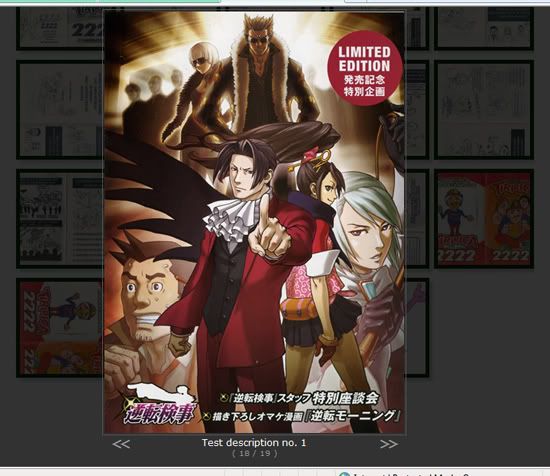
I started a photogallery using NextGen Plugin and I would like to configure the photo browser Page to match the website´s look. I set up a test gallery for show you how the gallery is today (NextGen default style):
I´m new to CSS and WordPress customizations, so I would like to know how to:
1. Change the color of that “dark shadow” that covers the gallery when I click on a image to #E8FCDF. If it´s not possible, I would like to turn that “dark shadow” the most light possible.
2. Add a 6px solid border to the picture (color: #003300)
3. Change the navigation arrows position to the middle of the picture and use an image as a navigation button instead of those arrows (is this possible?)
4. Add a space between the picture and the image description and add a black background in description with 3px border color #003300
5. Change the description font to Tahoma, size 10px, bold, color #ffffff
6. Remove the photo number indication (18/19)
Thank you very much in advance for the help.

The topic ‘[Plugin: NextGEN Gallery] Customizing Pictures browser page’ is closed to new replies.