Plugin Contributor
 webnus
(@webnus)
Hi @cordz,
Thanks for contacting us,
Please follow the steps explained in this article:
https://webnus.net/dox/modern-events-calendar/no-event-found-issue-in-modern-event-calendar/ (follow 1-7).
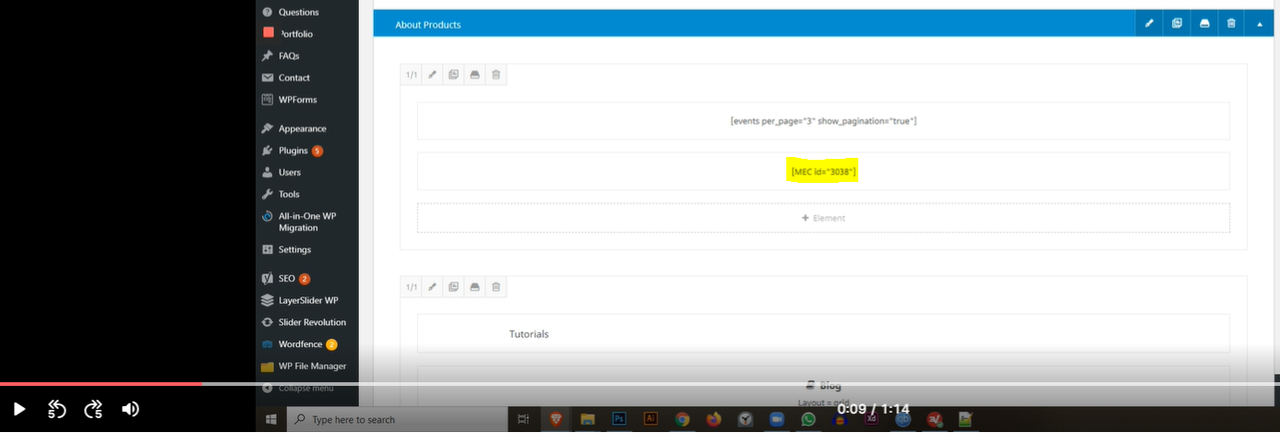
Note 1: Please make sure MEC shortcode exists: https://i.postimg.cc/DydPSRv1/image.png
Note 2: Maybe your shortcode has a date issue, so please follow the step explained in this link: https://webnus.net/dox/modern-events-calendar/setup-date-option-on-shortcodes/
I can see this 2 shortcode here: https://i.postimg.cc/JnjCZRd1/image.png that the first one has no events and the second one has 1 event.
Best Regards
Thread Starter
 Cordz
Cordz
(@cordz)
Hi,
Thank you for your response!
What I’ve tried:
1. https://webnus.net/dox/modern-events-calendar/no-event-found-issue-in-modern-event-calendar/
Steps 1-7, didn’t fix issue.
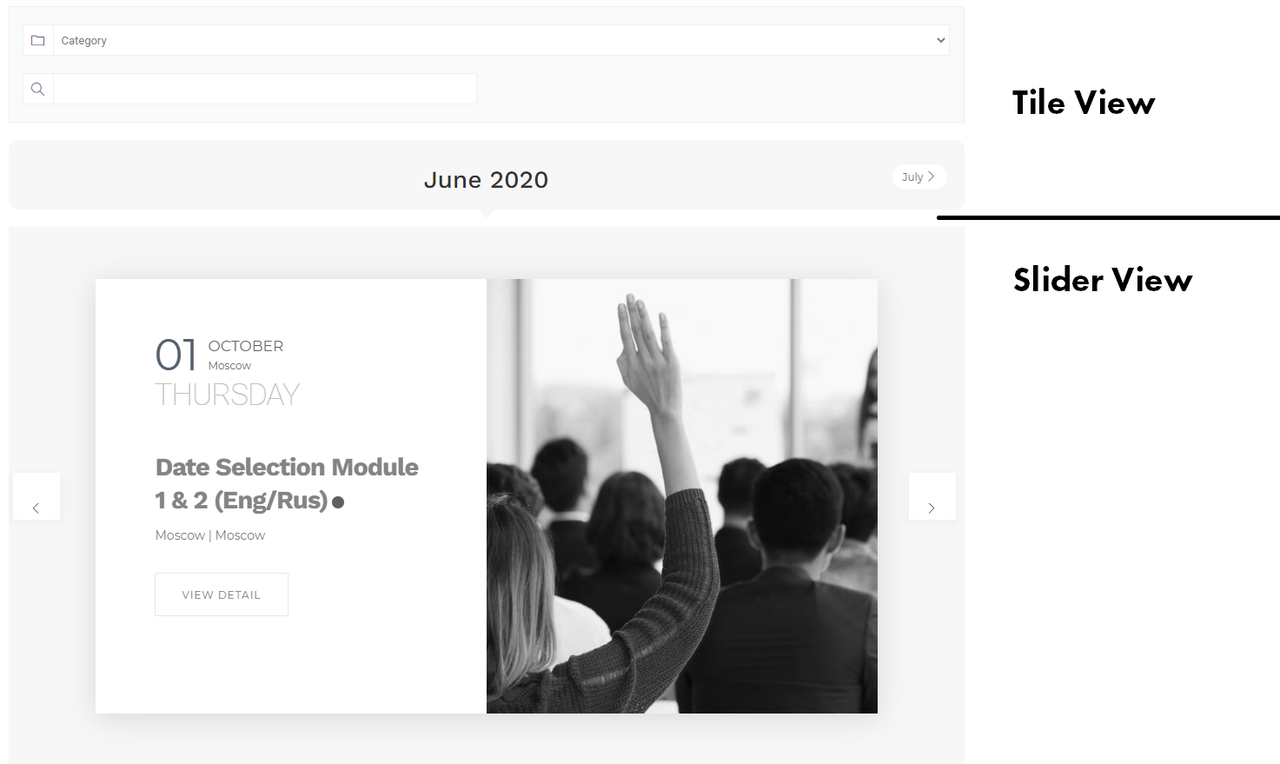
Events do exists as you can see in attachment
http://suzhongconsulting.com/wp-content/uploads/2020/06/Event-1.png
2. Shortcode Exists and settings for the shortcode such as Dates, has been set properly (i believe):
http://suzhongconsulting.com/wp-content/uploads/2020/06/Event-2.png
But it’s still not showing up on my home page http://www.suzhongconsulting.com
I’m totally confused by this…
Thank you for your help!
Plugin Contributor
webnus
(@webnus)
Hi @cordz,
If this shortcode shows your events in the simple page, but on the home page not, please turn on WordPress debug: https://ww.wp.xz.cn/support/article/debugging-in-wordpress/#wp_debug
Maybe your issue related to memory limit on WordPress, so increase the memory limit:
https://webnus.net/dox/modern-events-calendar/what-are-best-wordpress-php-settings/
Note: You can use other shortcodes – please create a list view minimal style shortcode and use on home page. check your issue.
Please keep us posted,
Regards