Hi @ofmarconi ,
You can create something similar to this using our plugin.
You can set a hotspot -> Add Product Title, Image, and description to it.
Also, you can set a button with a URL and take the viewer to the Product page.
This documentation will help you out: https://rextheme.com/docs/wp-vr-hotspots-to-show-information-images-videos/
Let us know if you have any questions.
Regards,
Hi!
Your plugin seems to help me a lot, I’m just having a few problems:
Here is the link I set up the example: https://zyz.com.br/game/test/
Click on the POPUP button and you will see that the popup jumps, this effect I want and applied to the Info button.
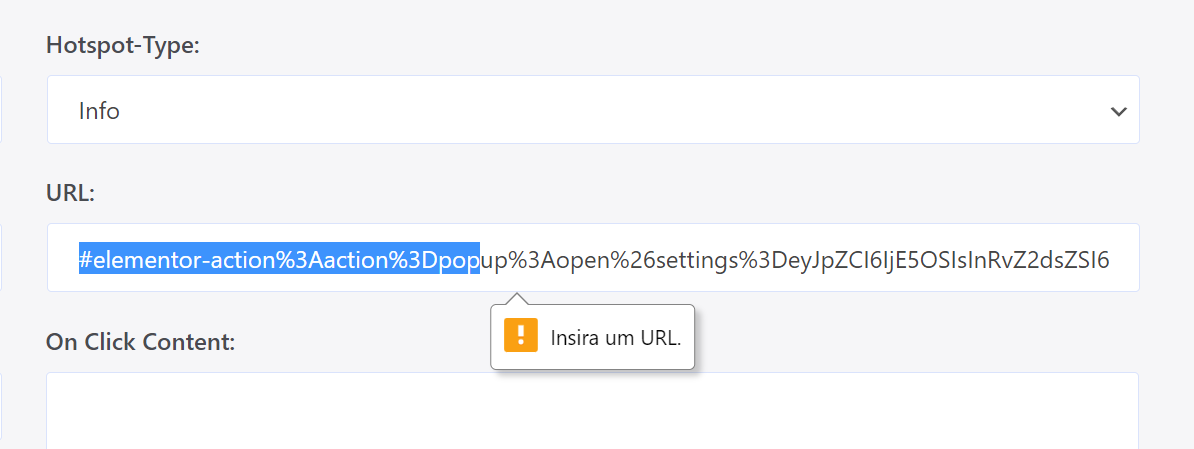
It turns out that in the backend when I fill the link field, it doesn’t accept #trigger-to-popup
https://i.postimg.cc/JzrxyhNC/image.png
It can only be a link? would be able to accept #ID?
From what I’ve tested, that’s all that’s left for me to be able to do the project.
I actually managed to put it in, but when I go to add a second Hotspot it says it needs to be a link.
It would be nice also if we could choose whether it will open in a new tab or not.
Thanks!
Hi @ofmarconi ,
This is happening because the Elemento Pop-up support is not available in the plugin yet.
Right now, you can only set URLs to this field.
You can add this feature request to the Ideas section of our Roadmap here: https://rextheme.com/wpvr-roadmap/
Also, you can see the option for choosing to open the link in a new tab or not is In Progress.
Hopefully, it’ll be included in the next update of the plugin.
Regards,
yes, I know it’s not supported, I don’t need it to be supported, I just need it to accept the #ID links, used for anchors on the ondepage site… that your plugin doesn’t authorize, through a bug I managed to put in this example, but I want this to work the right way.
do you know if it’s possible, where can I change in PHP for the requirement of a full link in the hotspot field is not required?
Hi @ofmarconi ,
Sorry for the delay.
Yes, you can do this.
But you don’t need to modify the PHP file for this.
You have to modify the plugins’ JS function (on click hotspot) to make this happen.
Let us know if you face any issues with it. (Or any detailed info you need)
We’ll get back to you.
Regards,
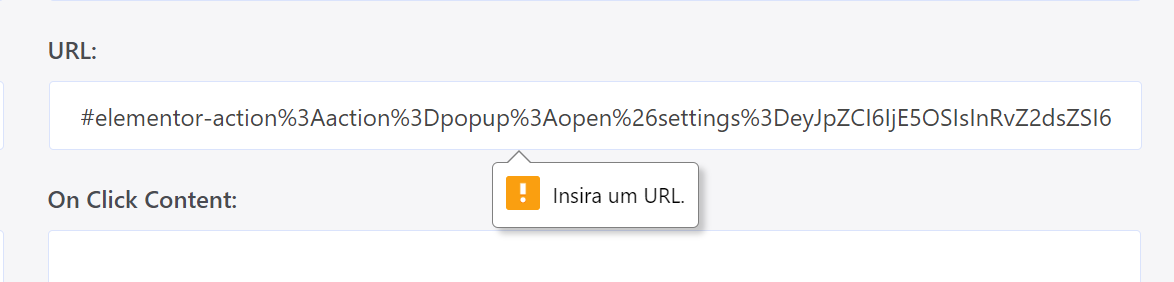
As in the examples I uploaded, it currently works, the only thing your plugin could do is stop requiring the Link I put in the hotspot to be a full link, it must accept #anchor IDs too.
Error: https://i.postimg.cc/WzPNbjWS/image.png