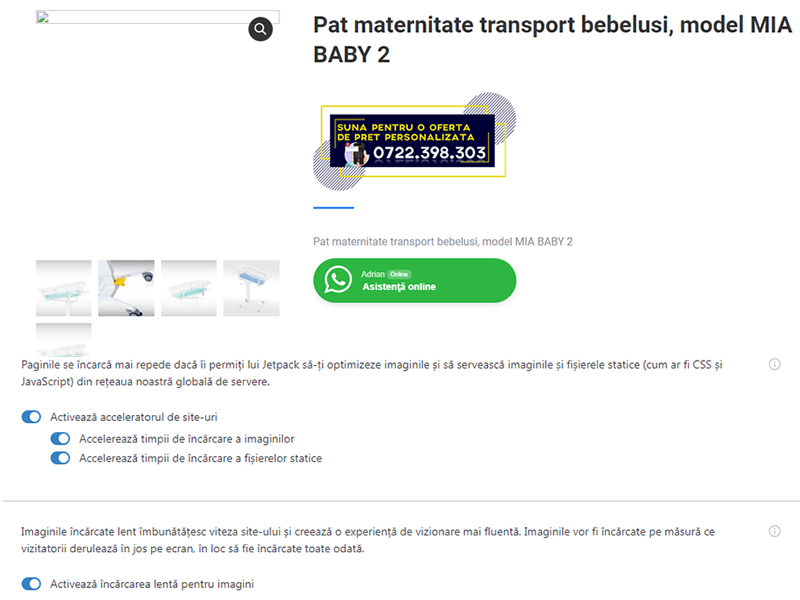
i have a similar problem: enabling image speedup displays a nice tiled mosaic (aka rectangular…wtf?-) but clicking on an image (link=file) fails to load the image:-\ https://cardinalglen.org/buckbrosbreakfast contains:
[gallery type="rectangular" link="file" ids="8402,8401,8400,8399,8398"](annoyingly, trying to paste the above line including the square brackets fails; i added them post-paste…any way of avoiding this click&drool editor?-)
inspecting the page reveals that the carousel images are linked 2x:
https://i0.wp.com/cardinalglen.org/wp-content/uploads/2023/06/IMG_1651.gif
fails to load, but
https://i0.wp.com/cardinalglen.org/wp-content/uploads/2023/06/IMG_1651.gif?w=383&h=282&ssl=1
does load…go figger:-\
i also had issues with quoting in jetpack’s img url rewriting:
document.write("<img class=hover-zoom src='/wp-content/uploads/2015/05/" +imgSrc+ " width=300px border=0 title='"+ imgTitle + "' in cardinal glen'></a>");
came out fubduck:
document.write("<img class="hover-zoom jetpack-lazy-image" src="/wp-content/uploads/2015/05/"+imgSrc+"" width="300px" border="0" title=""+ imgTitle + " in cardinal glen" data-lazy-src="/wp-content/uploads/2015/05/+imgSrc+?is-pending-load=1" srcset="data:image/gif;base64,R0lGODlhAQABAIAAAAAAAP///yH5BAEAAAAALAAAAAABAAEAAAIBRAA7">
fixed by escaping the single quotes:
document.write("<img class=hover-zoom src=\'/wp-content/uploads/2015/05/"+imgSrc+"\' width=300px border=0 title=\'"+ imgTitle + " in cardinal glen\'></a>");
or perhaps other problems are a result of quoting issues…i should add that the doc.write is js in a custom html sidebar widget.
-
This reply was modified 2 years, 12 months ago by
 airdrummer. Reason: clarification
No one is doing nothing.. this forum is useless… they don’t care about anything.
Hi @lextor1993,
I am sorry for the big delayed reaction here.
I checked your site and noticed that Jetpack is not connected. The Image CDN feature requires a stable Jetpack connection in order to work as expected, so the first step would be trying to reconnect Jetpack. You can see how to do that here.
Please give it a try and let us know if the issue persists.
@airdrummer in order to better keep the track of the issues, please open your own support thread and we’ll be happy to assist you. You can do that here.
Thank you!
Yes, I disabled JetPack because it ruined the website I’ve managed!
Hi @lextor1993,
I’m sorry for the delay in responding and that you continued to experience this issue. We’ve been working through a backlog of support requests, and replies have been taking longer than normal.
If you’re open to troubleshooting the problem again, please try reconnecting Jetpack as a first step, as we previously suggested. I understand that you’ve had a negative experience so far. We appreciate your patience.
Kind regards.