Hi,
When the “Use <picture> tags” option is active, the Imagify plugin adds HTML code which causes the gallery to display incorrectly.
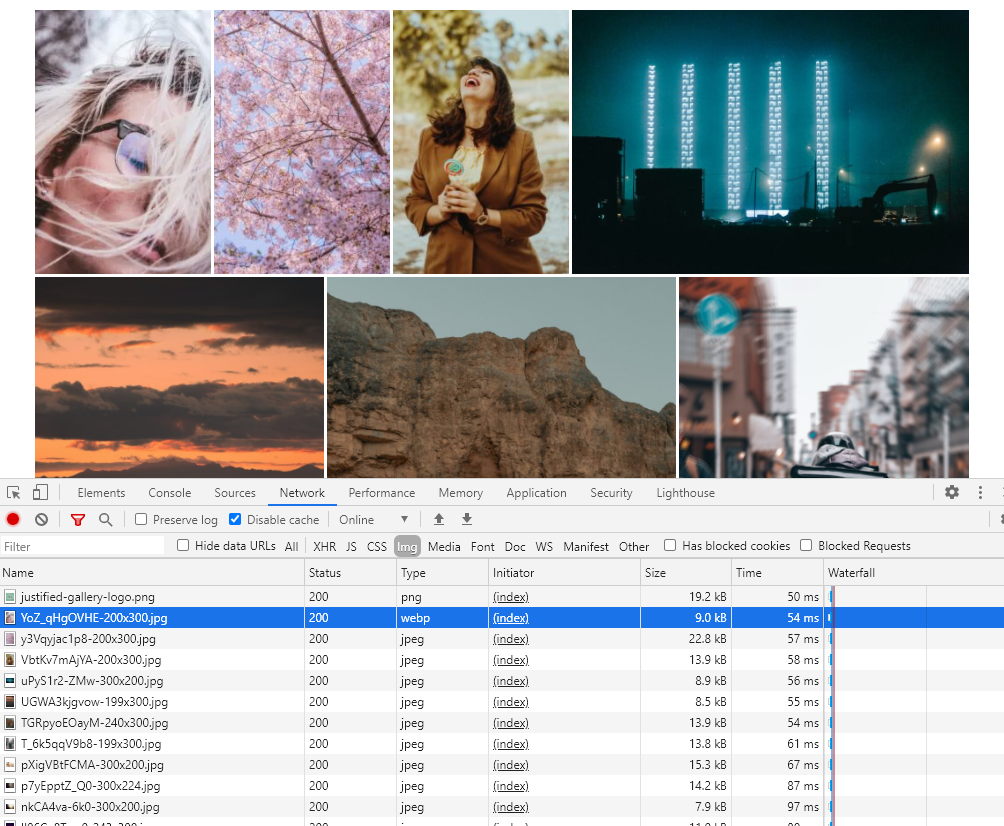
Change to “Use rewrite rules” – my tests show that it works fine then. Imagify with .htaccess rules forces loading an image in webp format if one exists on the server’s disk. I optimized one image and it works as you can see.
https://dl.dropboxusercontent.com/s/3b23w3a723m1uje/2020-08-19_19-36-16.png
I have Nginx, no .htaccess, this option will be a little problem…
But ask a hosting company.
So I Try the second:
https://imagify.io/documentation/my-images-are-broken/
But not help, only “Use <picture> tags” option working… Will be this plugin in future compatible with one of the leaders of image optimisation?