Remove recent Customizr update
-
How to remove the latest Customizr update and fall back on the previous working version?

-
All versions are here:
@michelcollignon1965 — just out of curiosity, are you having the same issue that I’m having below?
AWPyogi Not a .zip I could ‘throw’ back?
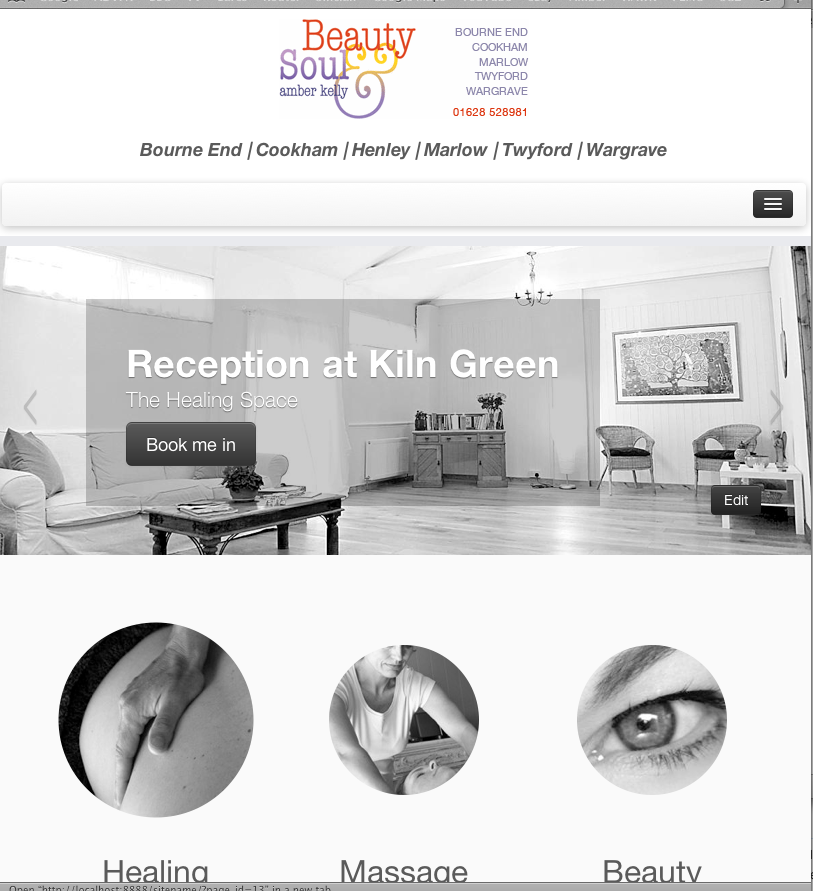
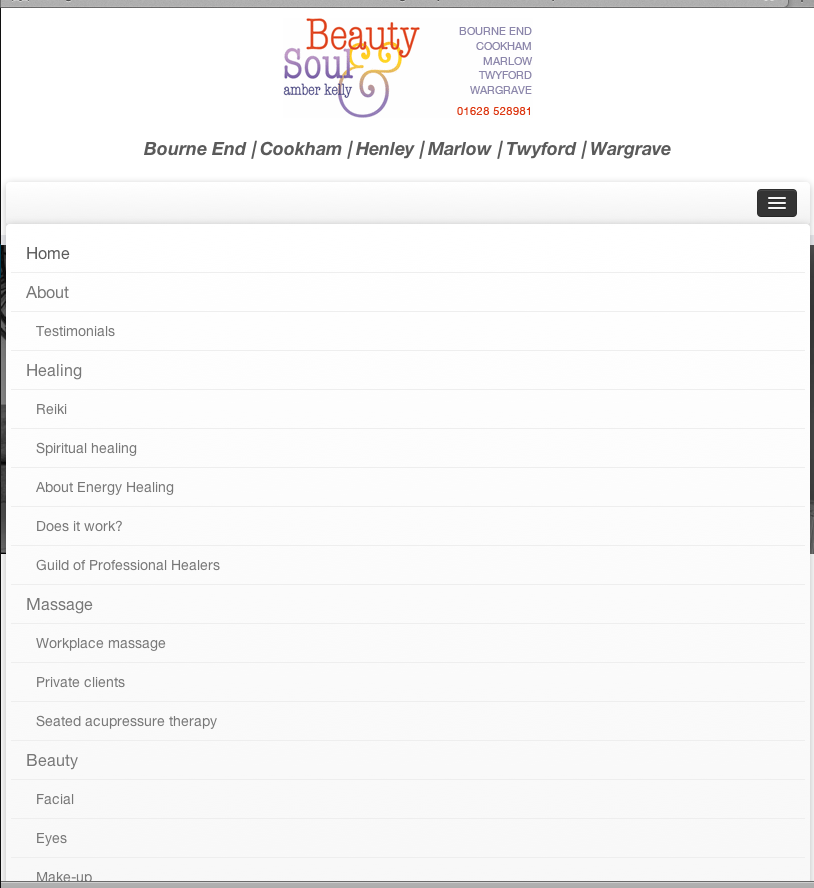
It’s even Worse. On mobile devices it’s not possible any more to click the sub-pages in the menu bar. This has worked. The last working Customizr was version: 3.0.15 (at least that was the version before update)
On mobile devices it’s not possible any more to click the sub-pages in the menu bar.
Same here. But I haven’t had time to troubleshoot yet — nor to strip out my old Custom CSS which has been rendered obsolete by the upgraded features.
Could you link to a page with the issue so that we can explore if there are any quick-fixes to this?
@chappie Not true. It worked fine before the update of Customizr. Making use of a child them and snippet.
The site however is realy damaged now with a local backup. Have to work this out first. I only copied back the ‘old’ theme folder
http://www2.weertersportraad.nl
Any ideas how to figure out what is have missed? or file I have to check?
Having removed all my Custom CSS, the 3-bar menu now misbehaves in a different way… Instead of producing a nested dropdown menu when clicked, it now produces a full-screen exploded menu (with all sub-menus visible) which fills the whole window, obscuring all my page content. Really weird.
If I revert to an older version of Customizr, are my settings preserved or do I have to reconfigure?
I copied all the separate files from WPyogi link and swaped them with the live ones but no result. Well result is that I have a blanc site and that it’s now completely messed up
How can I load one of the default themes (TwentyTwelve or TwentyThirteen) and bypass the active theme via ‘breaking’ in the code by ftp?
Hi Michel, did you try to delete the theme on your server?
It will then load the default theme.
Twenty fourtheen for wp3.8@nikeo yep I did. But at first that didn’t do the trick. I use a child theme. After that I copied one of the standard themes (TwentyTwelve0 and renamed the folder to ‘Customizr’ and that had result. Now I could login again and do some admin stuff. I disabled ‘the damaged customizer theme’ and was up and running.
But in the end: The latest ‘Customizr’ 3.1.5 has thrown a few ‘flies in the ointment’ as you can read at my earlier posts. Sidebar issues, mobile click-able sub-pages (or not click-able) that worked fine with the snippet first and child theme.
Any how. I was quite enthusiastic about Customizr,… but that suffered a dent.
I switched over to another theme but without the beautiful slider and I really need that.
http://www2.weertersportraad.nlOk. Thanks for this feedback.
Bestsyou are welcome. Hope this will help and you can find a solution.


The topic ‘Remove recent Customizr update’ is closed to new replies.