Hi there,
thanks for contact us!
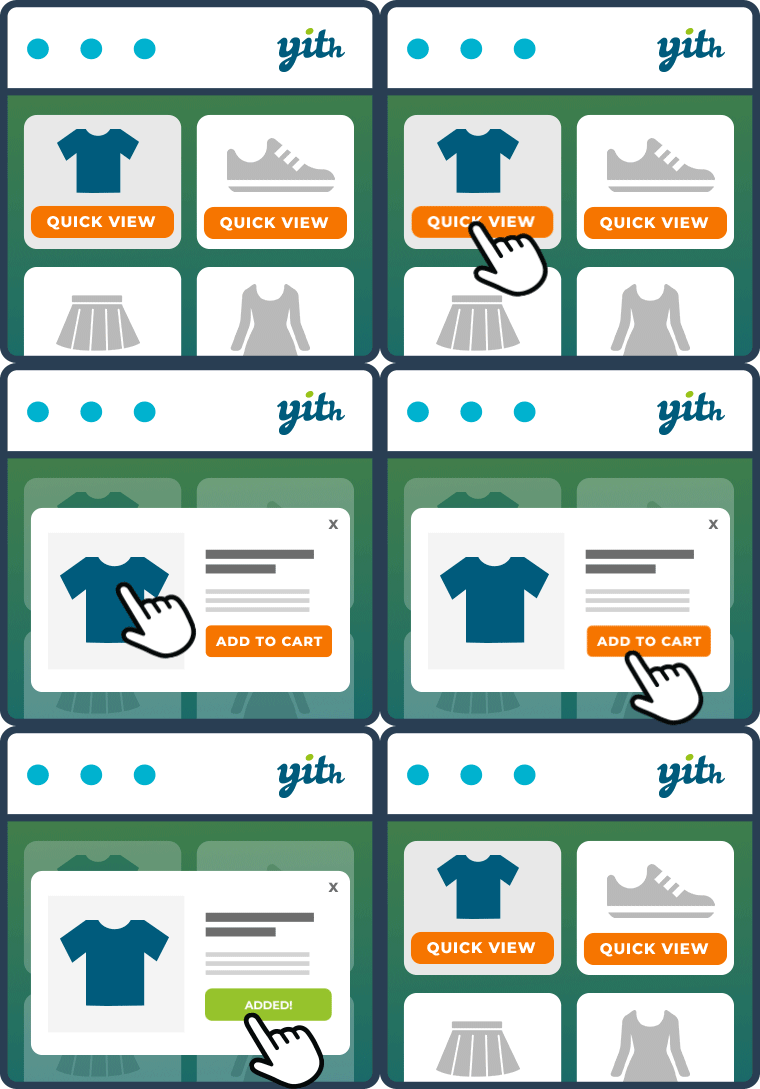
We are sorry to inform you that this is a feature of premium version of quick view plugin and you can do it with the free one.
However, try to add this code to use the quick view button instead of add to cart and to remove the default one:
add_filter( 'woocommerce_loop_add_to_cart_link', 'test_replace_add_to_cart_with_quickview', 10, 2 );

function test_replace_add_to_cart_with_quickview( $html, $product ) {

  if ( method_exists( $product, 'get_id' ) ) {
    $product_id = $product->get_id();
  } else {
    $product_id = $product->id;
  }

// Set HERE your button link
  $link = get_permalink($product_id);
  $html = '<a rel="nofollow" data-product_id = "'.$product_id.'" class="woocommerce-LoopProduct-link yith-wcqv-button button">'.esc_html__('Select', 'test-plugin').'</a>';

  return $html;
}

if( function_exists( 'YITH_WCQV_Frontend' ) ){
    remove_action( 'woocommerce_after_shop_loop_item', array( YITH_WCQV_Frontend(), 'yith_add_quick_view_button' ), 15 );
}
Let us know if works.
Thanks for your reply. I didnt know that was on pro. Worked perfectly.
one last question if possible. How to exclude this from yith wishlist page?
Because i dont want there to enable the popup when i press the add to cart.
Thanks
Hi,
if you want to show the add-to-cart button in the wishlist page, you could simply add a check in your function to check if the current page is the wishlist one, through this code snippet:
function_exists( 'yith_wcwl_is_wishlist' ) && yith_wcwl_is_wishlist()
So, your should simply edit your code as follows:
add_filter( 'woocommerce_loop_add_to_cart_link', 'test_replace_add_to_cart_with_quickview', 10, 2 );

function test_replace_add_to_cart_with_quickview( $html, $product ) {

	if ( function_exists( 'yith_wcwl_is_wishlist' ) && yith_wcwl_is_wishlist() ) {
		return $html;
	}

	if ( method_exists( $product, 'get_id' ) ) {
		$product_id = $product->get_id();
	} else {
		$product_id = $product->id;
	}

	// Set HERE your button link
	$link = get_permalink($product_id);
	$html = '<a rel="nofollow" data-product_id = "'.$product_id.'" class="woocommerce-LoopProduct-link yith-wcqv-button button">'.esc_html__('Select', 'test-plugin').'</a>';

	return $html;
}

if( function_exists( 'YITH_WCQV_Frontend' ) ){
	remove_action( 'woocommerce_after_shop_loop_item', array( YITH_WCQV_Frontend(), 'yith_add_quick_view_button' ), 15 );
}
Please try this solution and let us know if everything works fine!
Hi can we add variation images in qucik view please help
-
This reply was modified 5 years, 1 month ago by
 prinka.