Rotator Control Buttons
-
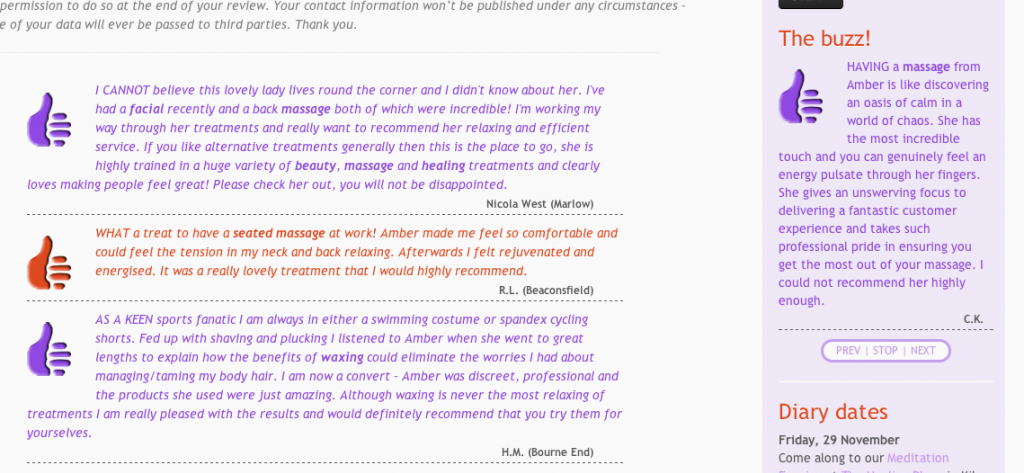
Just popping in to say how pleased I am with HMS Testimonials – and to share my simple Rotator control player buttons (easy as pie but little things delight us newbies):
http://i1008.photobucket.com/albums/af208/3785/public/HMSbuttons.png
…and the CSS code is (adjust to suit):
/*  testimonials widget buttons */
.hms-testimonials-rotator .controls {
text-align: center;
font-weight: normal;
font-size: xx-small;
margin-left: 20%;
margin-right: 20%;
border-style: solid;
border-width: medium;
border-color: rgba(143, 72, 226, 0.5);
border-radius: 25px;
background-color: #fafafa;
}
How easy was that?! To get the vertical separators, I simply used the keyboard vertical stroke “|” in the button name fields, ie: “PREV |” and “| NEXT”.
Anyone else got something to share?

Viewing 1 replies (of 1 total)
Viewing 1 replies (of 1 total)
The topic ‘Rotator Control Buttons’ is closed to new replies.