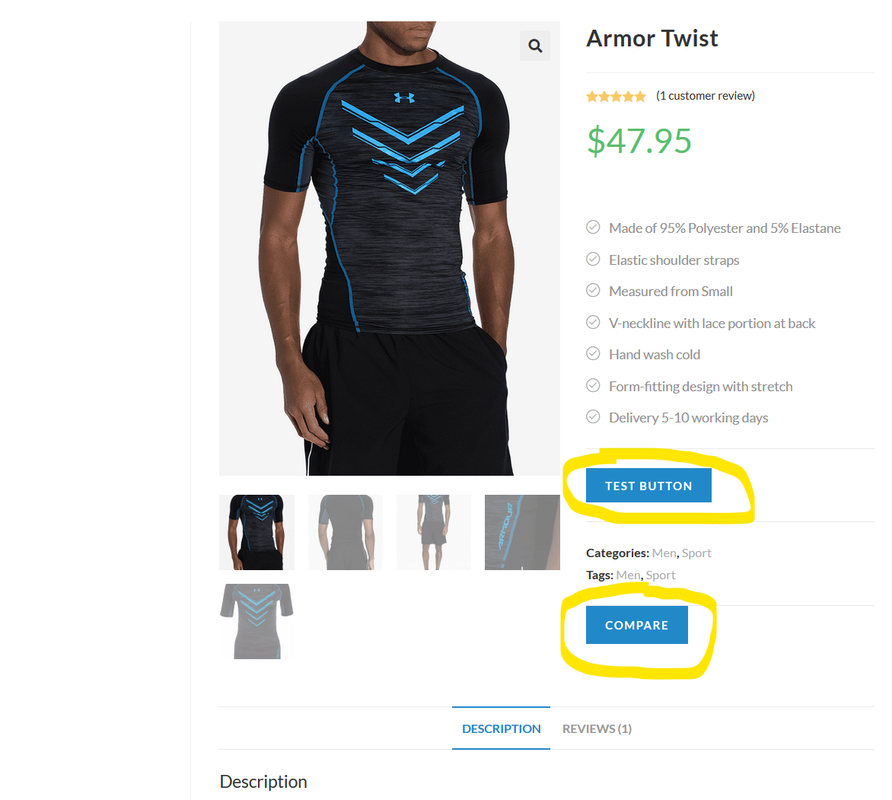
For rounded corners you need to add a little css. You’ll need to find the class selector. Every theme is different. However, often times it’s .add_to_cart_button. But if you want every button on the site you can simply use button
border-radius:30px;
-webkit-border-radius:30px;
-moz-border-radius:30px;
Depending on how much or how little of a resorts you want you’ll need to adjust the number 30.
-
This reply was modified 6 years ago by
 Stef.
Stef.
Thanks for your help, I’m using Oceanwp theme, so I pasted this code
.single_add_to_cart_button {
border-radius:6px;
-webkit-border-radius:6px;
-moz-border-radius:6px;}
On the Custom CSS section and it worked
Awesome 🤙🏼 great job! Be sure to mark this resolved if this completes your request.