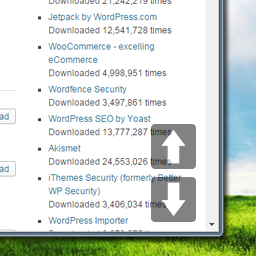
Thanks for downloading the plugin.
It’s very difficult to build in responsiveness in a plug like this, because every site is different. Some sites want to have smaller buttons on mobile phones and on tablets, other sites may want to have smaller buttons on mobile only and regular buttons on tablets, and so on.
This, especially the breakpoints, always depends on the individual design, so it’s not very handy to “force” a certain way of responsiveness to every user.
But that’s why I designed the buttons as they are — I tried to make them look good (especially the size) for every screen size, and I personally think they look good on your site when viewed on mobile.
Having said that — of course you can add your own CSS to make the buttons smaller. If you add the following code to your CSS, it will make the buttons a little smaller. Note that it’s only a startup suggestion so you can tweak it a little more.
However, even though this would make the buttons smaller, it doesn’t look as great as their normal size, I think.
@media only screen and (max-width: 500px) {

	body .page-scroll-buttons button.one-page-up {
		width:35px;
		height:35px;
		background-position:-4px 0;
		bottom:50px;
	}

	body .page-scroll-buttons button.one-page-down {
		width:35px;
		height:35px;
		background-position:-49px -11px;
	}

}
Changing their opacity could help on really small screens