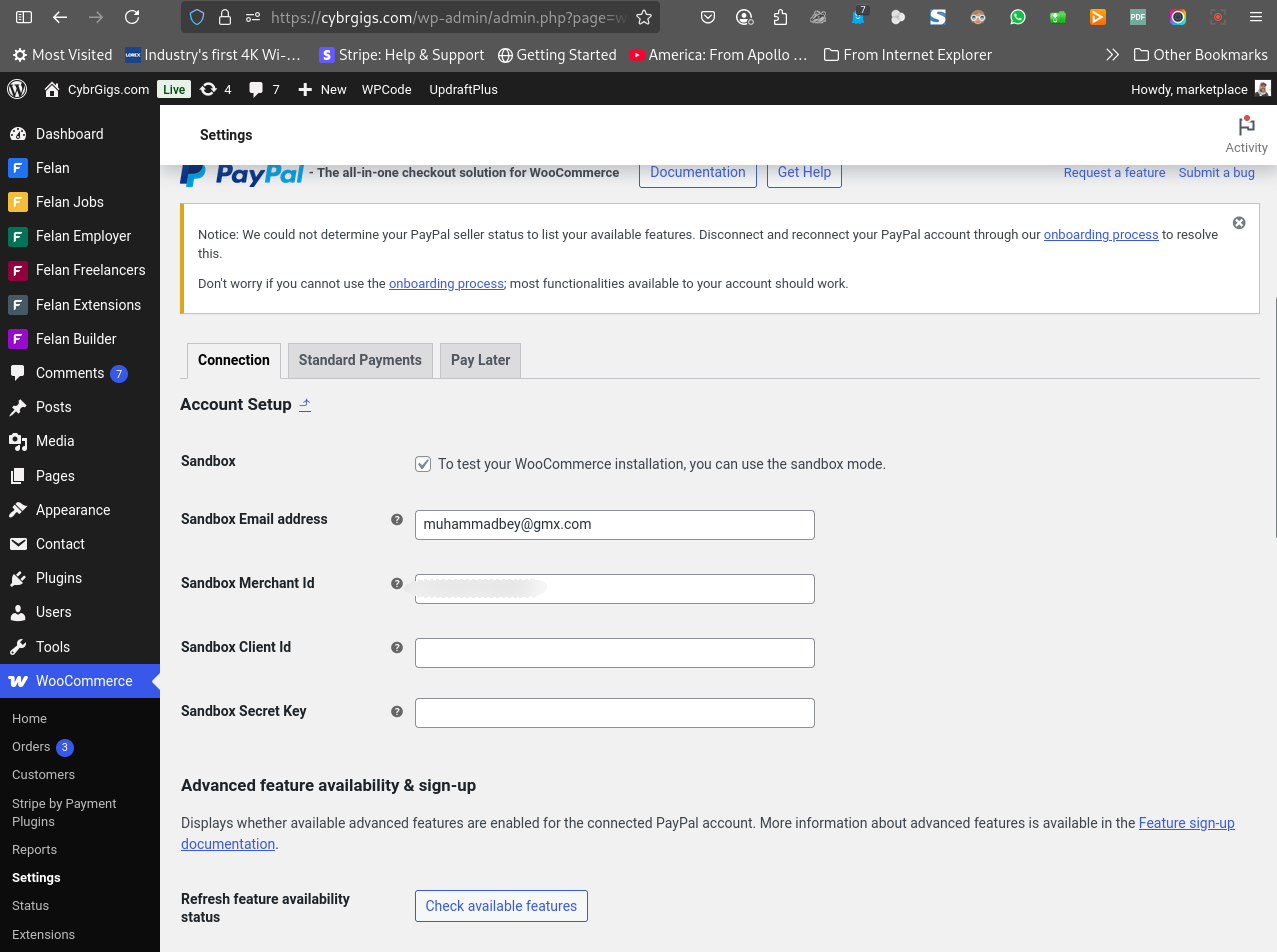
Hello @muhammadbey
Thanks for reaching out and for providing the video and additional files, that’s much appreciated.
I can’t speak for the other gateways like Stripe, but regarding the PayPal plugins specifically, the error message “unable to create token” usually points to incorrect or incomplete API credentials. That’s the most common cause.
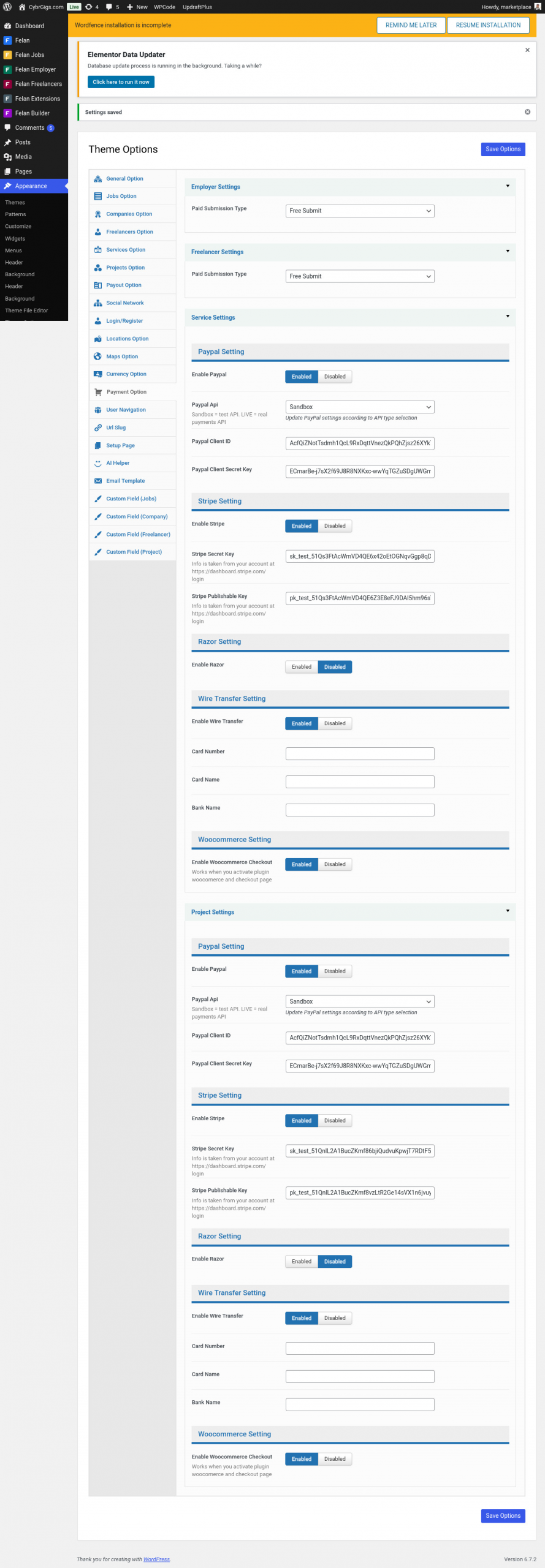
Also, please note that our PayPal Payments plugin cannot be configured through your theme’s payment settings interface, as shown in the third screenshot. It’s simply not compatible with that method.
The correct way to configure PayPal Payments is directly through the WordPress admin area under Plugins → WooCommerce PayPal Payments. From there, you can run the onboarding process. That’s the recommended and supported setup route.
If you run into any issues while onboarding through the plugin settings, let us know and we’ll be happy to help.
Kind Regards,
Krystian
Hello
I am in my paypal account, but i cannot locate the needed data to complete the setup as per your advice, please advise…thanks
see image links below for the paypal plugin areas.
[removed by moderator]
let me know if you think it best to un-do the paypal setting in this area in order to get paypal to work, Paypal seems to be working in sandbox test!! MY REAL CONCERN IS WOO COMMERCE, PLEASE advise of woo commerce if you can.
Thanks
@muhammadbey I have removed the images you posted as they showed secret API keys.
thanks…my bad, i will send new ones that are edited
Hello @muhammadbey
You can refer to this tutorial: https://woocommerce.com/document/woocommerce-paypal-payments/#manual-credential-input
This covers where to get all the credentials for logging in manually. In casy of any question let us know.
By the way, feel free to remove the screenshots, also the latest one.
Kind regards,
Krystian
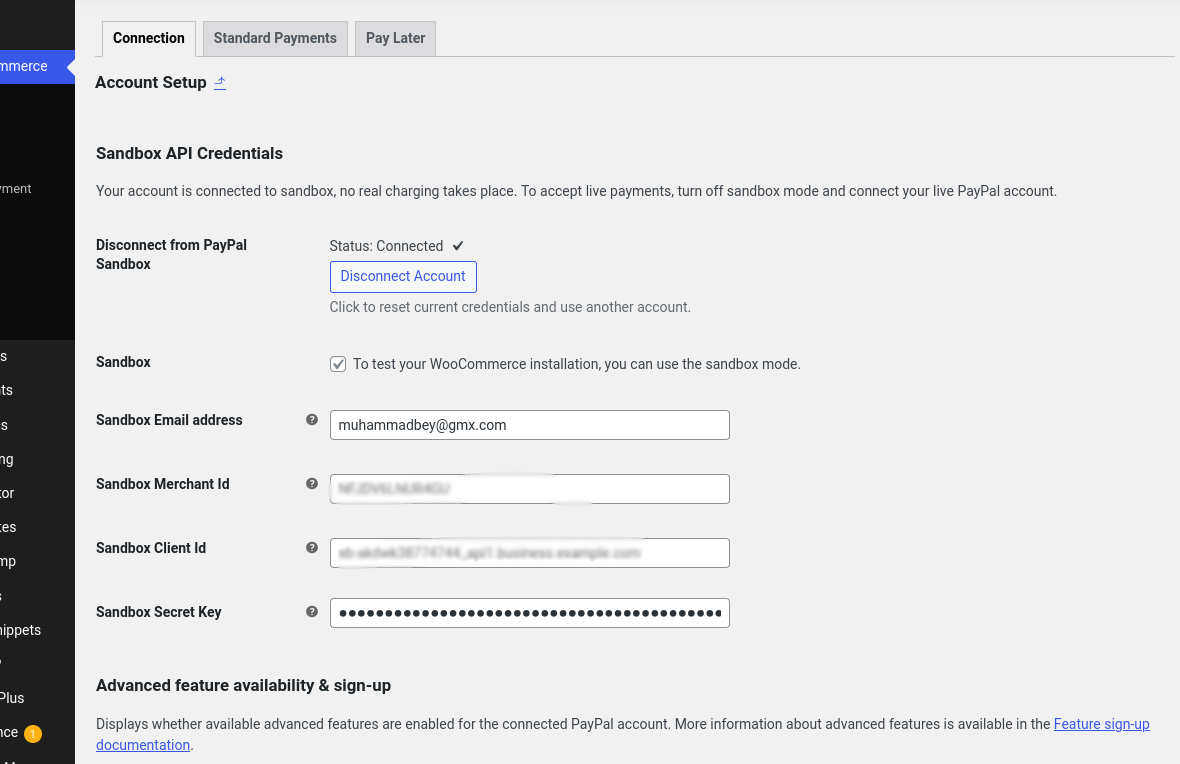
I have filled the data form for paypal woo commerce, so far i am still getting a “cannot create token” error, I am frankly stumped.
https://cybrgigs.com/wp-content/uploads/2024/07/paypay-data-sample-with-blur.png both of my other gateways are working, in test mode . only this one remains.
I will try to use another sandbox test account, maybe i have the data inputs wrong, or need tom turn off other plugins, any advice is welcome.
Hi @muhammadbey ,
It seems like you are facing some difficulty with the onboarding. In order for us to speed up the whole process, we suggest you contact us directly for further assistance. You can open a ticket with our service desk. Here’s how you can request support: Request Support. Please make sure to include the URL of this thread in your ticket for reference.
We look forward to your response.
Best Regards,
Jamie
-
This reply was modified 1 year, 1 month ago by
 Syde Jamie.
-
This reply was modified 1 year, 1 month ago by Syde Jamie.
Hello @muhammadbey
Since we have not received any further communication from you, we are assuming that your issue has been resolved. Therefore, we mark this thread as resolved
If you have any further questions or encounter a new issue, feel free to open a new thread or submit a ticket through our service desk. Please include the URL of this thread in your ticket for reference.
Kind regards,
Krystian
.
. Reason: removed images that showed secret data